📷 FOV to Focal Length Calculator
Convert field of view angles to focal length — supports all sensor sizes & formats
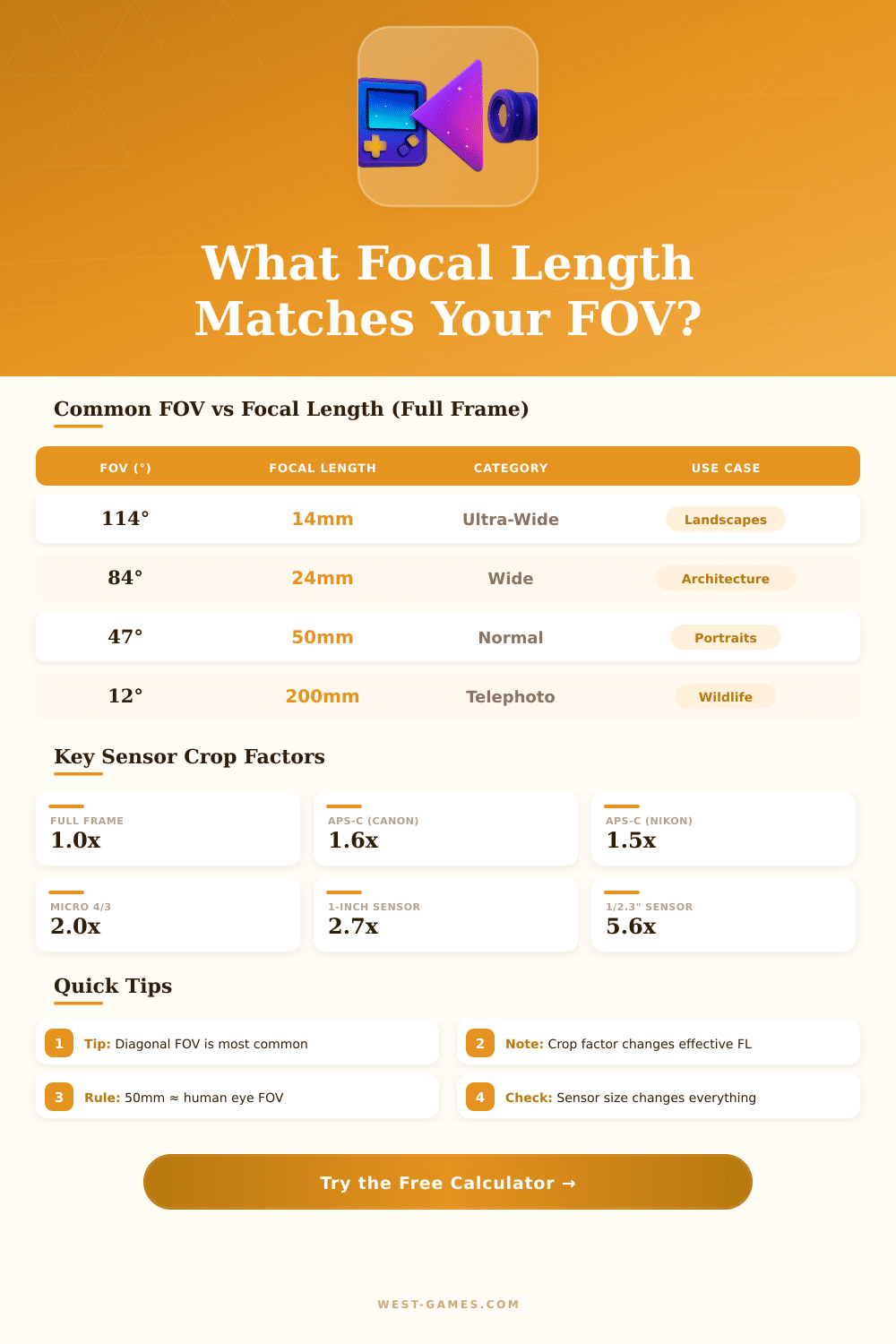
| Focal Length | Diagonal FOV | Horizontal FOV | Vertical FOV | Category |
|---|---|---|---|---|
| 8mm | 180.0° | — | — | Fisheye |
| 14mm | 114.2° | 104.3° | 81.2° | Ultra-Wide |
| 16mm | 107.4° | 96.7° | 74.0° | Ultra-Wide |
| 20mm | 94.5° | 84.0° | 61.9° | Wide |
| 24mm | 84.1° | 73.7° | 53.1° | Wide |
| 28mm | 75.4° | 65.5° | 46.4° | Wide |
| 35mm | 63.4° | 54.4° | 37.8° | Moderate Wide |
| 50mm | 46.8° | 39.6° | 26.9° | Normal |
| 85mm | 28.6° | 23.9° | 16.1° | Portrait |
| 100mm | 24.4° | 20.4° | 13.7° | Short Tele |
| 135mm | 18.2° | 15.2° | 10.2° | Short Tele |
| 200mm | 12.3° | 10.3° | 6.9° | Telephoto |
| 300mm | 8.2° | 6.9° | 4.6° | Super Tele |
| 500mm | 4.9° | 4.1° | 2.7° | Super Tele |
| Sensor | Dimensions (mm) | Diagonal (mm) | Crop Factor | Common Use |
|---|---|---|---|---|
| Full Frame (35mm) | 36.0 x 24.0 | 43.27 | 1.0x | Pro DSLR / Mirrorless |
| APS-H | 28.7 x 19.1 | 34.47 | 1.3x | Canon 1D (older) |
| APS-C (Canon) | 22.3 x 14.9 | 26.82 | 1.6x | Canon Rebel, 90D |
| APS-C (Nikon/Sony) | 23.5 x 15.6 | 28.22 | 1.5x | Nikon D500, Sony a6xxx |
| Micro Four Thirds | 17.3 x 13.0 | 21.64 | 2.0x | Panasonic, Olympus |
| 1-inch | 13.2 x 8.8 | 15.86 | 2.7x | Sony RX100, DJI drones |
| 1/1.7" | 7.6 x 5.7 | 9.50 | 4.6x | Compact cameras |
| 1/2.3" | 6.17 x 4.55 | 7.66 | 5.6x | Action cams, budget drones |
| Application / Platform | Default H-FOV | Recommended H-FOV | Equivalent FL (FF) |
|---|---|---|---|
| PC Gaming (16:9) | 90° | 90° – 106° | ~18 – 20mm |
| PC Gaming (21:9) | 100° | 100° – 120° | ~14 – 18mm |
| Console FPS (16:9) | 80° | 80° – 90° | ~20 – 24mm |
| VR Headsets | ~90° – 120° | 110°+ | ~14 – 20mm |
| Flight Simulator | 60° | 60° – 90° | ~20 – 35mm |
| Cinema (2.39:1) | varies | 40° – 65° | ~24 – 50mm |
Field of sight, or simply FOV, shows the angular scope of the visible world in any moment. It covers the whole visible space instead of only one precise focal spot. For cameras, the FOV points the beam of the capture that the sensor receives, and it depends on the Focal Length of the lens compared to the size of the sensor.
When one uses a full-format lens on a crop sensor camera, the FOV naturally drops.
Field of View (FOV) in Cameras, Games and VR
Imagine the FOV as a slice from a pie, that goes from the lens. The bigger the corner the more of the scene it takes from one side to the other. In video games, the monitor works as a window.
If you hold a frame of window beside your face, you can look at a broad landscape through it. Here in a nutshell, is how the FOV acts on the screen.
One can find at least three kinds of FOV: horizontal, vertical and diagonal. The most many games measure it by the horizontal, although some does that vertically. The game engine assumes that the screen is perfectly flat.
When the in-game horizontal-FOV is set at 90 degrees, the system counts everything by the idea that the player stands facing the left-hand and right banks of the image under that corner.
Big FOV allows the player to see more of the surrounding world around his player. At 90 degrees, one sees 90 degrees before himself, on the other hand 70 degrees limit to only that much. Set around 90 commonly gives a good compromise.
Too broad setting can cause fisheye ore fisheye-impact, that seems funny. Value 105 until 110 degrees, but if that twists the arms or neck of the character, better stay at 90. Some like less big FOV for better aim, while the broader version delivers more details on the screen.
Average games usually choose narrow FOV at roughly 60 degrees, because the image involves only a little part of the view of the viewer. PC-games commonly rest between 90 and 100 degrees, because the monitor covers more of the sight. The real FOV of your eyes until the edges of the screen probably ranges from 30 until 45 degrees, according to the size of the device and the sitting distance.
FOV also can affect the speed per second. The result determines how the game engine handles broad corners. A game with 120 degrees can seem fisheye compared to natural look, because of differences in the projection and the density of pixels.
In VR-heads, the FOV determines how much area the user can see while they wear the device. The Valve Index-head offers 110-big FOV with resolution of 2160 by 2160 for every eye. Changing position of the eyes or changing the IPD-setting on heads like the Quest 2 helps to set the FOV.
Average sliders for FOV were long desired, andsome developers offer to bring such options in fresher versions.