⚒ Eco Crafting Calculator
Plan Eco recipe ingredients, labor cost, skill module reduction, crafting station fit, batch size, calorie burn, specialty bonus, production time, and raw-to-finished chains.
Output if the same stock is crafted without a skill module reduction.
Output with your selected module, specialty bonus, and reserve buffer.
Potential output if the station is upgraded to the next module tier.
Maximum output when no ingredient stock is held back for other jobs.
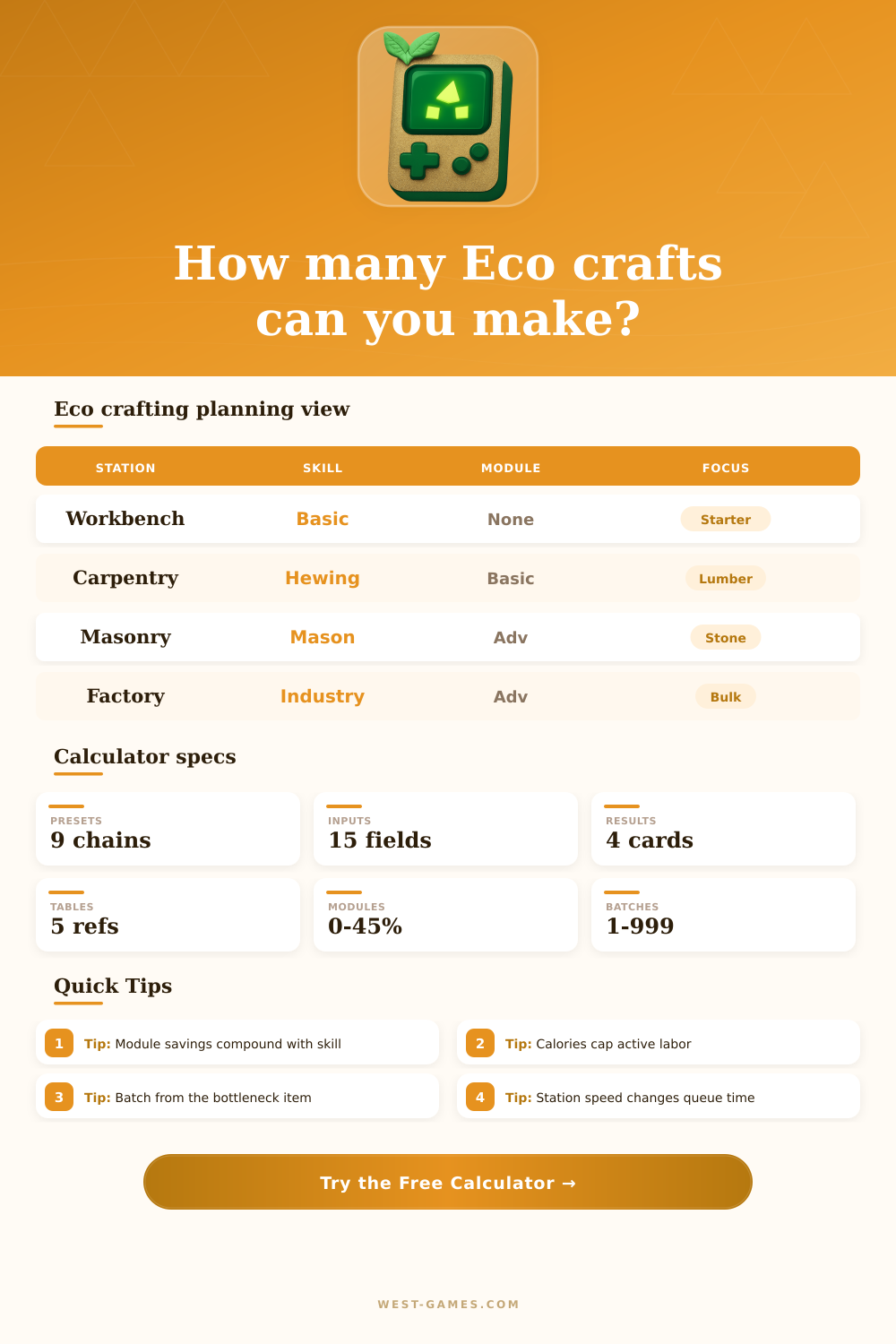
| Station | Common use | Speed factor | Planning note |
|---|---|---|---|
| Workbench | Starter recipes | 1.00x | Good for early tools, basic ingredients, and low labor queues |
| Carpentry Table | Wood chain | 0.92x | Pairs well with logging, hewing, and lumber workflows |
| Masonry Table | Stone chain | 0.95x | Useful for roads, bricks, mortar, and building materials |
| Kiln | Smelting inputs | 0.88x | Often limited by ore stock and fuel support materials |
| Factory | Industrial bulk | 0.62x | Best for long queues with modules and high skill coverage |
| Module | Reduction | Best use | Queue effect |
|---|---|---|---|
| None | 0% | Starter benches and quick local jobs | Full ingredient and labor use |
| Basic | 10% | Early town production | Small but reliable stock savings |
| Standard | 20% | Shared shops and contract batches | Lower material demand for common chains |
| Advanced | 30% | Specialized workshops | Strong savings on long recipe lines |
| Modern | 45% | Late-game factories | Major reduction for bulk industrial queues |
| Raw stock | Processed ingredient | Finished chain | Typical bottleneck |
|---|---|---|---|
| Logs | Hewn logs / lumber | Boards, furniture, building parts | Labor and sawmill time |
| Stone | Crushed stone / mortar | Roads, bricks, walls | Secondary mortar or sand |
| Ore | Bars and plates | Tools, machines, parts | Fuel, smelting time, and labor |
| Fiber | Cloth and thread | Tailoring goods and furniture | Plant stock and loom queue |
| Metal parts | Electronics inputs | Devices and factory goods | Cross-skill ingredients |
| Bonus range | Meaning | Use case | Calculation impact |
|---|---|---|---|
| 0% to 5% | Untrained or casual work | Public stopgap labor | Little recipe reduction |
| 6% to 15% | Developing specialist | Town contracts and home shop queues | Moderate ingredient and calorie savings |
| 16% to 30% | Dedicated specialist | High-volume crafting profession | Strong labor and station time reduction |
| 31%+ | Optimized expert | Late-game economy production | Best for scarce materials and long chains |
| Preset | Main station | Primary chain | Why it matters |
|---|---|---|---|
| Hewn Log Starter | Workbench | Logs to hewn logs | Early building runs are often calorie-limited |
| Lumber Mill Run | Carpentry Table | Logs to lumber | Module savings reduce the log pile needed |
| Stone Road Batch | Masonry Table | Stone to roads | Large road orders expose bottlenecks quickly |
| Iron Bar Smelt | Kiln | Ore to bars | Fuel and ore should be checked together |
| Factory Bulk Queue | Factory | Parts to finished goods | Time reductions matter on long production chains |
Eco servers can adjust recipes and modules. Treat table entries as planning categories and use your actual station recipe numbers in the inputs above.
In Eco, you look at a stack of logs and say “I want to make a wall out of those, but I’m going to need three different kinds of processed materials.” You’ve got wood…now you’ve got to see if you have calories, labor, etc. Are they raw timber? Do you have boards? Time for some math. Time to plan. This is where the calculator does the heavy lifting.
By entering what materials are available and feeding them into reduction formulas, it will output a solid number of how much product you can create until you’re out of something. Not only do you need stuff, you have to know how many calories it costs to turn it into stuff.
How to Plan Your Resources
The calorie trap is easily underestimated by most players. In Eco, labor is a use of energy. That means all crafts consumes calories. Without food to fuel the burn, your character will pause mid-queue. Your machine wait patiently for your character to sit down, as it can’t run on biological fuel. It multiplies your base labor cost with the server’s calorie rate per point to calculate how many calories are required. A large number indicates you should focus on farming instead of forging.
Players tend to stock up on ore but neglect to plant some potatoes and thus stall out there production line. It’s a minor oversight, yet it grinds everything to a halt.
Everything else is multiplied by the module factor. A simple module reduces your consumption by ten percent, while a current one almost halves your use. The calculator’s comparison grid details cost of bypassing an upgrade. Percentage points add up quickly when you’re running long chains such as electronics parts or steel plates. Saving ten percent on one ingredient may not sound like much, but when you have five-hundred ingredients that’s the difference between finishing on time or running out of materials halfway through.
Chains can get complicated from raw to finished. Because you’re working backwards to the final product, thinking about how much ore you gather isn’t enough. If fuel stock is too low or you smelt poorly, all the ore remains in the ground. Modeling upstream dependencies includes inputs (what goes into your process) and the yields (how much comes out). Your chain begins at mining and ends when it reaches assembly, which means this isn’t merely bar crafting. Instead of adjusting how fast you gather at first, you’ve now identified the bottleneck as either smelting or refining, since you found one ingredient is insufficient.
Hidden within the skill tree, specialty bonuses seem less intuitive but operate similarly: They’re percentages that decrease materials/labor usage based off the fit between your character’s attributes and the required job. You can plug it into the calculator and enter that bonus yourself, letting you visualize the actual world effect of training vs picking up whatever is lying around. On heavy volume jobs, a focused specialist always beats a jack-of-all-trades dabbler by a wide margin. The numbers illustrates that efficiency gap.
That’s where strategy and reality meet: The reserve buffer. You can’t craft without some wiggle room (nobody does), which means reserving stock for unexpected demand or transportation losses. Reserve between ten and twenty percent as a shock absorber in your supply chain. Otherwise you could of reached your targeted output and be left empty-handed when the time comes to fulfill the following order. It’s a basic precaution against the illusion of having something when you don’t.
Eco’s craft system isn’t so much a button-clicking exercise as it is one of constraints. Calorie consumption and module efficiency does not matter. You’re trying to get the most out of whatever you’ve got. And when that becomes apparent after some experimentation with the variables, panic subsides. It becomes not a question of whether you’ll have something but a matter of knowing exactly what you will be able to construct. The stack of wood stops being mysterious and instead is only the first step towards your plan.