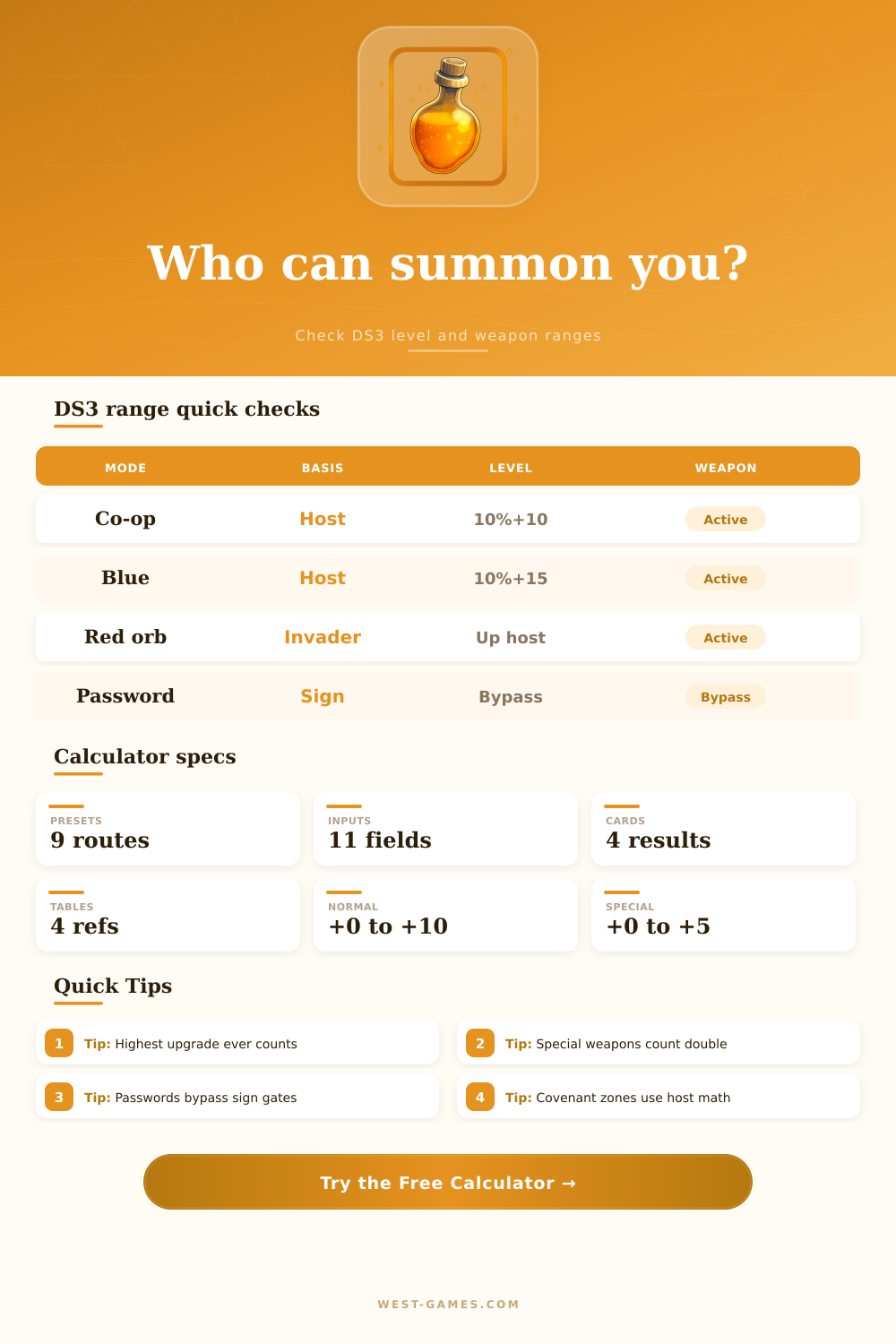
🔥 DS3 Summon Range Calculator
Check Dark Souls 3 soul level brackets, normal and special weapon upgrades, covenant invasion rules, co-op signs, password mode, and target-player compatibility.
| Mode | Basis | Lower edge | Upper edge |
|---|---|---|---|
| White or gold sign | Host | Host × 0.9 - 10 | Host × 1.1 + 10 |
| Way of Blue | Host | Host × 0.9 - 15 | Host × 1.1 + 15 |
| Dark spirit orb | Invader | Invader × 0.9 | Invader × 1.1 + 20 |
| Mound-maker orb | Invader | Invader × 0.9 | Invader × 1.15 + 20 |
| Covenant invader | Host | Host × 0.8 - 20 | Host × 1.1 |
For SL 351 and above, DS3 opens the upper limit while keeping non-password matchmaking away from characters below SL 351.
| Your normal | Can match | Special equivalent | Planning note |
|---|---|---|---|
| +0 | +0 to +1 | +0 | Fresh route |
| +1 | +0 to +2 | +0 to +1 | Early co-op |
| +2 | +1 to +3 | +1 | Settlement |
| +3 | +2 to +4 | +1 to +2 | Woods |
| +4 | +3 to +6 | +2 to +3 | Cathedral |
| +5 | +4 to +7 | +2 to +3 | Catacombs |
| +6 | +4 to +8 | +2 to +4 | Irithyll |
| +7 | +5 to +9 | +3 to +4 | Capital |
| +8 | +6 to +10 | +3 to +5 | Castle |
| +9 | +7 to +10 | +4 to +5 | Late game |
| +10 | +8 to +10 | +4 to +5 | Max bracket |
The calculator uses the higher of normal upgrade and doubled special upgrade as your effective weapon level.
| Special shown | Normal equivalent | Typical examples | Warning |
|---|---|---|---|
| +0 | +0 | Base unique | Starter safe |
| +1 | +2 | Twinkling +1 | Raises bracket |
| +2 | +4 | Boss +2 | Mid early |
| +3 | +6 | Scale +3 | Irithyll lean |
| +4 | +8 | Unique +4 | Late bracket |
| +5 | +10 | Max special | Max bracket |
Boss, twinkling, and scale weapons have fewer upgrades, so every shown level counts as two normal weapon levels.
| Area | Soul level | Normal | Special |
|---|---|---|---|
| High Wall | 10-20 | +0 to +1 | +0 |
| Settlement | 18-30 | +1 to +3 | +0 to +1 |
| Farron Woods | 25-45 | +2 to +4 | +1 to +2 |
| Cathedral | 35-55 | +3 to +5 | +1 to +2 |
| Pontiff | 55-80 | +6 to +8 | +3 to +4 |
| Castle | 75-100 | +8 to +10 | +4 to +5 |
| DLC or meta | 90-140 | +10 | +5 |
These are activity-planning bands, not separate rules. The computed range still comes from soul level and weapon matching.
You’re standing in front of a summoning sign. Three minutes go by. No phantom show up. Your stamina bar fills back up but that’s about it. You look at your network settings. You restart your console. You hope to God you got it right this time. Unfortunatly, more often than not, it won’t be anything technical. Instead, it’ll be a matter of mathematics.
Dark Souls 3 matchmaking doesn’t give a rip about your ping or how patient you are. It only care about two invisible numbers in your character sheet. And if they’re out of whack with the host’s, you’ll never find yourself in the same world together. Once you input your weapon status and your current soul level, the calculator above will do the math for you. That way you don’t have to guess whether or not a friend is actualy available or stuck on the other side of a bracket wall.
How Dark Souls 3 Matching Works
That first number? It is the one that shows up on your screen. Depending on if you’re hosting or being invited, it act in one of two ways. If you’re putting out that white sign as the host, the game widens its reach, allowing players to enter at about 10 percent above or below your level. In this case, the game opens its arms wide for friends who are, say, five levels too high (or low) to play with you in the normal course of events.
If you’re the phantom seeking entrance into someone else’s world, if you’re that person attempting to log in with your pal at their house, the math shifts a bit, as you need to fall somewhere inside the host player’s window. So while you may believe you’re level one hundred and want to assist your friend who’s playing at level ninety, if your weapon stats don’t line up, or if the other player hasn’t put down a sign, the system quietly shuts the door on you without saying a word. And though it seems small, it matters more then you’d think when organizing raids with people whose names you barely know.
That’s your weapon upgrade level, and it’s where things realy start getting confusing for casual player. The game doesn’t pay attention to what weapon you’re holding in your hand. It pays attention to the highest level of upgrade any weapon has ever reached on that same character file. It counts weapons you’ve traded away, sold, or just stored in a box you forgot about. That’s the part people gets wrong.
Maybe you’re rolling around with a base greatsword because it fits the aesthetic better. But if you reinforced a hollowslayer greatmachete to plus six back during your first playthrough, that plus six is going to follow you forever. It will anchor down your matchmaking. The other wrinkle is special weapons, which upgrade on a different scale. For example, a plus three boss weapon is treated as a plus six normal weapon when it comes to compatibility.
In other words, if you pick up a mean old unique arm, you might find yourself pushed into a higher player bracket by accident. You’ll have more trouble finding people with whom to coop. It also means it’s tougher to catch up to co-op partners that is still plowing through lower areas. The reference table on the page lays this out clearly. It shows how each special upgrade maps to its normal equivalent, so you know where your real effective ceiling lies.
For that reason, these hard-coded brackets can be avoided by simply bypassing both weapons and levels altogether: summoning players using passwords. That’s perfect for teaming up with certain friends whose builds are totally different or who happen to be in a wildly different place on the progression track. But there are some tradeoffs here too since phantoms summoned this way receive scaling penalties depending on how much more powerful they are compared to the host.
The game nerfs them down, balancing things out. So you might of ended up less effective if you bring your overpowered character into a low-level world. It’s not just a technical workaround but a strategic one. And that’s what these numbers give you, they make multiplayer less of a roll of the dice.
Before you invite someone to a duel, you know if it’ll work out. Before you downgrade your gun in hopes of getting a lower bracket for co-op, you know if it’s worth it. And before you pull the trigger on a dupe quest, you know if this is the right window to try and nab that player (or at least get close). It’s a rigid system, yes, but it’s a fair one. After you go beyond thinking of the sign as just a button and begin seeing it as a data filter instead, you’ll find yourself spending less time waiting for ghosts and more time shooting ’em.