⚒ FF14 Raphael Crafting Calculator
Test a Final Fantasy XIV crafting macro like a Raphael-style planning sheet: stats, buffs, recipe difficulty, durability, quality, CP use, action sequence, and pass reliability.
35 Durability Material
Tight CPUsually favors Manipulation, Prudent actions, Trained Perfection, and one strong progress finisher.
70 Durability Gear
Buff WindowRoom for Waste Not II or longer Innovation windows before the Byregot's Blessing finisher.
Collectable Turn-In
ThresholdQuality is read as collectability; hitting the next reward band matters more than perfecting HQ chance.
Expert Recipe
Manual PlayConditions such as Pliant, Sturdy, Malleable, Primed, and Good Omen make static macros less reliable.
| Action | CP | Durability | Efficiency / rule |
|---|---|---|---|
| Basic Synthesis | 0 | 10 | 120% progress, 100% success after mastery |
| Careful Synthesis | 7 | 10 | 180% progress, 100% success |
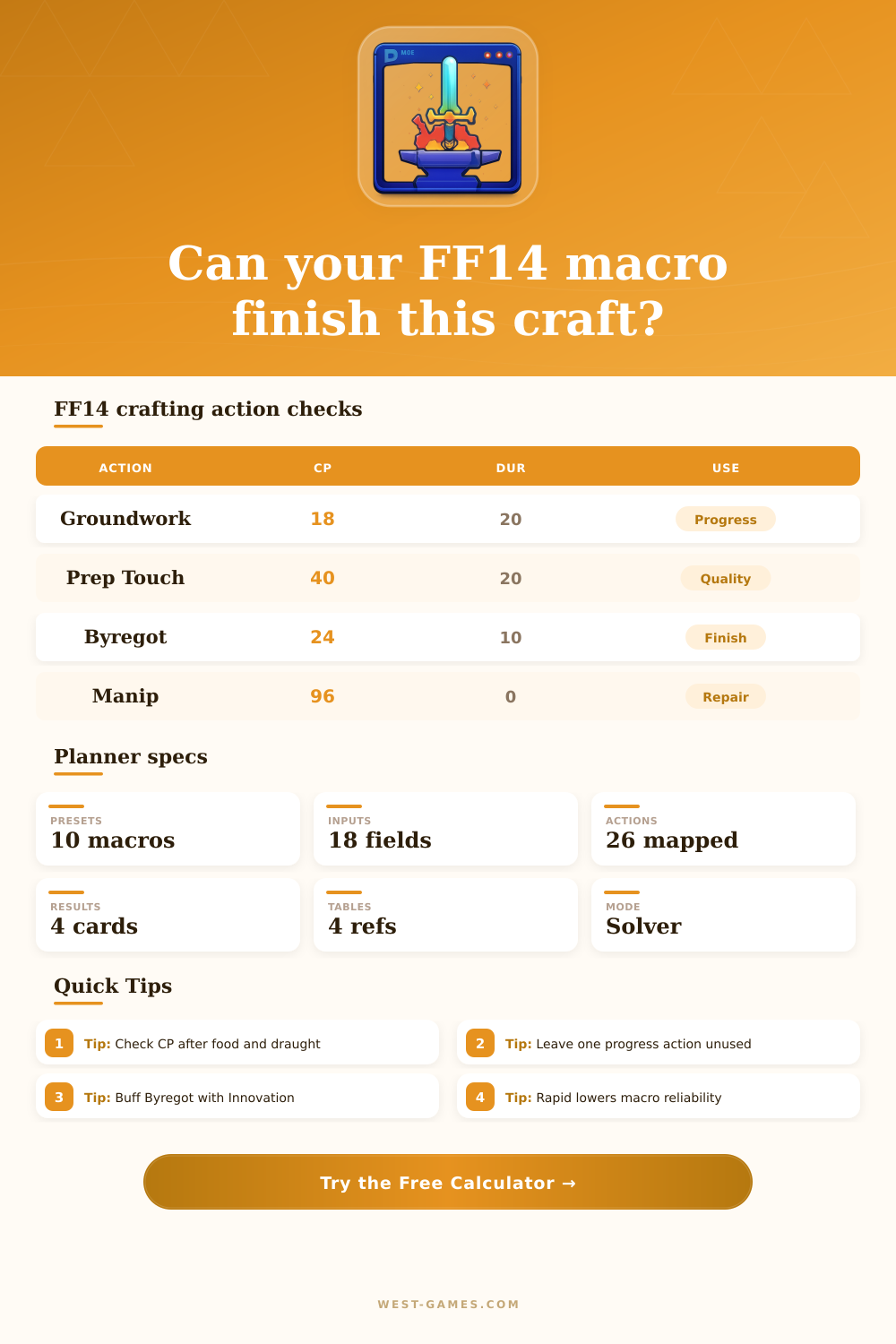
| Groundwork | 18 | 20 | 360% progress, halved if remaining durability is below cost |
| Prudent Synthesis | 18 | 5 | 180% progress, unavailable during Waste Not effects |
| Basic Touch | 18 | 10 | 100% quality and starts the touch combo |
| Standard Touch | 32 | 10 | 125% quality; combo CP becomes 18 after Basic Touch |
| Advanced Touch | 46 | 10 | 150% quality; combo CP becomes 18 after Standard Touch or Observe |
| Preparatory Touch | 40 | 20 | 200% quality and effectively builds two Inner Quiet stacks |
| Byregot's Blessing | 24 | 10 | 100% plus 20% per Inner Quiet stack, capped at 300% |
| Action | CP | Steps | Planning note |
|---|---|---|---|
| Veneration | 18 | 4 | Synthesis actions gain 50% efficiency |
| Innovation | 18 | 4 | Touch actions gain 50% efficiency |
| Great Strides | 32 | 3 | Next Touch action gains 100% efficiency |
| Waste Not | 56 | 4 | Halves durability loss for most actions |
| Waste Not II | 98 | 8 | Longer durability reduction window |
| Manipulation | 96 | 8 | Restores 5 durability after each step |
| Master's Mend | 88 | 1 | Restores 30 durability, capped by recipe max |
| Immaculate Mend | 112 | 1 | Restores all item durability |
| Trained Perfection | 0 | 1 use | Next durability loss is reduced to 0 |
| Action | CP | Success | Why it matters |
|---|---|---|---|
| Rapid Synthesis | 0 | 50% | 500% progress but cuts macro reliability hard |
| Hasty Touch | 0 | 60% | Free quality action; grants Expedience at high level |
| Daring Touch | 0 | 60% | 150% quality while Expedience is active |
| Precise Touch | 18 | 100% | Good or Excellent only; strong Inner Quiet builder |
| Intensive Synthesis | 6 | 100% | Good or Excellent only; 400% progress |
| Tricks of the Trade | 0 | 100% | Good or Excellent only; restores 20 CP |
| Heart and Soul | 0 | 100% | Specialist action enabling one condition action |
| Careful Observation | 0 | 100% | Specialist hold step using a delineation |
| Condition | Color cue | Effect | Solver-style use |
|---|---|---|---|
| Normal | White | No action bonus | Spend setup buffs or safe progress |
| Good | Red | Touch effectiveness increases by 150% | Use Precise Touch or a buffed Byregot if ready |
| Excellent | Rainbow | Very large touch bonus, followed by Poor on normal crafts | Convert into major quality if durability allows |
| Good Omen | Orange | Next step becomes Good | Prepare Great Strides, Innovation, or Heart and Soul |
| Centered | Yellow | Action success chance improves | Safer Rapid Synthesis or Hasty Touch attempt |
| Sturdy | Cyan | Next durability loss is reduced by 50% | Pair with Groundwork or Preparatory Touch |
| Pliant | Green | Next CP cost is reduced by 50% | Use Manipulation, Waste Not II, or Immaculate Mend |
| Malleable | Blue | Next progress action gains 150% | Push difficult progress without overusing CP |
| Primed | Purple | Next status lasts two extra steps | Extend Innovation, Veneration, or Manipulation |
| Planning target | Typical requirement | Best lever | Risk to check |
|---|---|---|---|
| One-button normal macro | Positive CP, durability at or above 0, progress complete | More craftsmanship or Veneration window | Groundwork halved at low durability |
| HQ master recipe | High quality fill before final synthesis | Innovation plus Great Strides into Byregot | Starting quality too low for available CP |
| Collectable reward tier | Quality reaches the desired collectability band | Preparatory Touch and Trained Finesse | Overbuilding quality after the threshold |
| Expert manual craft | Adapt to Good, Pliant, Sturdy, and Malleable | Flexible CP and durability buffer | Static macro ignores condition value |
| Old recipe Trained Eye | Recipe at least 10 levels below crafter | Trained Eye then finish progress | Not allowed on expert recipes |
Action values match the current level 100 crafting action descriptions. The base gain model is an estimate for planning, because FFXIV applies hidden recipe level modifiers internally.
There’s this particular type of panicky feeling that comes over you when you realize your crafting macro just failed on a recipe you’ve already purchased all the materials for. If you’re a crafter in Final Fantasy XIV you learn to fear this panic. The durability bar empties out, the item burns away and suddenly your meticulously planned series of actions has come undone because some tiny little variable got mixed up.
That’s what FF14 Raphael crafting calculator is there for: To prevent that panic from ever beginning. It lets you simulate the entire process digitally so you can see exactly where your plan breaks down without losing any gil or materials in actual game.
Why You Need a Crafting Calculator
At its core, planning this way is about managing resources: You have limited time steps, durability, and creativity points. Burning those up too fast in one area (too many CP used early) may prevent you from finishing something later. Using heavy-duty actions such as Groundwork can eats up durability too quickly; before you know it, your tool is broken and you haven’t finished anything yet.
The calculator above does all that math for you, how many time steps do I need? How many CP will I be able to use in total? What food buffs do I have? Can my specific set of gear even handle the difficulty level of the recipe? That’s where this type of planner comes in. It takes away the guesswork by automatically accounting for current buff interactions and action efficiencies. This lets you see if your actual gear stats plus food buffs really suffice for completing the recipe.
Finally, there are food caps. People spend way too much time worrying about their base scores instead of realy thinking about these things. They might believe because they have a high score in craft that they’re good to go, when in reality the game has very hard-coded maxes for the amount of food that contributes to any stat. Anything beyond that doesn’t matter. This is why plugging in your exact food cap and percentage amounts is important. It will show you where your game sheet ends and the game engine begins when it comes to your synth. And that’s often the line between HQ or not even close.
Finally, there are the more subtle things like durability. Beginners tend to view durability as a guideline instead of a limitation. I’ve seen plenty of players load up on the Waste Not or Manipulation-type skill without realizing that those bonuses require CP to cast. They think they have the makings of an awesome macro but suddenly run out of available slots before reaching the end of their scheme. It’s a great concept on paper, but since it didn’t account for durability, it is now completely useless.
This is where the chart on the page come in handy. It details which actions consume what number of steps and how much durability they’ll chew through. Knowing both will help you craft feasible macros that are likely to survive the experience.
Certain mechanics can also get confusing. Conditions that increase touch efficiency (such as Good or Excellent) can really helps out the quality. However, if those conditions don’t take into account the appearance or dissapears of that condition, then they’ll break your static macro. Normal crafting will still benefit from having an idea of what you’re gaining in quality by default, but expert recipes will require some hand adaptation. Knowing this lets you simulate your sequence and determine whether you’re over-optimizing quality where the recipe only requires a small bump to reach HQ status. This saves you CP for what actualy matters when completing an action and avoids the common pitfall of chasing perfection on something that won’t benefit from it.
This method has the benefit of allowing you to experiment freely without risking any gil or materials. With Rapid Synthesis, you can run some wacky macro and instantly observe how much your reliability decreases, before you even have to open up the synthesis window. You can swap around various pieces of gear and food combinations to find maximum buffer.
This type of advance planning makes crafting feel less like a matter of luck. It feels more like an engineering challenge where you can spot flaws in your plan, such as running out of CP during the last touch action, and fix them.
At the end of the day, learning how to craft in Final Fantasy XIV comes down to knowledge and planning. This doesn’t mean that tools such as this calculator are a replacement for skill. Instead, these calculators is there to give you information so you can make an educated choice. You turn what was once just a hunch into something backed up by facts. It’s the difference between wondering if a macro will succeed and knowing precisely why it won’t, or why it will. And it makes you rely on your own planning instead of chance.
You should of do exactly that with anything complicated within the game.