🎮 Frame Drop Percentage Calculator
Calculate expected frames, rendered frames, dropped frames, missed frame percentage, effective FPS, and severity for streams, VR captures, gameplay clips, and benchmarks.
Your active input set.
Single-player and esports recordings can tolerate tiny misses if pacing stays even.
Live encoders show drops to viewers, so the warning band starts earlier.
Headset reprojection and comfort make even small repeated misses important.
| Target FPS | 30 seconds | 60 seconds | 10 minutes |
|---|---|---|---|
| 30 FPS | 900 frames | 1,800 frames | 18,000 frames |
| 40 FPS | 1,200 frames | 2,400 frames | 24,000 frames |
| 60 FPS | 1,800 frames | 3,600 frames | 36,000 frames |
| 90 FPS | 2,700 frames | 5,400 frames | 54,000 frames |
| 120 FPS | 3,600 frames | 7,200 frames | 72,000 frames |
| 240 FPS | 7,200 frames | 14,400 frames | 144,000 frames |
| Missed % | At 3,600 frames | At 7,200 frames | Typical feel |
|---|---|---|---|
| 0.1% | 4 frames | 7 frames | Nearly invisible outside VR |
| 0.5% | 18 frames | 36 frames | Small stream or capture warning |
| 1% | 36 frames | 72 frames | Noticeable in strict modes |
| 3% | 108 frames | 216 frames | Visible stutter clusters |
| 5% | 180 frames | 360 frames | Gameplay feels unstable |
| Mode | Clean | Warning | Severe |
|---|---|---|---|
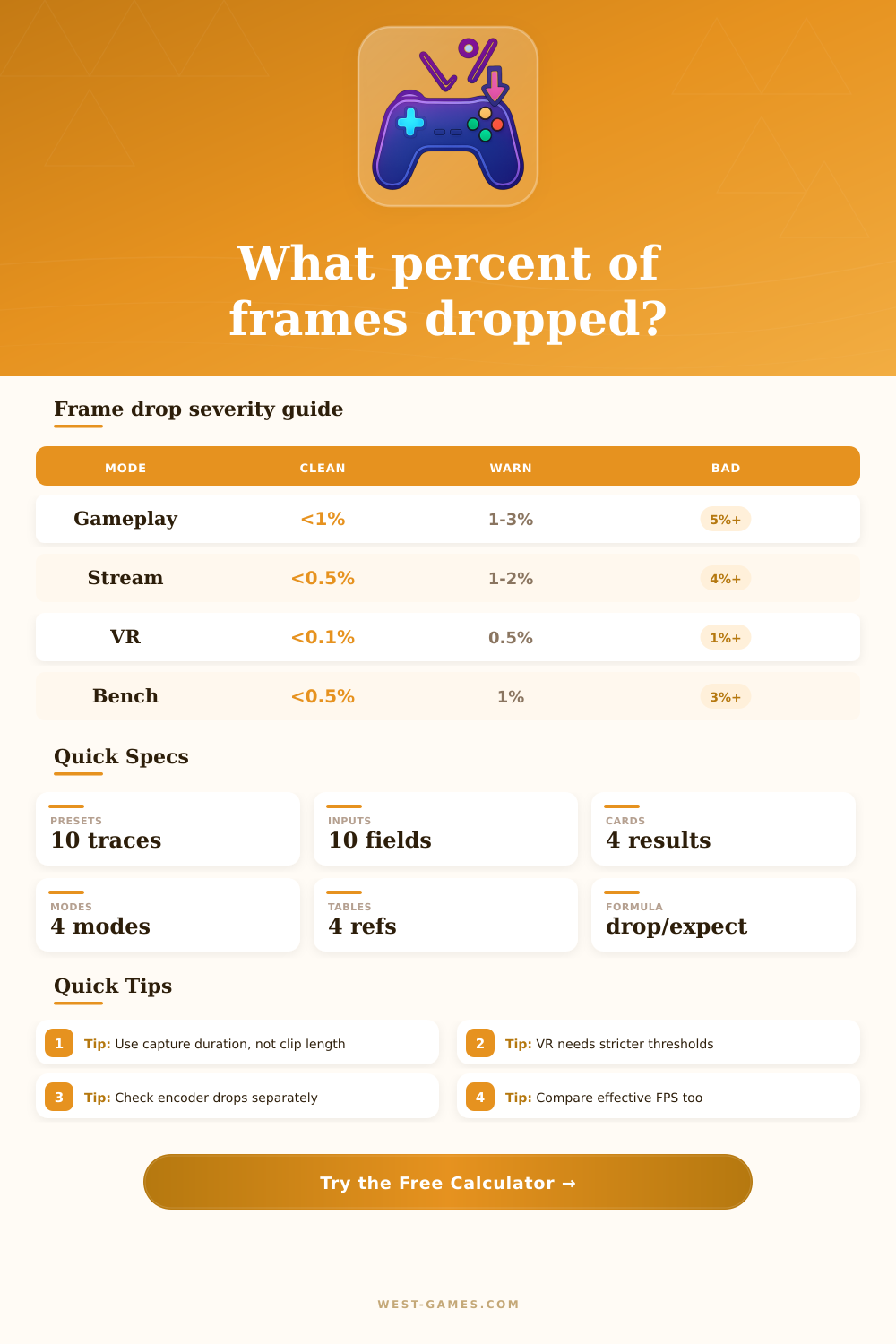
| Gameplay recording | Under 1% | 1% to 3% | 5% or more |
| Streaming encoder | Under 0.5% | 0.5% to 2% | 4% or more |
| VR headset capture | Under 0.1% | 0.1% to 0.5% | 1% or more |
| Benchmark or QA trace | Under 0.5% | 0.5% to 1.5% | 3% or more |
| Source | Rendered frames mean | Dropped frames mean | Watch next |
|---|---|---|---|
| OBS stats | Encoded output frames | Rendering or encoding misses | GPU load and encoder overload |
| Capture card | Frames received by capture app | Signal or USB path misses | PCIe, USB, cable, format |
| VR compositor | Presented headset frames | App or compositor misses | Reprojection and headroom |
| PresentMon trace | Presented game frames | Expected-minus-rendered gaps | Frame pacing and hitch clusters |
| Cloud client | Decoded stream frames | Network or decode losses | Packet loss and jitter buffer |
| Preset | Mode | Target | Duration | Rendered | Dropped |
|---|---|---|---|---|---|
| OBS 1080p60 stream | Stream | 60 FPS | 60 sec | 3,582 | 18 |
| VR 90 Hz headset | VR | 90 FPS | 120 sec | 10,788 | 12 |
| 240 Hz esports clip | Gameplay | 240 FPS | 45 sec | 10,744 | 56 |
| Console 4K60 capture | Gameplay | 60 FPS | 300 sec | 17,940 | 60 |
| GPU benchmark run | Benchmark | 144 FPS | 90 sec | 12,894 | 66 |
The calculator treats dropped and duplicate frames as quality loss, while effective FPS shows how much throughput remains after the missed frames.
To calculate whether you’re losing frames due to normal variance, or something’s wrong and it could be hurting your performance, plug in your target refresh rate and how long you want to capture and let the calculator crunch the numbers (above). It will tell you what frames you should of getting versus what you actualy get without you having to guess.
If you’re streaming, however, things get more serious, since the encoder can’t tolerate much variance at all. Even if the game itself feels smooth to you locally, five-percent dropped frame on a stream make the stream look muddy to viewers. This tool separates those concerns and allows you to toggle between benchmark, VR, streaming, and gameplay modes. Each mode have its own severity threshold. This lets you know where to set the bar for your gameplay.
Why Smooth Frames Matter More Than High FPS
Everyone gets hung up on average FPS, which can be deceptive. Sure, if you average out a hundred frames per second, but drop to thirty for half a second when switching scenes or compiling shaders, those are the moments that matter. But those lost seconds is worse then the top end performance. A cleaner way to think about this is the missed frame percentage, which normalizes the loss relative to the number of frames it should have output over some period of time. In other words, it doesn’t tell you how fast your system is running at its maximum, it tells you how reliable your pipeline are.
How well will it do under load? Is your capture card going to bottleneck your USB bandwidth? Are your encoder settings too aggressive for your CPU to perform in real time? Because frame delivery and head tracking must stay in sync or else risk triggering motion sickness, virtual reality require an even more rigid approach. As the table at the top of the page shows, tolerances shrink rapidly for VR below a one-percent level. Perfect is not required; predictable is what’s needed.
Individual dropped frames don’t matter nearly as much as clustered drops, which instead result in noticeable stuttering artifacts instead of merely minor glitches. Because they repeat previously shown imagery, multiple frames also squander bandwidth while increasing latency, all without contributing any additional visual data to your display. Tweaking graphics settings blind can get you somewhere, but isolating where the drop is coming from will help when troubleshooting.
For instance, do you have an in-game counter and does that remain stable while your recording software show missing frames? If your in-game counter stays stable but your recording software reports missing frames, it could mean the issue lies with your capture card’s interface or your storage drive speed rather than your GPU power. Or maybe if everything drops together, you could be hitting a thermal throttle or a CPU bottleneck during complex physics calculations. Knowing where the pipeline broke lets you fix the problem properly, instead of lowering your texture quality as a desperate catch-all solution.
At its core, frame stability improvement has as much to do with resource management and expectation as anything else. You don’t want to leave yourself too little headroom where background processes can eat into what’s being sent to main display. You also don’t necessarily want to be chasing the number on the chart. Rather, you’re aiming to get each pixel that gets rendered to its target without interruption.
Whether it’s for ranked matches or editing highlight reels, smooth usually trumps raw in most real world scenarios. It maintains the flow of things and prevents those annoying little pauses in continuity that pull you from the moment. Sixty steady beats one-hundred erratically any day if the former continue to hold up during the heat of battle.