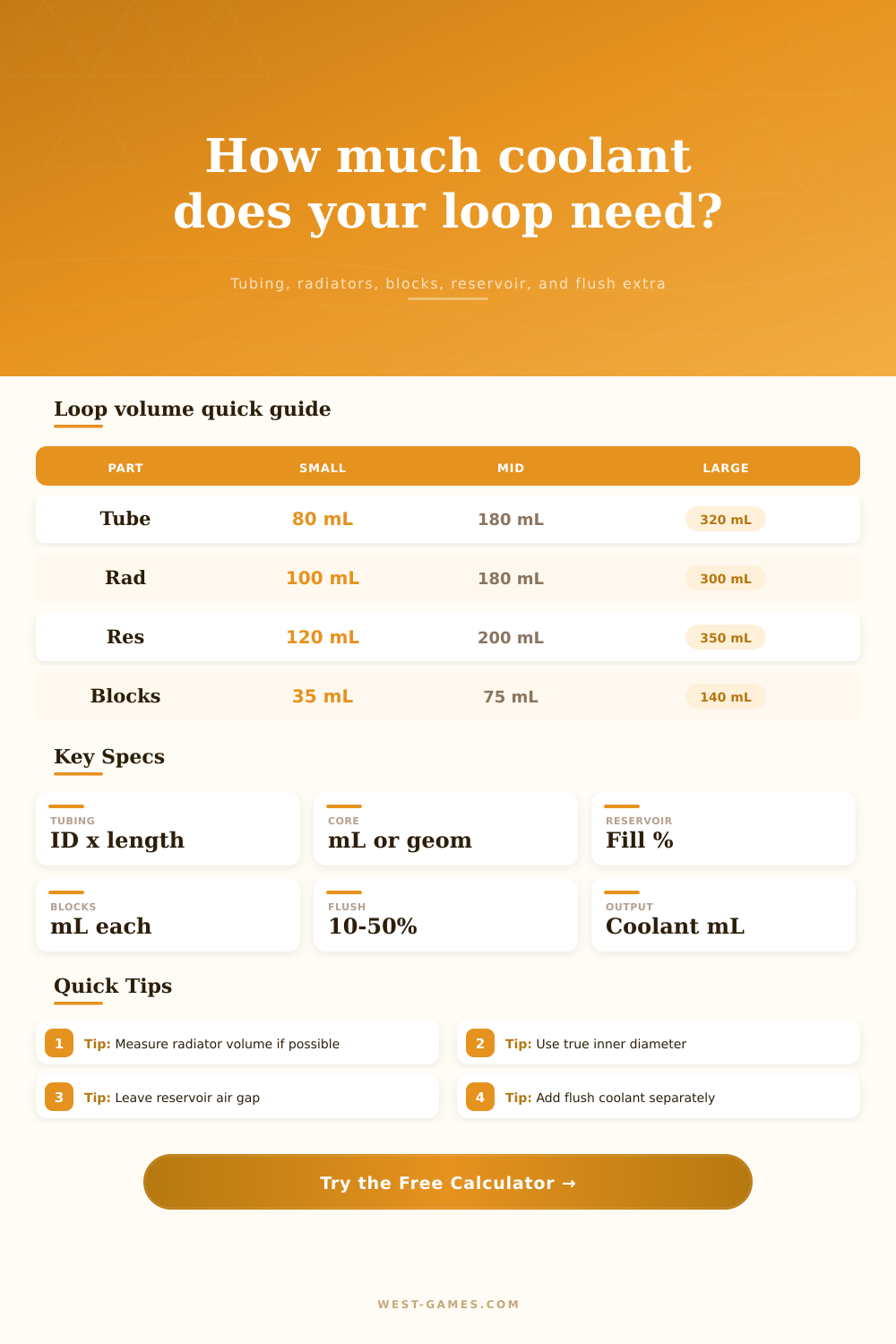
Water Cooling Loop Volume Calculator
Estimate coolant volume for a PC water cooling loop from tubing inner diameter and length, radiator core volume, reservoir fill, CPU and GPU blocks, pump top, fittings, flush extra, and reservoir air gap.
| Tube ID | Formula basis | Volume per meter | Planning note |
|---|---|---|---|
| 8 mm ID | pi x 4^2 x 1000 / 1000 | 50.3 mL/m | Small-form-factor or restrictive routing volume. |
| 10 mm ID | pi x 5^2 x 1000 / 1000 | 78.5 mL/m | Common soft tube and hardline internal size. |
| 12 mm ID | pi x 6^2 x 1000 / 1000 | 113.1 mL/m | Noticeably more coolant per long external run. |
| 13 mm ID | pi x 6.5^2 x 1000 / 1000 | 132.7 mL/m | Close to many 1/2 inch ID soft-tube loops. |
| 16 mm ID | pi x 8^2 x 1000 / 1000 | 201.1 mL/m | Large bore tubing grows volume quickly because radius is squared. |
| Part | Low range | Common range | Why it varies |
|---|---|---|---|
| CPU block | 10 to 20 mL | 20 to 35 mL | Cold plate channels and top cavity depth. |
| Full-cover GPU block | 45 to 80 mL | 70 to 140 mL | Large plates, terminal, and active backplate options. |
| 240 mm radiator | 90 to 140 mL | 130 to 220 mL | Core thickness, end tanks, tube count, and port layout. |
| 360 mm radiator | 130 to 220 mL | 180 to 320 mL | Longer core length and thicker performance cores. |
| Tube reservoir | 100 to 180 mL | 200 to 350 mL | Reservoir height, diameter, anti-cyclone insert, and fill target. |
| Output | Includes | Excludes | Use it for |
|---|---|---|---|
| Installed loop volume | Tubes, rads, reservoir liquid, blocks, pump top, fittings | Air gap and extra flush coolant | Estimating filled coolant capacity. |
| Flush extra | Percent of installed volume plus fixed reserve | Installed liquid already in the loop | Bleeding, rinsing, drain loss, and top-off supply. |
| Air gap | Unfilled reservoir capacity | Liquid coolant volume | Expansion space and easier bleeding. |
| Coolant ready | Installed volume, drain allowance, flush percent, fixed reserve | Unused air space | How much coolant to prepare before filling. |
The thing with coolant purchases that confuses many people is the amount. Do I get one liter? What do I do with the other half liter? Wait…do I need distilled water or not? Do I have enough to fill my custom loop? What happens when I open the box of coolant? How will it all fit?
We don’t know what’s hiding in our blocks, radiators, and tubing. The calculator handles math and gives you a measured plan for filling your loop. After entering in your sizes, the calculator do the math for you. No need to guess by hand. It separates volume into components.
How to Calculate Coolant for Your PC
First, consider the tubing. That’s where most estimates go wrong. Folks will measure the outside length, which isn’t how much water fits inside tube. A tube that’s 10 mm will hold less water then one that’s 13 mm, even if they are equal lengths. And at longer runs, that difference increase. Using accurate equations and taking this geometry into account, the calculator do all of that for you.
The second variable is radiators. Sounds easy enough but different sized radiator don’t contain the same volume. There is skinny finned radiators and thick finned radiators. Measure your radiator if it’s dry by filling it up with water then measuring it out. Otherwise, the estimator guesses at it based off the geometry of the channels. That gives a rougher estimate but helps you avoid underestimating by half a liter, which is the danger zone.
Hidden volumes are blocks. A single 20mL CPU block doesn’t sound like much. It’s not. However, when you combine that with other blocks: a GPU block, a pump, etc., the total can quickly increase. That volume is invisible to you, yet it also carry heat. Knowing the actual capacity will come in handy, which is why the tool totals things up for you.
Two important numbers comes out of the equation. One is the installed loop volume. The other is what you need to be prepared with. That’s the practical one. There is spillage and air bleed. There is a gap between water and surface in your reservoir. You will need room on top of that.
Why? Because coolant expands when it heats up. When it is full, where does expansion go if not into the tank? Leaks… The calculator also spits that number out as its own figure.
So most folks purchase a single bottle, fill the loop and find themselves out of water. Purchase another bottle and now have way too much? Plan ahead so there is no need for that additional round trip. You should of planned better.
You’ll also learn about trade-offs. Bigger tubing will look nicer but requires more coolant. It also increases thermal mass, which extend stabilization time for the system. That’s important when maintaining for the long haul. It is also good to know correct amounts for chemical maintenance. For example, biocides is most effective within certain concentration ranges. If you overfill that little loop, you’ll dilute the protection. You don’t want to be wasting money by underfilling either.
Now you have your baseline from this tool. A guess turned into a plan. Fill up the loop and leave an air gap for a reserve. Control.