🌾 Farming Simulator Fertilizer Coverage Calculator
Estimate field hectares, acres, fertilizer amount, tank batches, refill count, application time, swath distance, overlap drag, and material waste for Farming Simulator field work.
| Field value | Hectares | Acres | Square meters | Formula check |
|---|---|---|---|---|
| 1 hectare | 1.000 ha | 2.471 ac | 10,000 | ha x 2.4710538147 = acres |
| 1 acre | 0.4047 ha | 1.000 ac | 4,046.86 | ac x 0.40468564224 = hectares |
| 5 acres | 2.023 ha | 5.000 ac | 20,234 | Useful small contract size |
| 30 hectares | 30.000 ha | 74.132 ac | 300,000 | Large map field example |
All rate math is performed in hectares because the application rate input is per hectare.
| Material mode | Rate example | Field size | Base amount | With 10% overlap |
|---|---|---|---|---|
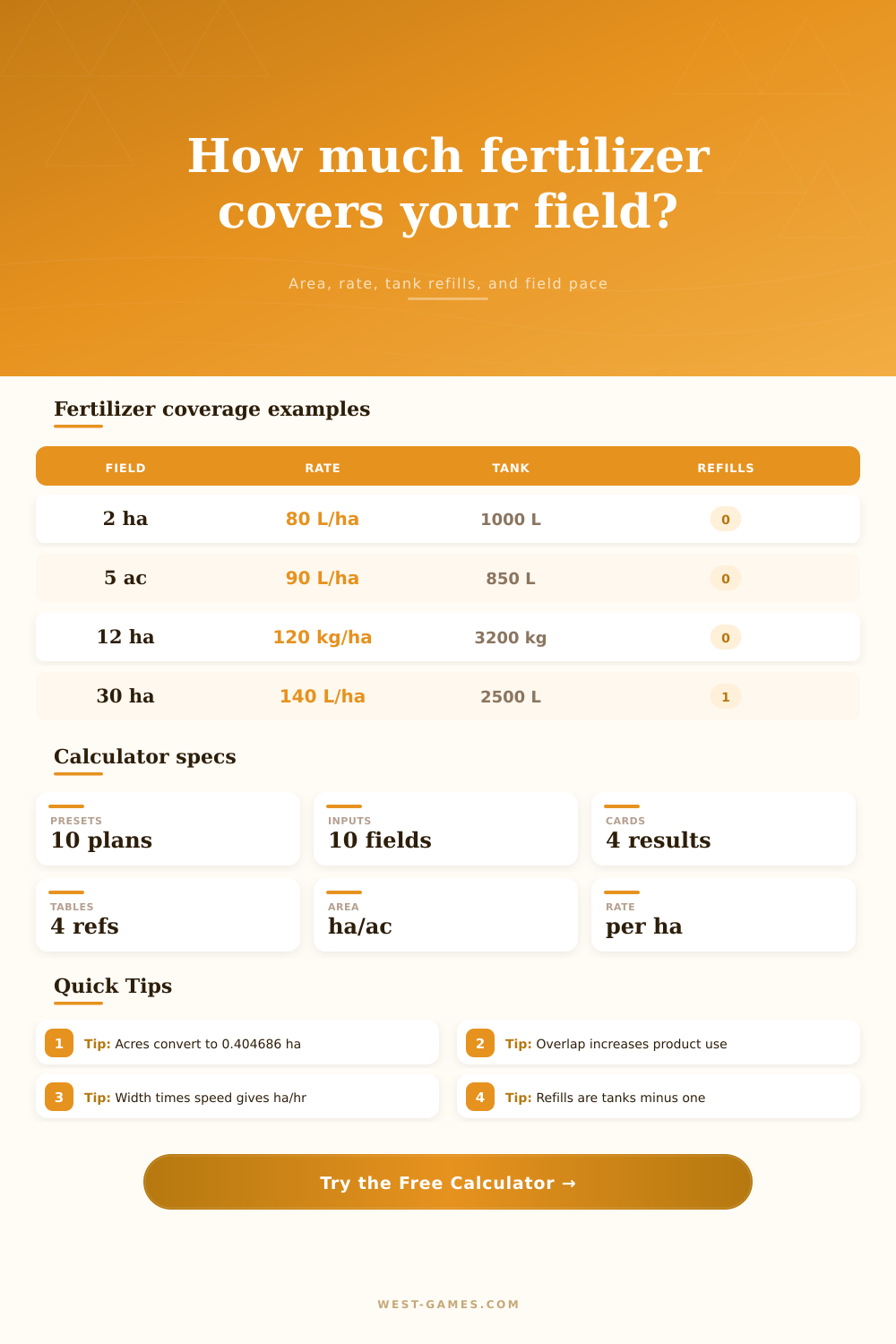
| Liquid fertilizer | 80 L/ha | 2 ha | 160 L | 176 L |
| Liquid fertilizer | 120 L/ha | 12 ha | 1,440 L | 1,584 L |
| Solid fertilizer | 90 kg/ha | 5 acres | 182 kg | 200 kg |
| Solid fertilizer | 140 kg/ha | 30 ha | 4,200 kg | 4,620 kg |
Use your in-game consumption, mod, or server setting if it differs from these examples.
| Total product | Tank capacity | Starting fill | Total batches | Refills needed |
|---|---|---|---|---|
| 850 L | 1,000 L | 100% | 1 | 0 |
| 1,584 L | 1,200 L | 100% | 2 | 1 |
| 4,620 kg | 2,500 kg | 100% | 2 | 1 |
| 4,620 kg | 2,500 kg | 40% | 3 | 2 |
The first partial or full tank is not counted as a refill because it is available before the job starts.
| Preset | Area | Material | Width | Speed | Overlap |
|---|---|---|---|---|---|
| Starter Liquid 2 ha | 2 ha | 80 L/ha | 12 m | 10 km/h | 6% |
| Small 5 Acre Field | 5 ac | 90 L/ha | 15 m | 11 km/h | 8% |
| Medium Dry Spread | 12 ha | 120 kg/ha | 24 m | 12 km/h | 8% |
| Large Liquid Run | 30 ha | 140 L/ha | 36 m | 15 km/h | 10% |
| Hilly Overlap Field | 18 ha | 130 L/ha | 21 m | 9 km/h | 18% |
Presets are examples for planning; calculate with the settings that match your save, field, mod, or contract.
In Farming Simulator, I always feel rushed during spring rush. It’s sunny outside, your hopper is full, and you need to get some nitrogen on a big field. What if rain comes while you’re still working? What if you’ve run out of product? It feels like a rush because it is. And it reflects farming life in the real world which requires a bit of logistical planning.
Managing tank logistics and coverage rates are key. The time spent making those turns at edge of a field has to be considered. When you input your field size the calculator do all of the math for you. No more doing it in your head as you’re driving down the road.
Planning Your Farm Work
It’s not as simple as dividing the field area into what your tank can hold. There are times when you aren’t being efficient with both product and your time. Many people don’t consider waste factor and overlap that seems like it won’t matter. But on a big field an eight percent overlap is still quite a bit more product used then necessary. So many folks get this one wrong because they think the map area equal how much ground you will cover. You need to go out just a little further each time to make sure you have no dry spots.
Enter your speed and working width with some care. Your width times your speed equals the theoretically covered area. That’s the ideal case; it never happens in the real world. There you don’t plow in a straight line indefinitely. You make adjustments. You change direction. You approach obstacles more slowly.
Enter these factors into field efficiency slider, which recognizes reality. Say you set it at eighty-two percent. That implies you’re actualy covering only four-fifths of the ground. Admitting that fact alters your estimated finishing time by minutes. Minutes count when you need to be out of a zone before conditions change.
Another area that ticks people off is refilling their tanks. You’ve got a 1,000 liter tank and need 2,000 liters to do a job out in a field. So you go make a single stop to refill at a gas station. But then if you start with a half-full tank because you were top-dressing a previous field, all of a sudden you need to make two stops.
Guess what? That second stop costs you time and breaks your flow. That second stop could of cost you money and lost you some momentum. The tool allows you to account for how much you want in the tank when you get started. Sometimes it’s better to just start with a full tank and drive a little slower. When you race to the refill point you lose momentum.
This is represented on the reference table below which shows effects of implement configuration on coverage time by the hour. For example, a large sprayer traveling at 15 km/hr covers more area different than a small one. But it takes more skill and horsepower too. It may not be practical if your tractor lack enough power to pull this off while keeping pace. The theory falls apart when put into action, so match implements with field size, no more wasting money on big machines that won’t do the job well.
In the end, farming sim is all about managing resources. The most precious one is time. Once you estimate how fast you cover ground (including time lost turning, etc), you’ll plan your day accordingly. Know when it’s time to fill up on gas. Know when it’s time to restock. Know whether or not you has enough left in the tank to complete that job. That’s where the chaos becomes an orderly operation.
There is no more guesswork on what’s coming around the next corner, only what’s coming for harvest. And knowing at sunset the field will be finished… That’s winning.