⏱ Diablo 4 Cooldown Calculator
Estimate class skill base cooldowns, cooldown reduction, lucky hit reset pressure, active uptime, and casts available inside boss or dungeon rotation windows.
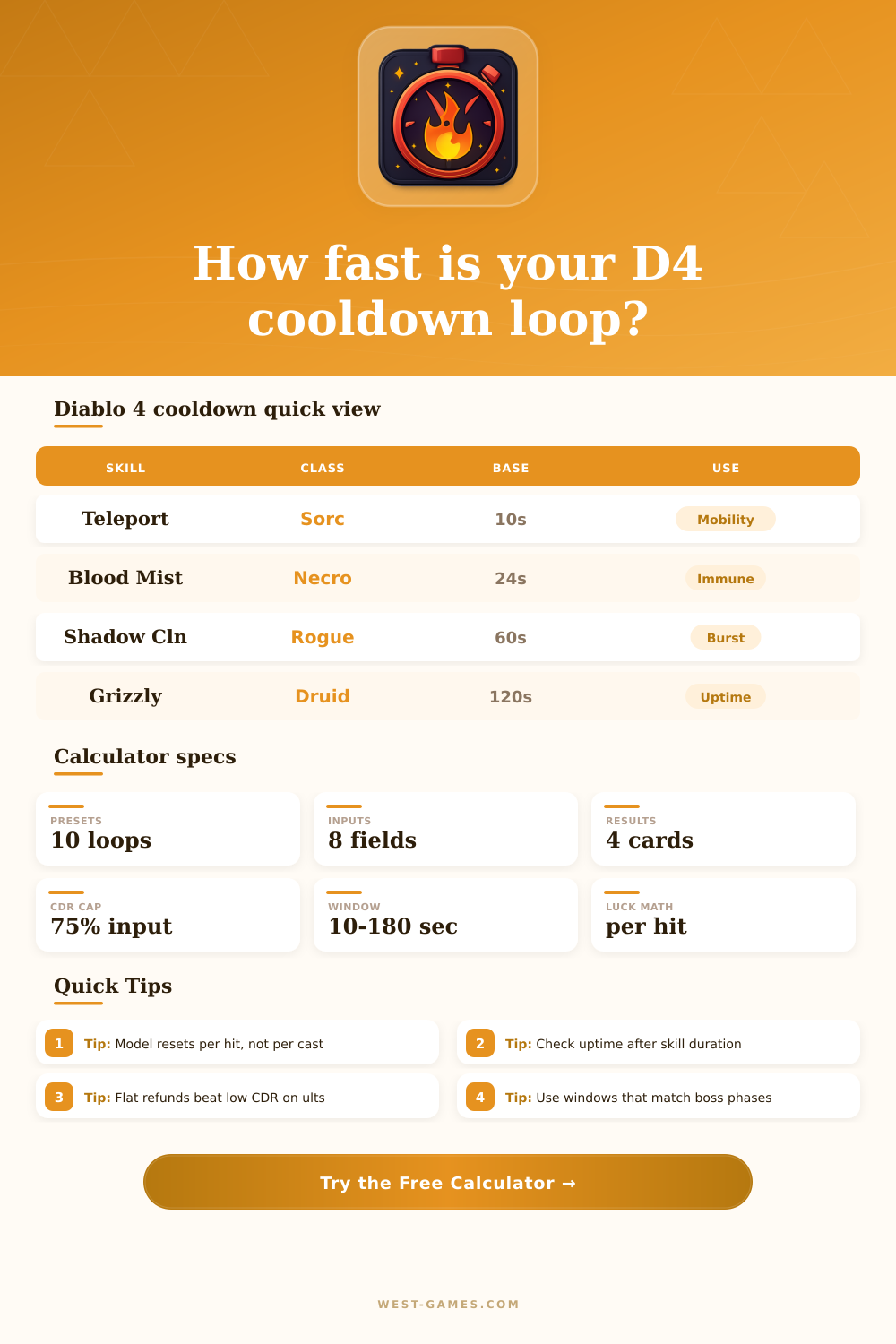
| Skill | Class | Base | Duration |
|---|---|---|---|
| Teleport | Sorcerer | 10 sec | Instant plus buffs |
| Blood Mist | Necromancer | 24 sec | 3 sec immune |
| Shadow Clone | Rogue | 60 sec | 15 sec summon |
| Grizzly Rage | Druid | 120 sec | 20 sec form |
| Blood Howl | Druid | 15 sec | 5 sec buff |
| Source type | Input field | Best use | Risk |
|---|---|---|---|
| Flat refund | Refund per cycle | Reliable seconds cut | Overcounts if not repeated |
| Lucky Hit | LHC x reset x hits | High-hit builds | Weak on bosses with few hits |
| Full reset | Reset chance high | Preparation style loops | Streaky without density |
| Duration boost | Active duration | Ultimate uptime | Does not lower recast time |
| Uptime | Meaning | Rotation note | Action |
|---|---|---|---|
| 0-25% | Short burst | Hold for elites | Add CDR or refunds |
| 25-50% | Regular window | Good for pulls | Align spender cycle |
| 50-80% | Near loop | Plan around gaps | Improve hit rate |
| 80-100% | Loop online | Gaps are tiny | Check boss uptime |
| Window | Scenario | Cooldown goal | Watch |
|---|---|---|---|
| 12 sec | Elite burst | One cast plus setup | Opening timing |
| 30 sec | Boss stagger | Second cast chance | Reset streaks |
| 60 sec | Dungeon pull chain | Repeatable loop | Density loss |
| 120 sec | Long boss check | Average uptime | Phase downtime |
| Build style | Base skill | CDR-only read | Reset-aware read | Best window |
|---|---|---|---|---|
| Sorc shock ultimate | Unstable Currents | Long ultimate wait | Refunds can create a loop | 60-90 sec |
| Rogue Preparation | Shadow Clone | One burst per minute | Energy spend can force recasts | 30-60 sec |
| Necro immune chain | Blood Mist | Moderate defensive gap | Corpse engine shrinks downtime | 20-45 sec |
| Druid ultimate form | Grizzly Rage | Very low uptime | Pack-style procs help bridge | 90-180 sec |
| Barbarian shout loop | Challenging Shout | Predictable tank gap | Hit engines reduce pressure gaps | 30-60 sec |
Cooldowns in Diablo 4 are the length of time that pass before a player can use a certain skill again. The cooldowns for skills in Diablo 4 will dictate the rhythm of your characters build. Many builds will has cooldowns for skills related to movement, surviving attacks, or using their strongest skill.
Items and passives can reduce a skills long base cooldown, but a short base cooldown may not be available to use if the player find themself in a difficult combat situation. Thus, planning for cooldowns is a necessary process to ensure that the character has the correct skill available at the right time. The calculator requires the players to provide several inputs for the calculator to determine the cooldown for their specific builds.
How Cooldowns Work and How the Calculator Helps
These skills include the base cooldown of the skill, the total cooldown reduction, flat refund, and lucky hit pressure. Base cooldown is the number of seconds for the player to use a skill before being able to use it again without any items or passives. Cooldown reduction is the shrinking of the base cooldown for a specific skill through the use of items and passives.
Flat refunds works differently than cooldown reduction. Flat refunds allow players to directly subtract from the cooldown of their skill. These are most valuable for items that provide flat refunds for ultimate skills.
Lucky hit resets are based on how many time the player uses a trigger skill that targets an enemy. The more the player lands their attack with the trigger skill, the more lucky hit resets the player can achieve. Thus, a build that attack much faster will have more lucky hit resets than a build that has a higher lucky hit percentage but attacks at a lower frequency.
Many players tend to focus solely on cooldown reduction. However, focusing solely on cooldown reduction isnt the best strategy for all builds. Cooldown reduction is beneficial for skills that already have short cooldowns.
However, for skills that have long cooldowns, cooldown reduction is less beneficial than a flat refund of a lucky hit. This is especially true during specific boss phase. For example, if a player has a skill that returns every thirty seconds, but the boss phase lasts twenty seconds, then the player will be able to utilize that skill for the boss.
However, if the player has a skill that returns every forty-five seconds for that same boss phase, then the player will not be able to use that skill for that specific boss phase. The rotation window feature in the calculator allow the player to test out these scenarios. The uptime for a player’s skill is the length of time that the skill remain active.
This will have a direct impact on how often the player can use that specific skill. For example, if the uptime for a skill is long, then the player will feel as if the skill is always active even if their cooldown is long. However, if the uptime for a skill is short, then the player will need to time their skill use more precisely.
The calculator will show the effective cooldown of the skill after all modification to the cooldown. Furthermore, the calculator will show the gap between each use of the skill. The gap between skill use is important because it determine whether the player is in a continuous loop of utilizing that skill or whether they are using it in a burst window.
If the gap between uses of a skill is small, this is likely beneficial for the player. However, if the gap between uses of defensive skills is five seconds, the player may die from not being able to utilize that defensive skill prior to taking a large hit from the enemy. The reference tables within the article provide information about the base cooldown for common skills and the different percentages of uptime for those skills.
These tables are beneficial for players to compare their cooldown and uptime stats to the average for Diablo 4 builds. Furthermore, the reference tables show which stats provides full resets for a player’s builds and which stats provide partial resets. For instance, flat refunds and lucky hit will provide partial resets for a player’s skill while full resets, such as healing skills, will be inconsistent in the number of enemies that is active in the game.
Identifying in which category the player is within will allow the player to decide on which stat to focus upon improving for their build. Some of the most common mistake for builds are treating every cooldown as though it functions in the same way as every other cooldown in the game. Some skills will benefit from cooldown reduction while others may benefit from a single flat refund or active duration increasing items.
The cooldown calculator makes it easy for players to separate these effects to see which will have the most impact upon the player’s cooldowns. Furthermore, the cooldown calculator will show the number of times that a player can use their skill within a specific length of time. This is beneficial to the player when preparing to fight specific boss or enemies with a high number of enemies in their own team.
The value of the calculator can be found by testing each of these different change to the player’s build. For example, adding gear that provides cooldown reduction will allow to player to see how that affects the cooldown and the gap between each use of that skill. Adding gear that provides a flat refund will allow players to compare the flat refund to the cooldown reduction they already has for their game.
Furthermore, increasing the number of times that the player use a trigger skill will allow players to see the impact that lucky hit pressure can have upon their cooldown. Each of these changes will allow players to quickly adjust their builds and find the best fit for their gaming machine. Thus, cooldown management for Diablo 4 will require the player to find the right amount of time between uses for each skill in the game.
The calculator will provide players with the numbers that will assist in making these crucial decision for the game.