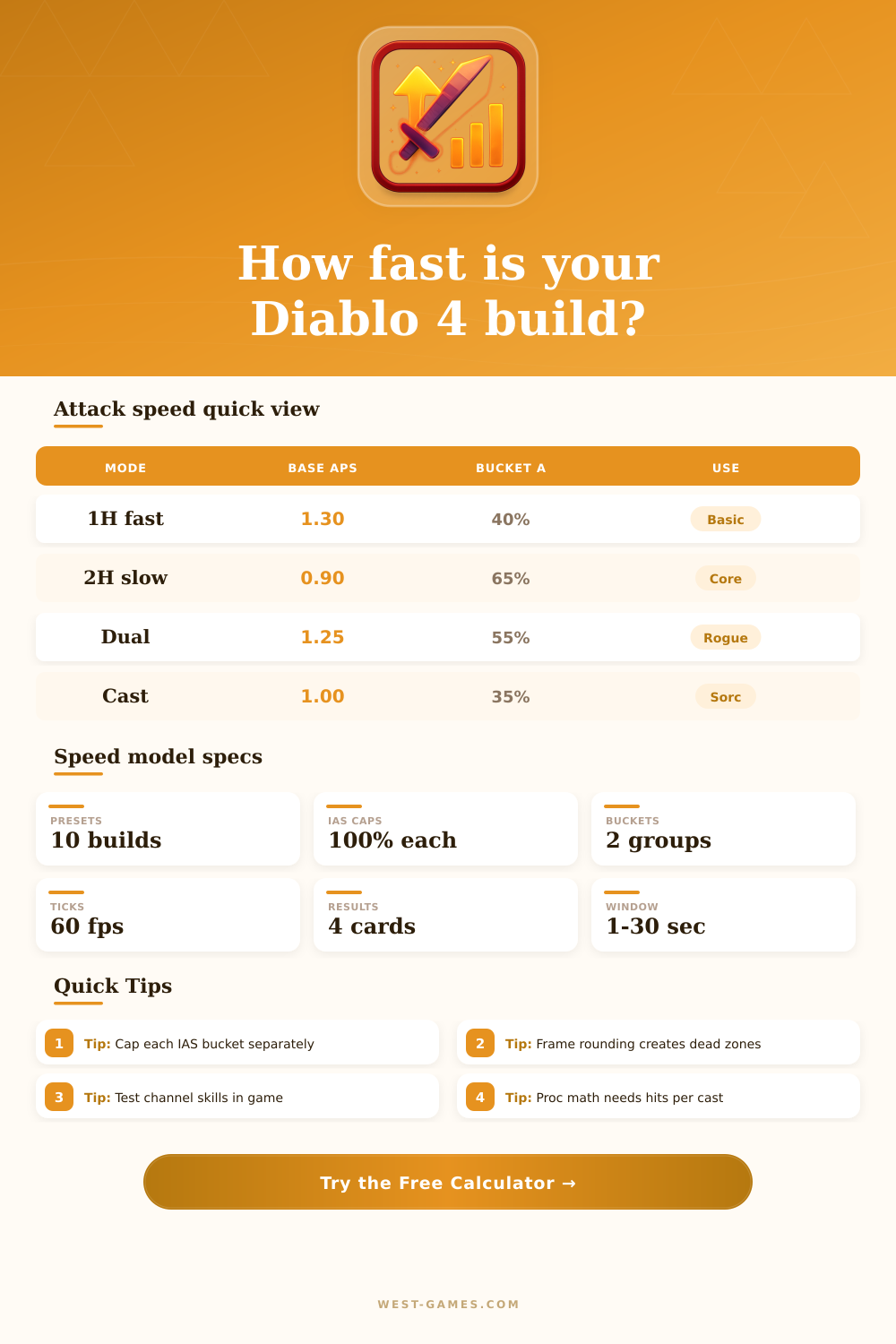
⚔ Diablo 4 Attack Speed Calculator
Estimate weapon APS, IAS buckets, animation breakpoints, proc rate, and damage inside a combat window.
| Weapon type | Typical APS | Mode | Planning note |
|---|---|---|---|
| Dagger | 1.20 | 1H / dual | Fast base for proc builds |
| Sword / axe | 1.10 | 1H / dual | Balanced attack pacing |
| Wand | 1.20 | Caster | Good for basic casts |
| Staff | 1.00 | 2H caster | Slower but strong per hit |
| 2H sword | 1.00 | 2H melee | Core and weapon swaps |
| 2H mace | 0.90 | 2H melee | Heavy burst baseline |
Use your item tooltip when possible. This table is only a planning shortcut.
| Bucket | Examples | Cap used | Calculator action |
|---|---|---|---|
| A | Gear IAS | 100% | Add then cap |
| A | Elixir / shrine | 100% | Add with gear IAS |
| B | Basic skill IAS | 100% | Add then cap |
| B | Aspect or skill IAS | 100% | Add with other bucket |
| Total | A times B | Up to 4.00x | Multiply buckets |
Some effects move between buckets by patch or wording. Put uncertain bonuses in the custom bucket that best matches your test.
| Skill feel | Factor | Hits/cycle | Use case |
|---|---|---|---|
| Very fast basic | 0.70 | 1.0 | Arc Lash, Claw style |
| Fast basic | 0.85 | 1.0 | Puncture style |
| Neutral swing | 1.00 | 1.0 | Most weapon skills |
| Heavy core | 1.20 | 1.0 | Big 2H spenders |
| Channel tick | 0.55 | 0.8-2.0 | Whirlwind style ticks |
| Volley skill | 1.10 | 3.0-8.0 | Multi-projectile hits |
Animation factor is the main manual tuning input. Adjust it until the calculator matches a short in-game hit count test.
| Frame result | Meaning | What to change | Risk |
|---|---|---|---|
| 30+ frames | Slow cycle | Add IAS or faster weapon | Low proc rate |
| 20-29 frames | Stable mid speed | Check next breakpoint | Some dead IAS |
| 12-19 frames | Fast build | Optimize buckets | Resource drain |
| 6-11 frames | Very fast | Verify in game | Animation limits |
| Under 6 frames | Extreme estimate | Use conservative rate | Likely overfit |
The calculator rounds up to whole frames. Extra IAS below the next lower frame may show no practical speed gain.
| Preset | Weapon mode | Bucket A | Bucket B | What to watch |
|---|---|---|---|---|
| Rogue Puncture Dual | Dual faster | 45% | 50% | Lucky Hit flow |
| Barbarian Whirlwind | 2H | 70% | 30% | Channel ticks |
| Sorcerer Arc Lash | Caster | 35% | 65% | Basic speed cap |
| Necro Hemorrhage | 1H | 30% | 40% | Proc per second |
| Druid Claw Storm | 1H | 55% | 60% | Fast frame jumps |
| Spiritborn Quill | Dual avg | 60% | 45% | Volley hit count |
These are build-planning presets, not patch-locked stat recommendations. Replace them with your sheet values before final gearing.
With this in mind, I wrote a calculator (above) to run through it for you. It break out the individual skill-specific bonus and total modifier provided by gear, letting you know actualy how far away your next frame drop is. That’s also why we refer to these as “dead zones”… Most builds suffers from them. You’re putting resources into building up your total percentage across all sources. Once you hit the game engines trigger, you suddenly start getting a faster swing and everything prior was essentially decoration. The tool allows you to avoid spending rare affix spots on bonuses that fall beneath your next useful breakpoint.
There’s a key point to understand here: Gear IAS and skill IAS is not in the same bucket. They each have independent caps that then gets multiplied against each other, penalizing those of us who throw all our speed into one or the other. You need to balance both pools if you want to get the most out of them; putting any further speed into your gear won’t do anything if your gear bucket is capped at a hundred percent. The little table on page explains it well, with all various sources going into the two different pools. It might seem small but it matters a lot when optimizing for end game.
Why Game Speed is Hard to Understand
Beyond that, different weapon types has their own baselines. Wands and daggers deals more base damage per second, while two-handed maces deals less but hit harder and swing slower. You want to match up your weapon speed with the skill’s animation factor. Certain skills don’t rely on raw weapon speed at all (like channeling); instead, they tick internally. That is, how many times your character attack in a second will depend more on the skill itself ticking down than how quickly your sword swing. This is where manual adjustment of the animation factor come into play when theorycrafting.
The other issue is with Proc builds that depends on triggering effects via luck chance. The quicker you attack, the more chances for your proc per second… except if the game doesn’t register all of your hits due to the animation. You can’t force it to make an effect happen between frames that don’t exist. So the calc takes into account both frequency of your hits and your effective speed to estimate your proc rate. It also lets you know if pursuing more speed will actualy help open up your burst window or just burn through your resources at a higher rate.
These invisible walls are created by frame rounding. Because there is sixty frames a second and each one is a sixteenth of a second, any frame is always rounded to the nearest whole number. For example, a particular IAS might take your swing down from thirty-one frames to thirty-point-five frames, but the game will still count it as thirty-one. While you think you’re gaining speed on paper, you aren’t actualy gaining anything in practice. That’s where folks go astray; they’re chasing fractional percent gains, not realizing those gains may or may not be crossing frame thresholds. The tool tell you what IAS is required to round to the next lower frame count.
Speed scales your average damage (don’t neglect damage per hit optimization!), but how do you optimize? Context is everything. Losing some raw power or crit strike damage to gain one frame of speed could make you weaker overall. Speed will be more valuable to a proc-heavy build versus a big-hitting spender, and the presets serves as realistic starting points for popular class builds. Use them to compare situations fast.
In conclusion, it is all about efficiency. You don’t want any points pushing in a direction that won’t actualy improve anything. Because breakpoints are precise on the frame front, the calculator take away the guessing game and displays exactly where you’re at with your stats and how far you have to go for next tier. This turns abstract percentages into real numbers of frames, saving you time and helping you avoid an expensive mistake when planning your paragon.
It feels good to speed things up when it works, because it shifts the pace in a fight from clunky to fluid. The problem is that unless those numbers line up perfectly on engine’s timing, you’ll never get that feeling. Trying to chase vanity stats for frames without knowing what they do leads to stagnation. Mastery happens through planning around breakpoints. Eventually, you would of wondered why your gear doesn’t feel faster anymore; instead, you will finally see exactly why it does.