🛡 Elden Ring Defense Calculator
Estimate incoming hit damage from defense ratio curves, armor damage negation, vigor HP, talisman buffs, poise, equip load, and shield guarding.
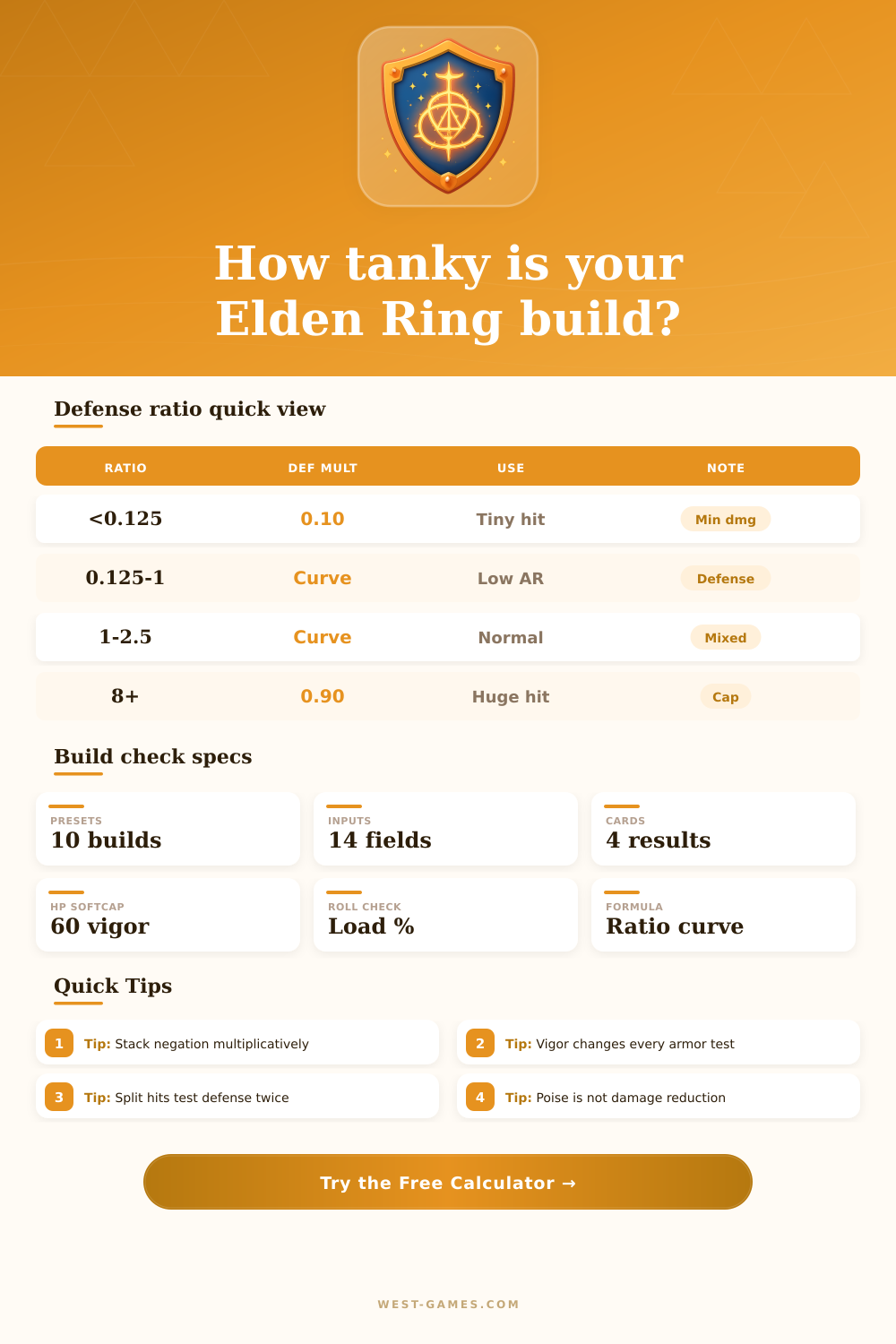
| Attack / defense | Defense multiplier | Practical meaning |
|---|---|---|
| Below 0.125 | 0.10 | Very small damage still deals the minimum defense-curve chip. |
| 0.125 to 1.0 | 0.10 + (ratio - 0.125)² / 2.552 | Flat defense is most visible against weak multi-hit attacks. |
| 1.0 to 2.5 | 0.70 - (2.5 - ratio)² / 7.5 | Most normal PvE hits sit around this mixed reduction band. |
| 2.5 to 8.0 | 0.90 - (8 - ratio)² / 151.25 | Huge boss hits push defense closer to the high-damage cap. |
| 8.0 and above | 0.90 | Defense cannot reduce less than this curve cap before negation. |
Split physical plus elemental hits are calculated as two separate damage packets, each with its own defense ratio.
| Vigor | Approx HP | Build impact |
|---|---|---|
| 20 | 652 | Early-game baseline; armor upgrades cannot fully replace HP. |
| 30 | 994 | Comfortable for Liurnia, Caelid scouting, and mixed armor. |
| 40 | 1450 | Major survivability jump for midgame and first endgame routes. |
| 50 | 1704 | Strong safety level for heavy armor or risky casting trades. |
| 60 | 1900 | Common late-game softcap target before returns slow sharply. |
Enter your exact max HP above if talismans, Great Runes, or stat changes alter these estimates.
| Armor set | Weight | Poise | Physical neg. | Magic neg. | Best use |
|---|---|---|---|---|---|
| Land of Reeds | 19.8 | 34 | 22.1% | 25.8% | Dexterity light or medium roll builds. |
| Black Knife | 21.8 | 40 | 22.5% | 17.5% | Stealth-themed builds that still want usable poise. |
| Vagabond Knight | 24.5 | 40 | 28.5% | 20.6% | Early knight armor with efficient physical coverage. |
| Carian Knight | 25.1 | 40 | 25.8% | 27.0% | Spellblade routing against magic-heavy areas. |
| Banished Knight | 41.6 | 60 | 35.5% | 26.5% | Heavy midgame poise without the Bull-Goat load. |
| Radahn Lion | 41.6 | 60 | 35.5% | 26.5% | Strength builds that can spare endurance. |
| Crucible Axe | 36.9 | 58 | 33.8% | 27.6% | Faith tank style with rounded elemental protection. |
| Bull-Goat | 63.0 | 100 | 38.5% | 26.1% | Maximum poise setups and shield-trade experiments. |
Values are practical planning baselines; altered pieces and patches can shift exact menu values, so the input fields are editable.
| Modifier | Modeled taken multiplier | Applies to |
|---|---|---|
| Dragoncrest Shield +2 | 0.83 | Physical damage taken. |
| Dragoncrest Greatshield | 0.80 | Physical damage taken. |
| Matching Drake +2 | 0.80 | Selected nonphysical element. |
| Pearldrake +2 | 0.91 | Magic, fire, lightning, and holy. |
| Golden Vow | 0.90 | Broad PvE damage reduction planning. |
| Opaline Hardtear | 0.85 | Broad temporary damage reduction. |
| Boiled Crab | 0.80 | Physical damage taken. |
| Black Flame Protection | 0.65 | Physical damage taken. |
The calculator stacks these as taken multipliers rather than simply adding percentages.
| Load percent | Roll state | Defense tradeoff |
|---|---|---|
| Under 30% | Light roll | Best evasive spacing, usually lower armor and poise. |
| 30% to 69.9% | Medium roll | Common balance of armor, weapons, and mobility. |
| 70% to 99.9% | Heavy roll | Higher armor possible, but recovery makes mistakes costly. |
| 100% or more | Overloaded | No normal roll; only useful for special guard tests. |
Load state is shown as a build warning; it does not directly lower the damage formula.
When you use the Elden Ring defense calculator, you are attempting to understand how damage work in the game. Damage in Elden Ring can be somewhat disconnected from the visual actions that you take in the game. You may play fast and furiously with your enemies or take a more cautious approach with your enemies, but the damage that your enemies do to you can still not reflect the power of there attack.
The defense calculator helps you to understanding the damage in this case, as it allows you see how each of your stats will contribute to the number of attacks that you can survive from a specific enemy. Defense in Elden Ring isnt a single line of defense. Rather, there are two lines of defense.
How the Elden Ring Defense Calculator Works
The first line of defense is known as your flat defense value. This value indicate the amount of damage that you can reduce based on a specific damage curve. The second line of defense is your armor negation, which can include the use of talisman and buffs.
This second layer of defense work to multiply the damage value that remains after the system applies your flat defense value. The defense calculator performs these two calculations for you. It can show you if a piece of armor will increase your survival chances with attacks, or if you will have to rely upon your health points alone to survive.
There are different outcomes to your survival with each armor set that you create for your character. For instance, light armor will provide you with less negation of physical attacks than heavy armor. However, the benefit of wearing light armor could be that you can avoid taking attacks altogether.
While the defense calculator will not calculate your chances of dodging attacks with your character, it will show you the difference in health between two different armor sets when you are taken by the same type of attack. Your vigor will play a critical role in your survival in Elden Ring. Your vigor is the main statistic that determines the amount of health that you have before any defense is applied to your character.
The higher your vigor, the more health that you have. However, the value of your vigor can change based off the amount of negation that you already have in your character. For example, if you have alot of armor and talismans that reduce the damage that hits you by 50%, you will have a higher value for each point of vigor that you have.
The calculator shows this value to you for you to understand how many hit you can survive from a specific enemy attack. Included within the defense calculator are several tables that provide further information about your character and your survival from attacks. The defense ratio curve table illustrates why flat defense has more of an impact upon small amounts of damage than it does large amounts of damage that can come from specific game bosses.
The vigor planning breakpoint table shows how gaining health from increased vigor will have diminishing returns the more vigor that you have. This can allow you to decide if vigor is a more important stat to improve than endurance. These tables is not an alternative means of performing calculations with the defense calculator.
However, they do help to provide an understanding of what each value mean for your character. Poise is a stat that many players become confused with damage reduction. However, poise will not reduce the health damage that your character take.
Instead, poise will prevent your character from being staggered. By leaving poise and damage reduction as separate variables in the defense calculator, you can better value these two stats individually in your character. For example, you may want to sacrifice some of your poise for a higher chance of elemental negation.
Similar to the use of talismans and buffs, other variables such as shield guarding will impact the amount of damage that you take and the stamina that you spend blocking attacks. When you use shields in Elden Ring, you take less damage, but you use stamina doing so. The guard boost stat for your shield will show how much stamina you will save when you use the shield to block damage from your enemies.
This information is useful for character that use shields to reduce the damage that they take. For such characters, the defense calculator will show the amount of chip damage that will pass through the shield and the amount of stamina that will be used up during blocking with that particular shield. The defense calculator is most useful when you use it to compare different statistics and stats builds for your character.
For example, you can use the calculator to input the stats for your current armor and stats for your character. Then, you can input the stats for a different armor set for your character to see how your survival chances from attacks will change. In this way, you can determine the value of using armor with more negation than other armor sets, the amount of vigor that you may need if you wear light armor, or the way in which buff can change the damage that an enemy can do to you.