🎮 FPS Calculator
Estimate your gaming frames per second by GPU, resolution & quality settings
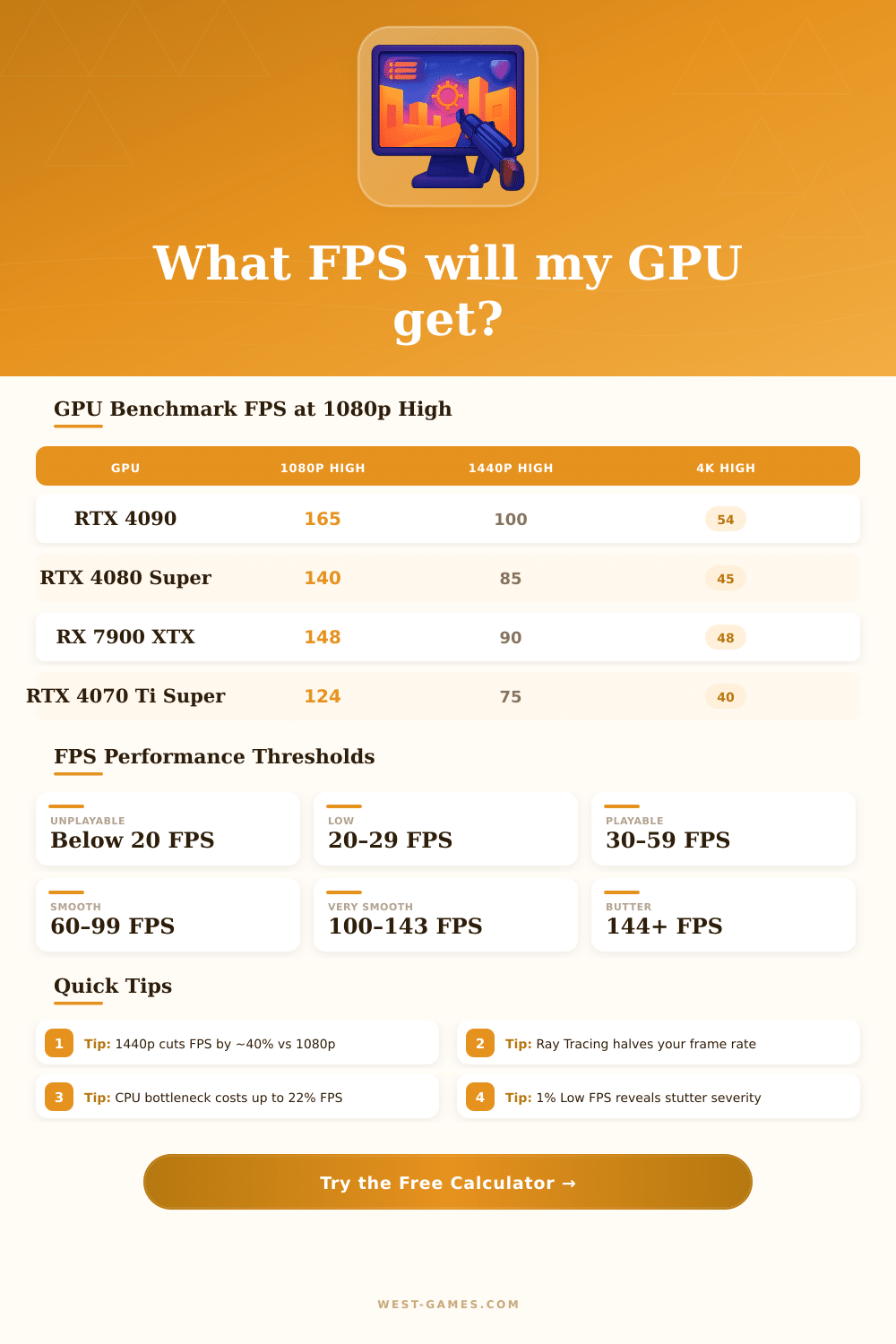
| GPU | 1080p High | 1440p High | 4K High |
|---|---|---|---|
| RTX 4090 | 165 FPS | 100 FPS | 54 FPS |
| RTX 4080 Super | 140 FPS | 85 FPS | 45 FPS |
| RX 7900 XTX | 148 FPS | 90 FPS | 48 FPS |
| RTX 4070 Ti Super | 124 FPS | 75 FPS | 40 FPS |
| RTX 4070 Super | 107 FPS | 65 FPS | 35 FPS |
| RTX 3080 | 102 FPS | 62 FPS | 33 FPS |
| RTX 4070 | 96 FPS | 58 FPS | 31 FPS |
| RX 7800 XT | 99 FPS | 60 FPS | 32 FPS |
| RTX 3070 | 86 FPS | 52 FPS | 28 FPS |
| RX 6700 XT | 79 FPS | 48 FPS | 26 FPS |
| GTX 1080 Ti | 66 FPS | 40 FPS | 21 FPS |
| GTX 1660 Super | 50 FPS | 30 FPS | 16 FPS |
| Resolution | Relative FPS | Pixel Count | vs 1080p |
|---|---|---|---|
| 1080p | 100% | 2.07 million | Baseline |
| 1440p | ~60% | 3.69 million | –40% |
| 4K | ~32% | 8.29 million | –68% |
| Quality Preset | FPS Multiplier | vs Medium | Best For |
|---|---|---|---|
| Low | 1.35× | +35% | Max competitive FPS |
| Medium | 1.00× | Baseline | Balanced play |
| High | 0.75× | –25% | Good visuals |
| Ultra | 0.55× | –45% | Best visuals |
| Ray Tracing | 0.35× | –65% | Cinematic quality |
FPS is one of those words that appears everywhere in the world of video games and it genuinely has two separate meanings. It commonly means “frames each second“, what helps to estimate the smoothness of the images in game. Other times it means “first-personal paŭludo”, that is a kind of video game genre.
We start with frames each second: that shows, how many images the screen receives or shows. With higher FPS the game seems more smooth and without pauses, whether in gaming or in films. If FPS is low, the computer hardly produces enough images each moment, what results in shaky or delayed experience.
What FPS Means in Games
Like this a bigger number of frames ensures a better picture and improves the enjoyment of the player.
For most folks 60 FPS works well. Players, that need fast reactions, benefit from 90 FPS. Really good results come with 120 to 144 FPS.
In competitive first-personal paŭludoj 240 FPS or more is the best option. After one gets used to high frame rates, going back low feels nasty and less fun. Play at 120 FPS or more creates a strong feeling of response and immersion.
The perfect FPS usually matches the Hz-figure of the screen. So if your screen works at 60 Hz, few advantages exist from pushing FPS above that level. Reducing the resolution or dropping the color depth from 32 to 16 bits can help boost the FPS, although the lost color richness is not that serious.
In first-personal paŭludoj higher FPS is especially useful, because the hole image moves with the mouse moves. More easily stay on track of the sight with many frames. In third-person games the eyes can rest on the hero, while the surrounding background moves.
Steam has a built-in counter for FPS. In the menu go to Settings, later to In-Game, to find the option, that unlocks the sight of the counter. Turning on the rule of high contrast changes the colors from gray to green, what is useful in dark scenes as caves or cosmos.
This setting has no side effects.
Now to the other side of the topic. First-personal paŭludo is a title, that focuses on fighting with weapons from the viewpoint of the main character. Titanfall 2 stands out with his mix of speed, motion and mech-fights, that flows well.
Pilots get to run along walls, double jump, slide and change direction with grapple. Call of Duty holds a big slice of the market. Battlebit Remastered allows up to 254 players in a server on maps, that can break apart.
Games as Helldivers 2 add their ownstyle to the first-personal share.