🚀 Starfield Resource Calculator
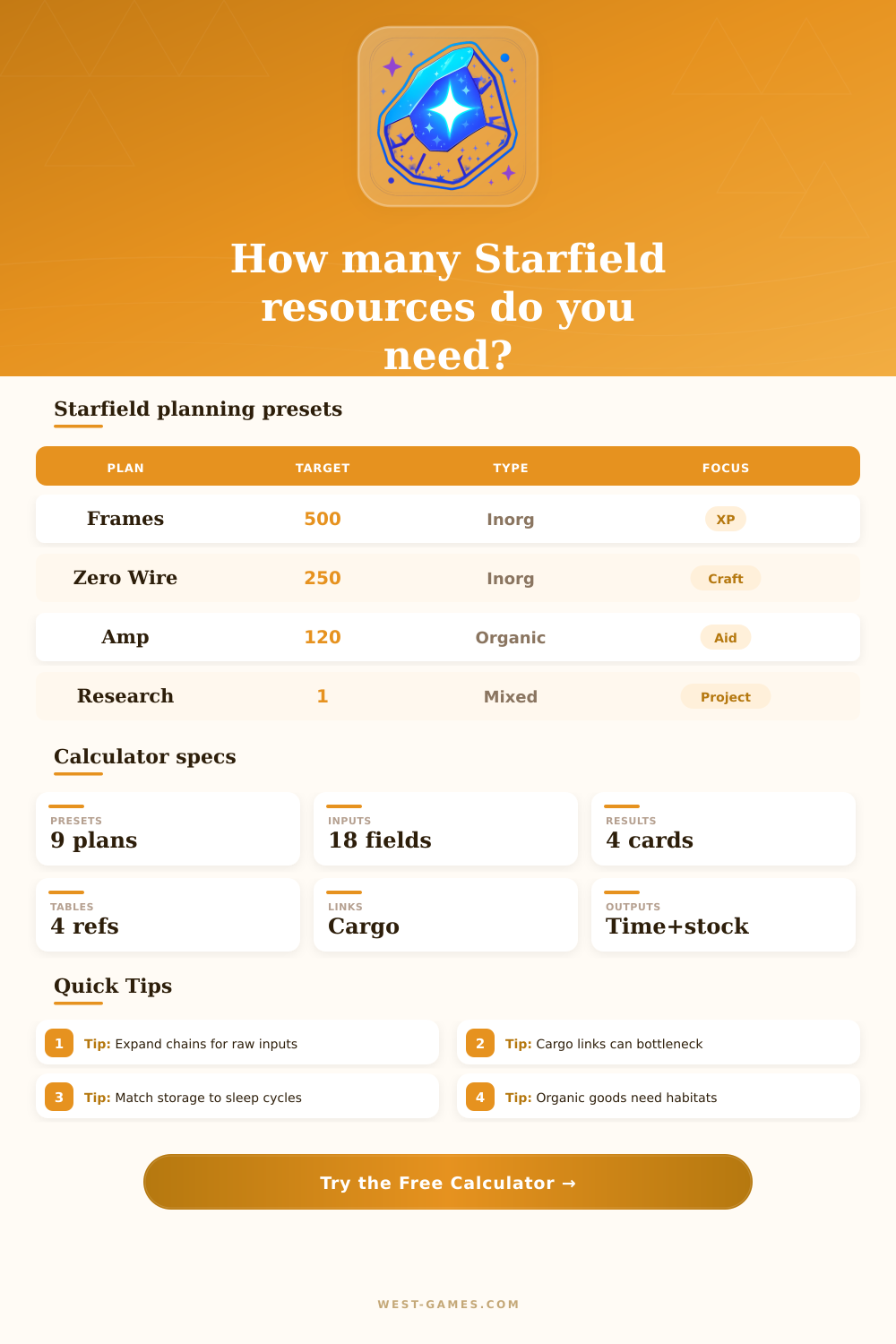
Plan Starfield outpost extractors, research targets, inorganic and organic resources, cargo links, production per minute, storage containers, manufacturing chains, and time to stockpile.
| Target | Input focus | Base rate | Planning note |
|---|---|---|---|
| Adaptive Frame | Aluminum and Iron | 8/min | Classic outpost XP loop |
| Zero Wire | Copper and Silver | 8/min | Common electronics input |
| Isocentered Magnet | Cobalt and Nickel | 8/min | Power and higher chain part |
| Tau Grade Rheostat | Beryllium and Copper | 5/min | Uncommon manufactured part |
| Nuclear Fuel Rod | Uranium, solvent, wafer | 2/min | Advanced chain planning |
The recipes are editable planning baselines for vanilla-style outpost planning. Check your workbench if mods or updates change recipes.
| Producer | Multiplier | Power estimate | Best use |
|---|---|---|---|
| Basic extractor | 1.00x | 5 power | Early iron, aluminum, copper |
| Commercial extractor | 1.25x | 10 power | Mid-sized linked outposts |
| Industrial extractor | 2.00x | 20 power | High-volume stockpiles |
| Greenhouse | User rate | 10 power | Fiber, sealant, nutrient chains |
| Animal husbandry | User rate | 12 power | Toxin and metabolic agent plans |
Enter your observed units per minute if planet time, skill ranks, cargo pathing, or server mods make production faster or slower.
| Logistics item | Input field | Typical bottleneck | Calculator use |
|---|---|---|---|
| Normal cargo link | Links and rate | Pad cycle timing | Caps shipped resources/min |
| Inter-system link | Efficiency | Helium-3 supply | Reduce efficiency if underfed |
| Solid storage | Containers | Iron and aluminum overflow | Counts stockpile capacity |
| Warehouse | Capacity | Manufactured part storage | Buffers final goods |
| Transfer container | Capacity | Manual pickup delay | Useful for short cycles |
If resources arrive in mixed streams, give cargo efficiency a haircut so one full container does not hide a shortage in another resource.
| Preset | Resource type | Primary pressure | Best next edit |
|---|---|---|---|
| Adaptive Frame XP | Inorganic | Aluminum and iron balance | Match two extractor streams |
| Amp farm | Organic and gas | Greenhouse and argon supply | Add organic units |
| Research prep | Mixed | Many small inputs | Raise buffer percentage |
| Outpost starter kit | Mixed | Sealant and frames | Expand chain mode |
| Fuel rod chain | Advanced | Rare resources and storage | Check cargo link capacity |
Presets are starting points, not locked routes. The most accurate plan uses your observed extractor rates and the exact project quantity you want.
Starfield outpost building is more of a game of “controlled chaos” then engineering. You build a foundation, slap some extractors down, and your cargo container fills with iron, but you still need room for aluminum! That mismatch between what you want and what you have are where most players lose progress. It’s less about mining harder; it’s about flow.
Once you know what you want, use the calculator above. It calculates everything and saves you from doing math in your head when you’re under pressure. Many newcomers think that net gain = extraction speed. They’re wrong. Your extractor will churn out raw materials at an even pace, which means they has to go somewhere. Without enough cargo links to keep up, a pileup forms in the local buffer, and eventually it overflow or halts production entirely.
Why You Need This Starfield Calculator
The tool measures how fast each of your extractors works and checks how much throughput capacity you’ve got on your assigned cargo link. You could be running five industrial extractor but capped by one un-upgraded link. That’s not visible from looking at their icons alone, but it’s what dominates your real progress. Most players don’t realize how complicated manufacturing chains get until it’s too late.
Mining some Aluminum and Copper doesn’t account for what happens when you want to make something like Adaptive Frames or Zero Wire. Not only do you have to mine those materials, but you has to manage their intermediate storage throughout the process. If you choose correct mode, the calculator will expand those chains for you. That means it’ll translate whatever number of items you’re making into amount of raw ore you need. It ensures you never run out of mid-tier component simply because you didn’t account for them needing dedicated storage space. It takes a vague crafting goal and makes it into solid logistics plan.
With organic production, you’re adding a whole new set of variables. Miners run on their own schedule, whereas greenhouses and husbandry facility tend to produce less at any given instant, but steadier over time. To understand whether or not your organic sources are meeting your demand for sealants, it breaks out organic versus inorganic inputs so that you know how much fiber you’ve got available vs. You can determine how many seals you need. Because these don’t generaly line up precisely, you need to manage your buffers carefully between them. Waiting around for the last piece of the organic puzzle to generate before releasing all those raw materials will burn valuable storage mass.
The most practical result from this tool is storage size. It determines the exact amount of storage needed for your target stockpile size plus a safety buffer. Why? Because there are interruptions in real life. You’ll remember the quest halfway through and go do it. You’ll forget to dump the filled canister when it gets too heavy. Or, a storm will drain all the batteries and halt production. That additional 10% is what makes the difference between pausing your production line and keeping things humming along smoothly. It’s insurance for when you screw up as a person.
Power constraints are another silent killer in outpost design. Each cargo link, fabricator, and extractor require power from your available energy budget. The calculator won’t account for voltage drops. However, it helps you see if you are exceeding what is possible with the number of modules you are generating. If you are assigning twenty extractors to a small outpost, you will likely starve them of energy before you starve them of resources. Efficient base building is all about balancing how much input you have with how much your infrastructure can handle.
The key to managing resources well in Starfield is anticipating places where that will grind to a halt. Whether you are using adaptive frames or collecting resources for a research project, the math of resource collection play out the same way. How many do you have? Where does it go? And at what rate? Once those are known, the math turns from guess work into planning and that’s when a tool like the one above comes in handy. It’ll help organize these factors so that you can see a path forward.
Not sure what to build? Go figure it out yourself. But you’ll be able to do it on purpose.