Sim Racing Fuel Calculator
Estimate race fuel from measured fuel per lap, timed or fixed lap races, formation laps, pit/out laps, safety margin, gallons conversion, and usable stint range.
Full Breakdown
| Step | Formula | Uses | Rounding | Why it matters |
|---|
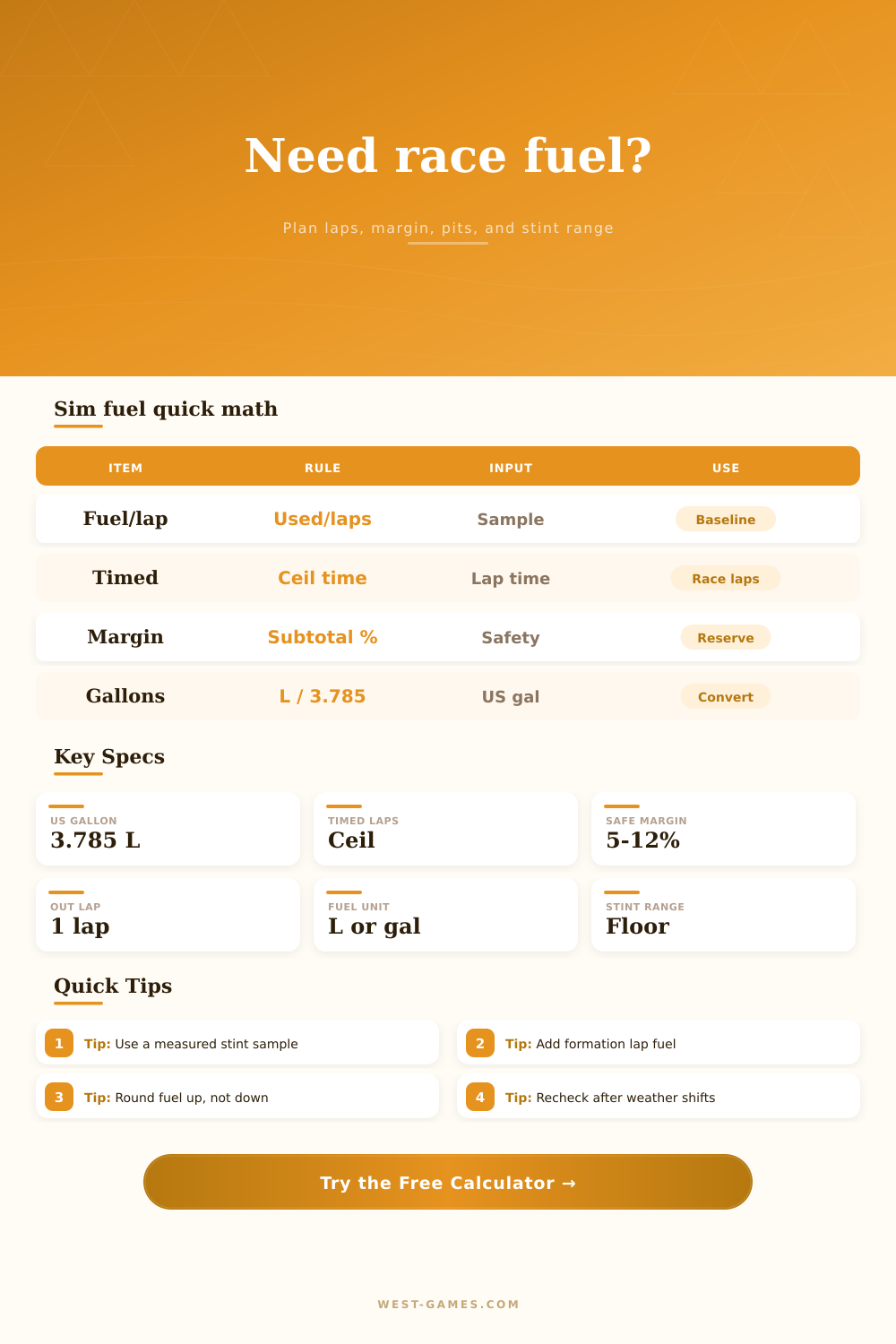
Fuel math is deterministic: measure fuel per lap, estimate race laps, add service lap fuel, add reserve, then apply the safety percentage.
| Preset | Format | Lap time | Fuel per lap | Margin | Planning use |
|---|
| Planning case | Typical margin | Reserve laps | Watch item | Calculator action |
|---|
| Item | Conversion | Example | Calculator output | Check |
|---|
Before you go racing, calculate how much fuel will be consumed between the green flag and finish line, as well as during formation laps, pace laps, and pit entries, to ensure you don’t run out of fuel in the middle of the race. A tool like the calculator can do all the math for you, but what is important to know are the inputs and their relevance.
Your hot lap data, where you carried max speed and braked late, won’t help you plan your entire race stint. Traffic and the nature of pack driving causes more fuel consumption so it requires a sample stint of race pace.
How to Plan Your Fuel
Your fuel plan is dependent upon timing, and sometimes it feels like you’ve made more laps around than what clock indicates. Ceiling logic handles this in the tool. That last lap usually exceeds the timer because the flag only drops after the leader crosses finish line. If you don’t count that final fraction of a lap, you’ll run dry.
Though service laps may seem like they’re free, they burn fuel too. Pit entries, formation laps, and pace laps all burns fuel. And a pace lap can burn up to 70 percent of what you do at race pace. Multiple in/out pit sequences require additional fuel additions. Adjust the calculator’s percentage for those laps as well, since a fast out-lap burns more different than a slow pit lane entry.
Real races have some noise. Add a 5-12% reserve (not because you’re pessimistic but because they can vary). Safety cars bunches up field, traffic slows you down, and brake wear alters your throttle application. Unexpected delays and differences between driver also come into play.
Figure out how much you think you’ll need: let’s say it’s one-hundred liters. Don’t cross the finish line crawling! Start with more than a hundred.
If you race at other servers that operate in gallons instead of liters, you have to switch units; this is done automatically by the tool; no more underfueling because you mixed up the unit! You should of checked that first.
The presets are standard ones from experience and can be found on the reference tables. Use one as a starting point but adjust it according to track conditions and driving style.
Fuel is half of the equation but so too are the logistics of refueling. How fast do you refuel? Calculate how long it will take and figure out if this means you’ll have time in the pit lane to catch back up or if you’ll get stuck in traffic during a close enduro race. Three seconds saved pumping could mean staying ahead of pack. You can finish competitively, with a cushion to make a push.
The best laid plans don’t always work out; that’s just the way it goes sometimes. But having an exact plan provides a starting point. When something doesn’t go right, you’ll have a good idea about your available buffer. Actualy, it helps alot. That turns the panic button into a calculation button. Preparation, not luck, will let you know if you’ve made the grade. Moddern racing requires math.