💻 Resolution Scale Calculator
Dial render scale, estimate FPS headroom, and compare internal pixels so your game stays sharp without wasting GPU power.
Tune the scale against your GPU, refresh target, and display size to see whether the image should stay sharp or lighten the load.
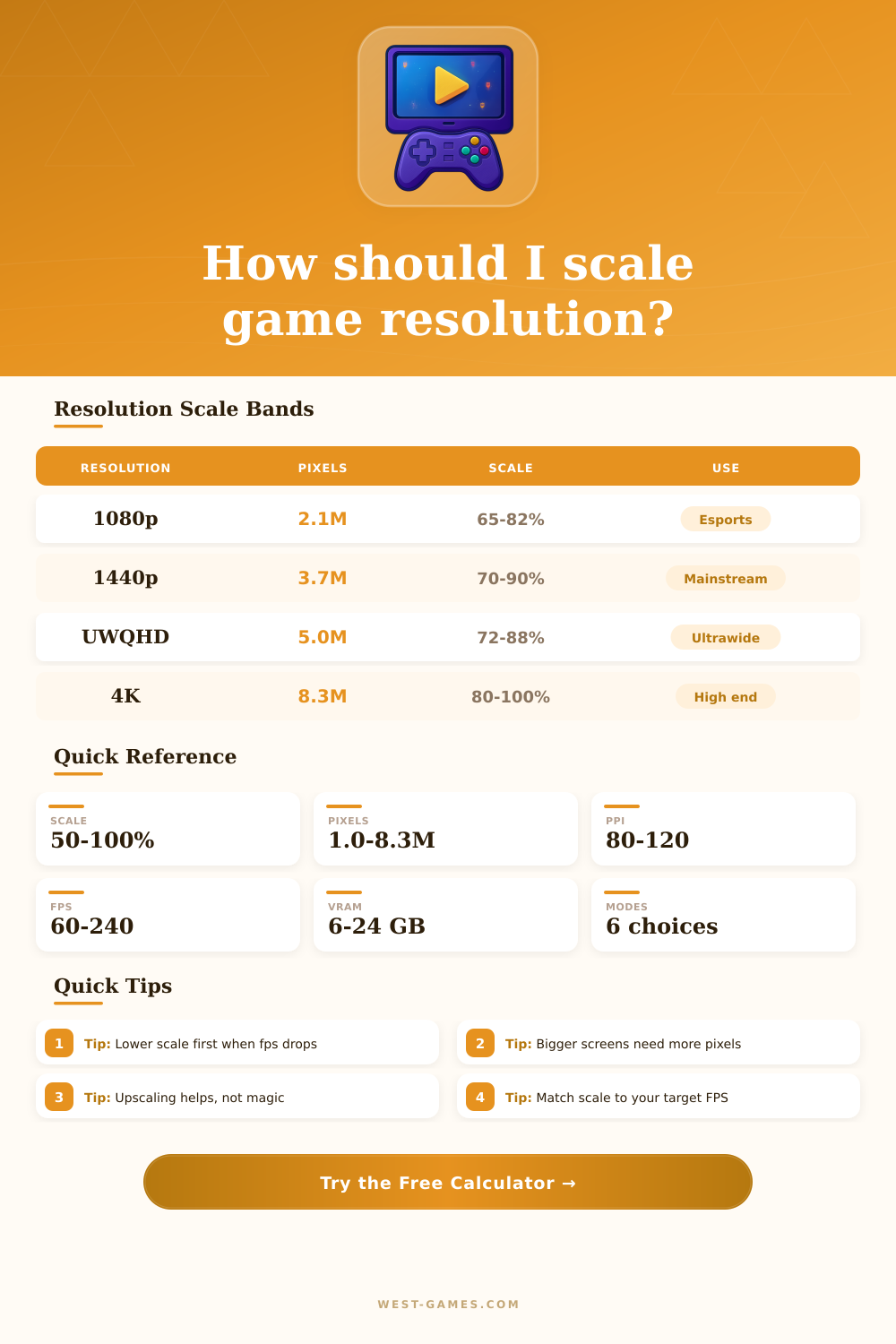
| Resolution | Pixels | Scale band | Best use |
|---|---|---|---|
| 1920 x 1080 | 2.1M | 65-82% | Esports |
| 2560 x 1440 | 3.7M | 70-90% | Mainstream |
| 3440 x 1440 | 5.0M | 72-88% | Ultrawide |
| 3840 x 2160 | 8.3M | 80-100% | High end |
The scale band reflects how much of the native frame you can usually keep while staying within a practical GPU budget.
| Mode | FPS feel | Clarity | Best for |
|---|---|---|---|
| Native | Fast | Sharpest | Strong cards |
| DLSS Quality | Fast | Very sharp | NVIDIA rigs |
| FSR Quality | Fast | Sharp | Mixed rigs |
| Performance | Fastest | Softest | Heavy games |
Upscaling can recover detail, but the render scale still decides how much work the GPU must finish per frame.
| GPU | Perf index | VRAM | Use case |
|---|---|---|---|
| GTX 1660 S | 100 | 6 GB | 1080p |
| RTX 3060 | 140 | 12 GB | 1080p/1440p |
| RTX 4070 S | 235 | 12 GB | 1440p |
| RTX 4090 | 370 | 24 GB | 4K |
The perf index is a planning score. It is close enough for choosing a scale target without pretending to be a synthetic benchmark.
| Game type | Scale bias | FPS target | Note |
|---|---|---|---|
| Competitive FPS | Low | 180+ | Prioritize speed |
| Battle royale | Mid | 120-165 | Balance both |
| RPG / action | High | 60-120 | Sharper image |
| Flight sim | Low | 45-90 | Heavy load |
When the target FPS climbs, the recommended scale usually falls. When the target FPS drops, the calculator can afford more pixels.
The resolution scale appears commonly in PC games like Battlefield, Overwatch, and Plague Tale. It controls the internal render resolution of the game, which differs from the display resolution. The display shows to the player what the display resolution is, while the scale changes the resolution that the game actually renders behind the scenes.
It avoids rendering the game in full resolution and uses a lower one instead. Later it expands it back to full size. Because the low resolution has fewer pixels, there are spaces to fill.
What Resolution Scale Does in Games
For that you apply tools like frame and pixel interpolation that help increase the internal resolution. Like this you can improve the performance by lowering the basic resolution and later using upscaling for getting back some quality.
The scale happens for the x and y axes. So 200% scale in 1080p shows that the GPU renders internally in 4K. That is 4 times more pixels, not just double. With 100% scale in 1920×1080 the real pixels are 1920×1080. In 200% it reaches 4K. The same logic works the other way.
In 4K with 50% scale the result 1920×1080. Although some games and techniques like NVIDIA DSR mark the scale squared differently, so 1080p to 4K will be 400% instead of 200%.
Under 100% helps the performance because it renders internally lower and later increases to native resolution. Above 100% puts more load on the GPU, but gives a cleaner image by scaling down. 120% scale means that the game renders at 120% of the native resolution and later shrinks.
It is like the old super sample anti-aliasing.
Because of the increasing complexity of modern games it is not always possible to render in native resolution, especially on weak GPUs. Upscaling of resolution is a good GPU improvement. It gives big GPU benefit, but almost none for the CPU, because fewer pixels reduce the GPU load.
83% scale is a good balance between quality and performance. In 4K that means about 3200×1800. Some games apply strong TAA upscaling that hides the lowering almost perfectly. Around 80% works well here.
If a game lets you change the scale, it usually keeps the UI elements in native resolution, and only the game world it lowers. Upscaling commonly is the best because it does not freeze the interface and does not blur the whole screen. In 1080p screen games with scale above 100% seem much nicer