📽 Resolution Downscale Calculator
Compare source pixels, screen distance, and render target size so you can cut load without making the image feel mushy.
Pick a profile and target to see how much you can cut before the image starts to soften.
| Family | Target | Use | Note |
|---|---|---|---|
| 1080p | 720-900p | UI text | Light cut |
| 1440p | 1080-1440p | Gaming | Mainstream |
| 4K | 1440-2160p | Photo | Sharp |
| 5K+ | 1800-4K | Pro work | Heavy |
Stay in the same aspect family when you can. That keeps the downscale math clean and avoids edge distortion.
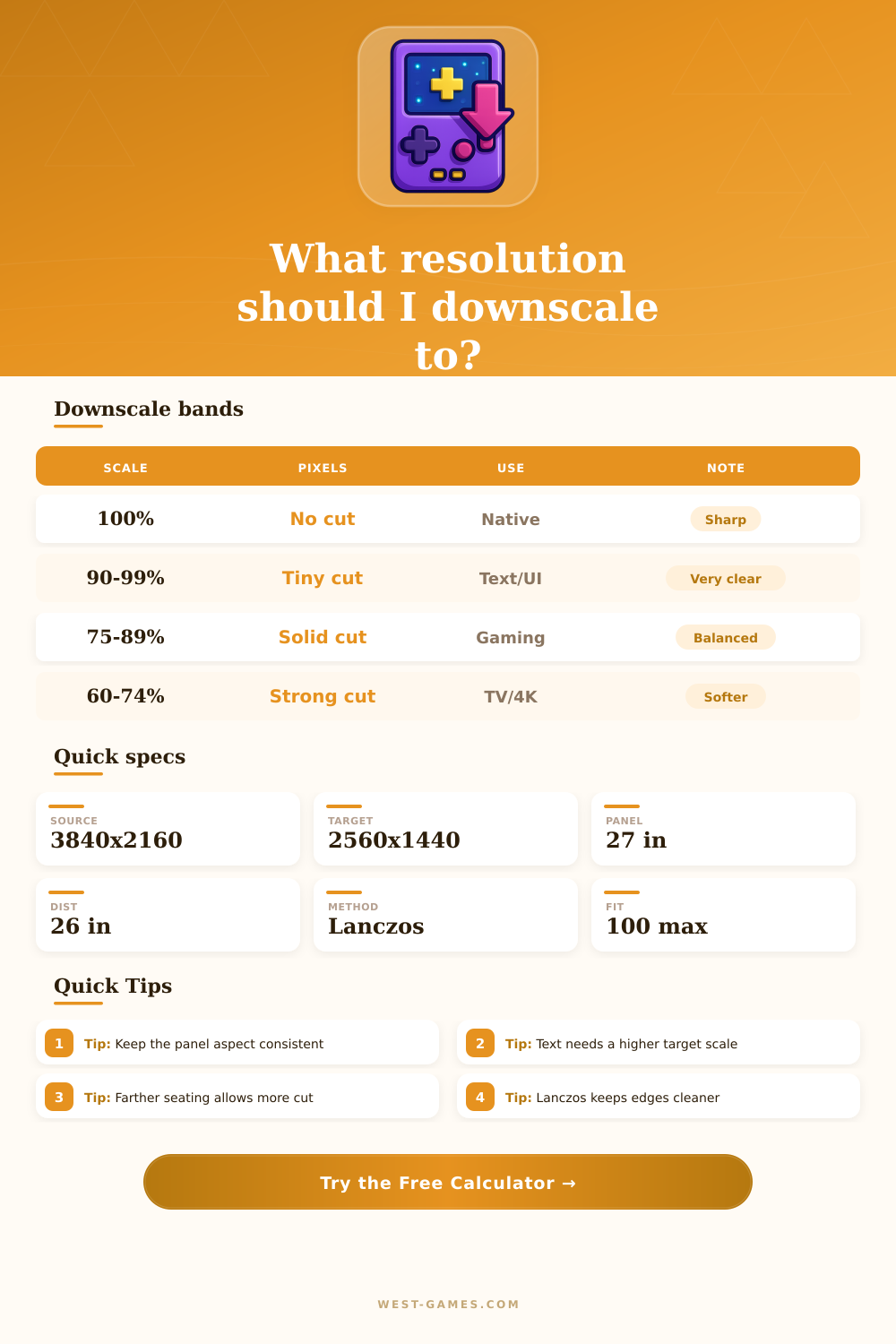
| Scale | Pixels | Feel | Note |
|---|---|---|---|
| 100% | Full | Native | No cut |
| 90-99% | Tiny cut | Clear | Very safe |
| 75-89% | Solid cut | Balanced | Sweet spot |
| 60-74% | Strong cut | Soft | Watch text |
A little downscale can save a lot of work, but text-heavy layouts usually like a higher floor.
| Method | Sharpness | Speed | Best use |
|---|---|---|---|
| Nearest | Low | Fast | Pixel art |
| Bilinear | Soft | Fast | Simple UI |
| Bicubic | Good | Med | Default |
| Lanczos | Best | Slow | Fine detail |
Sharper methods usually need a touch more compute, but they hide downscale blur better on desktop monitors.
| Distance | PPI aim | Scale feel | Use |
|---|---|---|---|
| 20-24 in | 95-110 | 0.85-1.0x | Close desk |
| 25-30 in | 85-100 | 0.75-0.9x | Mainstream |
| 31-40 in | 70-90 | 0.65-0.8x | Deep desk |
| 60+ in | 50-70 | 0.5-0.7x | Couch |
Sitting farther away usually gives you more room to downscale before sharpness starts to feel thin.
Resolution downscale is a term that commonly appears in gaming. It means to play in lower resolution than the natural screen, then extend it to cover the whole image. For instance, at 1920×1080 native resolution with 50% downscale the game runs in 960×540 and then stretches it to full 1920×1080
You do that chiefly to help performance. At a screen of 2560×1440 downscale game to 1920×1080 gives better perfomance. It simply helps to win FPS, especially while waiting for optimizations.
Downscale and Supersampling in Games
Also lowering graphics from ultra to medium together with downscale are useful.
But it works both ways. At 1920×1080 set scale to 0.5 do game in 1280×720 and extend it to 1080p. Scale to 1.5 would give 2560×1440 and then downscale to 1080p. The second way is supersampling, where game runs in higher resolution, then shrinks image to add sub-pixel detail.
Supersampling beats many kinds of anti-aliasing, which commonly adds blur. It however loads GPU, requiring more VRAM and bandwidth. If the card has enough power, results look great.
Downscale 4K to 1080p or 1440p both give nice images. The screen shows average from big 4K image for every pixel of 1080p, so jagged lines and distortions disappear.
NVIDIA users can turn on DSR in the Control Panel. On 1080p screen 178% give 1440p and 400% reach 2160p or 4K. Set DSR smoothness to 10% and adapt later. AMD users use VSR instead.
Both run in high resolution and then scale down to natural resolution.
Streaming is another case where downscale matters. Play in 1080p with low bitrate commonly give hazy motion. Downscale to 720p solves the problem of motion blur.
For streaming choose resolutions divisible by 8, because H.264 encoder shares image in pixel blocks. Not divisible force to add fake pixels, which wastes performance. Divisible by 16 are even better, so 720p streaming works ideally.
On Steam Deck the device limits to 1280×800 as maximum free resolution. You can set favorite resolution through Settings then Display.