📡 Ping to Distance Calculator
Estimate how far a game server could be from ping milliseconds, one-way latency, fiber or copper speed factor, route efficiency, backbone overhead, last-mile delay, and likely server region.
Vacuum or air-like maximum using the same one-way propagation time.
Long-haul fiber before route bends, peering detours, and equipment delay.
Straight-line equivalent after applying route efficiency and overhead.
Estimated non-distance latency from access, hops, server, and jitter risk.
| RTT Ping | One-way | Gameplay feel | Typical server |
|---|---|---|---|
| 1-15 ms | 0.5-7.5 ms | LAN-like, excellent hit reg | Metro edge or nearby city |
| 16-35 ms | 8-17.5 ms | Excellent ranked play | Same region datacenter |
| 36-70 ms | 18-35 ms | Good for most games | Neighboring region |
| 71-120 ms | 35.5-60 ms | Playable, timing noticeable | Continental or undersea |
| 120+ ms | 60+ ms | Distant, peeker advantage grows | Intercontinental or satellite |
| Medium | Factor | km per ms | Notes |
|---|---|---|---|
| Vacuum or ideal air | 1.00c | 299.8 | Physics ceiling, not normal fiber |
| Microwave or wireless | 0.90-0.98c | 270-294 | Fast path, limited route availability |
| Long-haul fiber | 0.67-0.70c | 201-210 | Common backbone assumption |
| Mixed ISP route | 0.60-0.66c | 180-198 | Access and metro aggregation included |
| Copper/coax sections | 0.55-0.65c | 165-195 | Mostly last mile, not long haul |
| Efficiency | Meaning | Route shape | Use when |
|---|---|---|---|
| 85-95% | Very direct | Major city pair or private backbone | Datacenters on strong peering routes |
| 70-84% | Normal internet | Some peering and geography bends | Same country or same continent gaming |
| 55-69% | Indirect | Hub detour, undersea landing, poor peering | Cross-border or island routes |
| 40-54% | Very indirect | Backhaul through another region | VPN, remote ISP, or congested routing |
| Straight-line km | Region label | Common examples | Queue advice |
|---|---|---|---|
| 0-500 | Metro or nearby | Same city, local edge, nearby ISP hub | Use for twitch shooters |
| 500-1800 | Same region | US East, Western Europe, SEA hub | Best ranked default |
| 1800-4500 | Neighbor region | US coast route, EU to Middle East | Acceptable for many games |
| 4500-9000 | Continental edge | Trans-Atlantic, Asia to Oceania | Prefer rollback or prediction |
| 9000+ | Intercontinental | Trans-Pacific or far hemisphere | Use only if matchmaking needs it |
| Ping RTT | Clean fiber path | 70% route estimate | Likely match region | Notes |
|---|---|---|---|---|
| 10 ms | About 1000 km | About 700 km | Metro or nearby | Subtracting local delay can shrink this sharply |
| 25 ms | About 2550 km | About 1780 km | Same region | Common for strong regional datacenters |
| 50 ms | About 5100 km | About 3570 km | Neighbor region | Feels good in slower games, visible in FPS duels |
| 90 ms | About 9180 km | About 6420 km | Continental edge | Often undersea or cross-continent routing |
| 160 ms | About 16320 km | About 11420 km | Intercontinental | Check server selection, VPN, and ISP path |
“Why didn’t my shot register? What am I looking at?” you think, staring at a green kill feed. “He peeked, I clicked and then they was dead before my packet got to the server.”
Bad luck, right? But then you remember it’s physics. And ping isn’t magic. Ping measures distance. It is wrapped in time. Each millisecond of latency equal a certain physical distance between your machine and server hardware.
How Ping Distance Works
Learning about this gap changes how you think about server selection. It changes how you think about matchmaking. It even changes how you set up your home network. That’s where the calculator comes in. By removing noise, it does the heavy lifting for you.
When most people see their round-trip time, they think “distance.” They’re wrong about that half. Your ping is split exactly in half. One half is signal going out to the server. The other half is the reply coming back along with all the processing overhead in between. So the tool first breaks down that round trip as one way latencies. Then it removes the non-distance bloat on your numbers.
A few milliseconds from your Wi-Fi router. A few more millisecond come from the game server (tick rate + firewall inspection). There is queueing delay from intermediate hops across ISP network. After removing these, we’re left with raw propagation time of light traveling over copper or fiber.
But it turns out that the medium makes quite a difference here. When traveling through piece of glass, light does not travel at its maximum speed. It’s slowed dramaticly. By default, the calculator assumes long-haul fiber, which move at about sixty-eight percent of the speed of light in a vacuum. Wireless backhaul at the last mile and/or older copper lines along your route will reduce that speed factor. The lower the speed factor, the shorter actual physical distance represented by any given ping number. So you’re not actually further away, but signal is being carried more slowly within the medium. The tool allows you to tweak that variable if you have reason to believe your ISP depends on old infrastructure.
Another secret variable is route efficiency. There’s no such thing as a perfectly straight internet cable running around the world. It follows existing infrastructure, peers at exchange points and occasionally takes some scenic detours because certain ISPs has crappy routing agreements with each other. Sometimes when you ping a server it says “three thousand kilometers” when in reality it’s more like four thousand because of how the cables are actualy routed. The calculator has an efficiency percentage that estimates the difference between real straight-line distance and the routed distance. That way you can tell whether your lag is being caused by physical location, or administrative factors (like poor peering). If the routed distance is much longer then you’re probably dealing with bad peering.
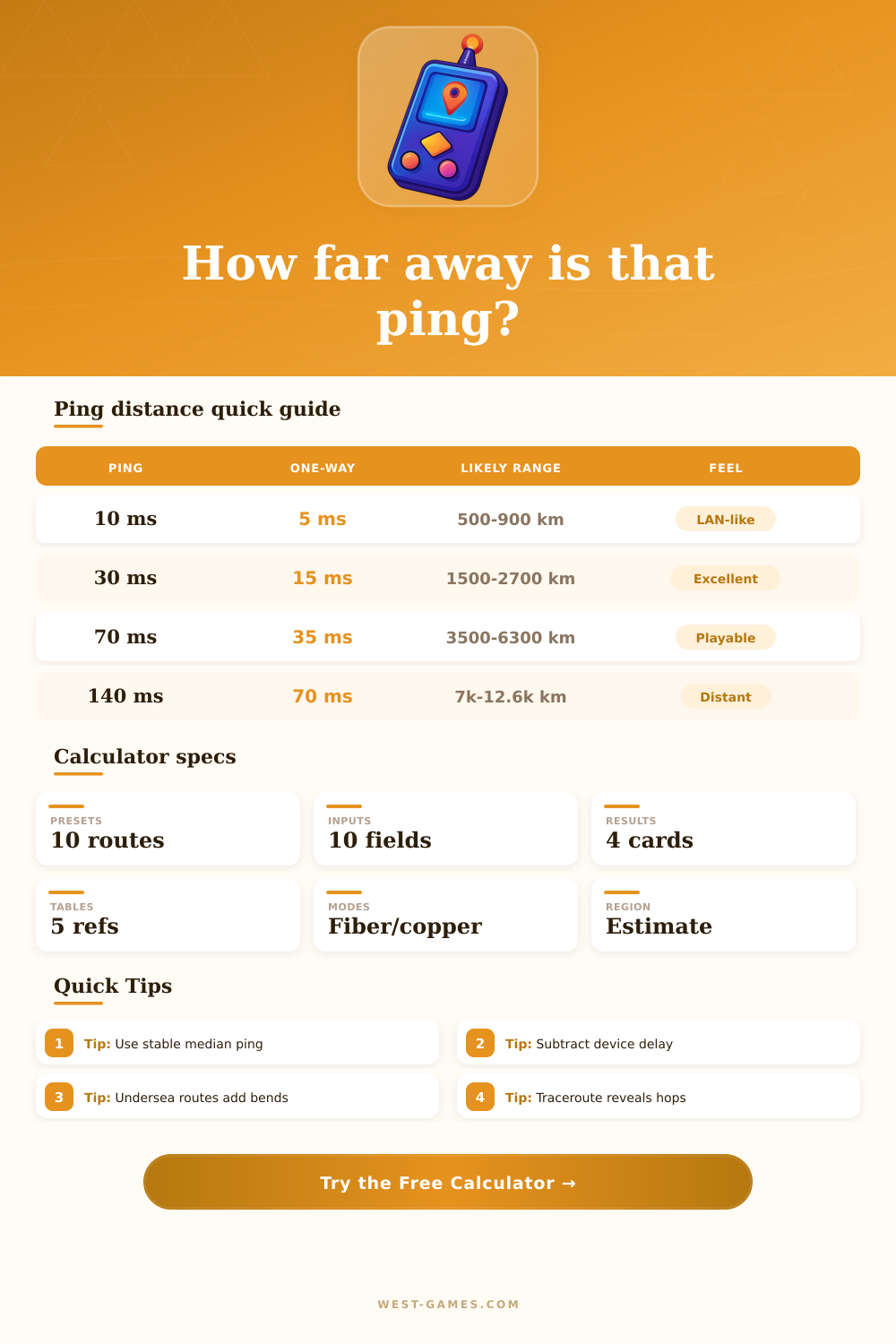
These distances connect directly with gaming feel. Under fifteen milliseconds, you’re typically talking about a server located somewhere in your own metro area, maybe even the next city over. Your response time is nearly instant. Thirty to fifty milliseconds means it’s probably a regional server, maybe across state lines or within the same continent. This should of been fine for most games, though it might not be ideal for every genre, especially if you are playing something fast-paced like a shooter. One hundred plus milliseconds indicates you’re probably communicating with a server on another continent or crossing an ocean via undersea cables. At this point, the reaction window is so large that you really start needing rollback netcode and prediction methods just to play the damn thing.
The reference tables on the page break it down in an easy to understand way. They break ping bands up into types of gameplay experience. You can use those as a sanity check. Don’t think that a 40 millisecond measurement will give you LAN-like response times. Accept the tradeoff.
It’s also good for diagnosing weird spikes. Your median ping might say it’s a close server and yet you’re getting high jitter. That means it’s probably not distance but some sort of packet loss/congestion somewhere local. Follow the route and you can see where the delay realy is.
Ping is ultimately just a proxy for physics. The speed of light cannot be cheated. But you can know which part of your ping is from preventable overhead and which part is just unavoidable distance. The calculator splits it out. It allows you to determine if the problem is your ISP’s routing or location of the server. When you know the true distance behind the millisecond number, you no longer has to guess. You make an informed choice about which game to play. Your shots might still go missing from time to time, but now you’ll know exactly why.