🏎 Downforce Balance Calculator
Estimate total downforce, front/rear aero split, front aero balance percentage, coefficient-based drag, ride-height rake shift, and corner load change at a target speed.
Calculation Breakdown
| Calculation | Formula | Needed inputs | Output |
|---|---|---|---|
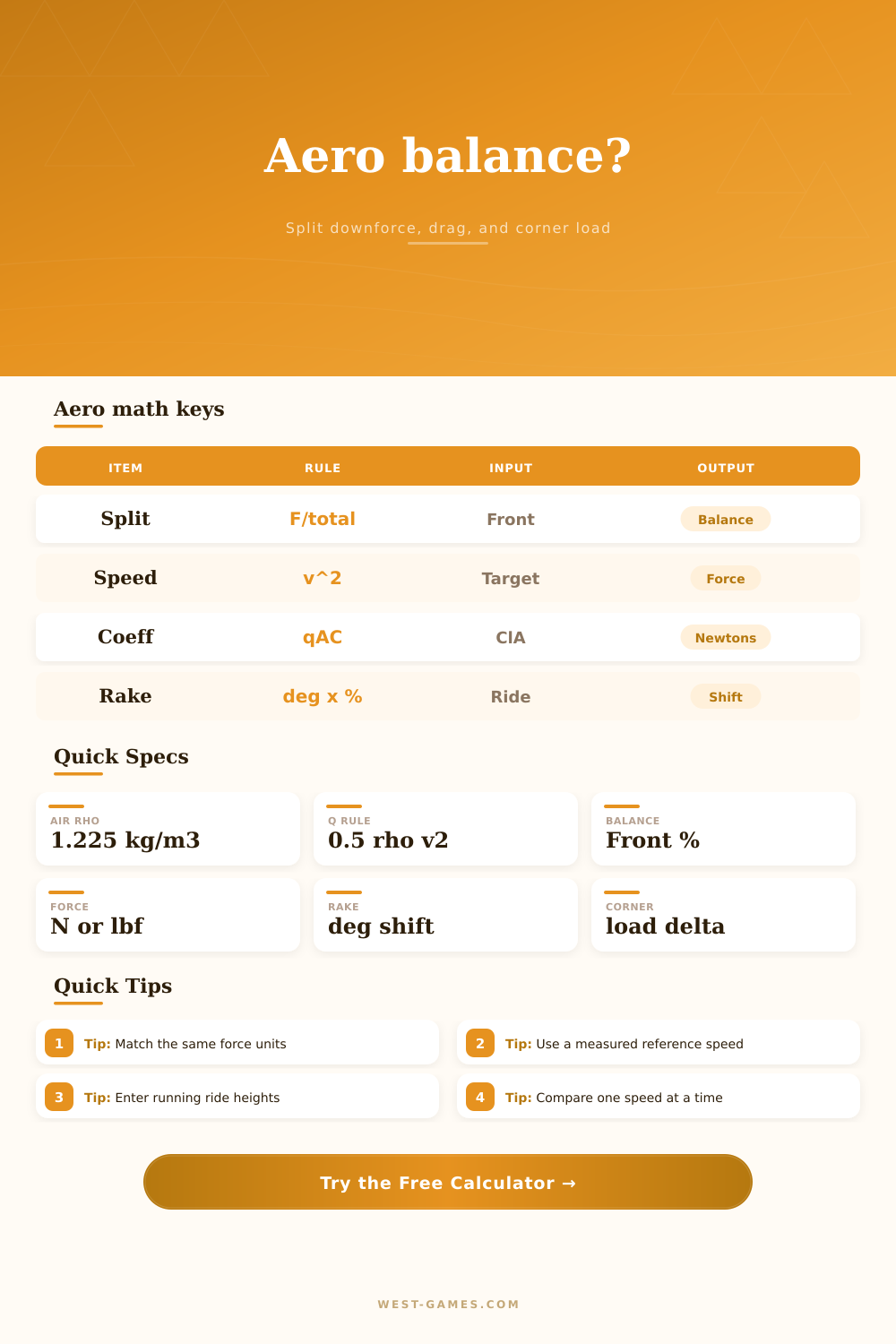
| Speed-squared scaling | Force = reference force × (target speed / reference speed)² | Reference force, reference speed, target speed | Front and rear downforce at target speed |
| Coefficient force option | Force = 0.5 × rho × velocity² × area × coefficient | Air density, speed, area, downforce coefficient | Axle downforce in newtons |
| Aero balance percentage | Front balance = front downforce / total downforce × 100 | Front and rear downforce | Front aero balance percent |
| Rake modifier | Rake shift = atan((rear height - front height) / wheelbase) × sensitivity | Ride heights, wheelbase, modifier | Adjusted front balance percentage |
| Preset | Mode | Target speed | Front share | Rake input | Load case |
|---|---|---|---|---|---|
| GT3 high speed | Reference force | 150 mph | 43% | 18 mm | 1.8 g |
| Formula low drag | Coefficient | 185 mph | 45% | 24 mm | 2.4 g |
| Prototype race | Coefficient | 200 mph | 44% | 20 mm | 2.7 g |
| Touring car aero | Reference force | 125 mph | 40% | 12 mm | 1.4 g |
| Coefficient audit | Coefficient | 240 km/h | 43% | 16 mm | 2.0 g |
| Item | Typical calculator role | Unit | Formula placement |
|---|---|---|---|
| Air density | Sets dynamic pressure at a given speed | kg/m³ | q = 0.5 × rho × v² |
| Frontal area | Scales lift and drag coefficient force | m² | Force = q × area × coefficient |
| Downforce coefficient | Positive lift-force coefficient per axle | unitless | Front Cl and rear Cl are calculated separately |
| Drag coefficient | Estimates straight-line aerodynamic drag force | unitless | Drag = q × area × Cd |
| Step | Formula | Front axle use | Rear axle use |
|---|---|---|---|
| Static axle load | Mass × g × static axle percent | Front static percent | 100% - front static percent |
| Load with aero | Static axle load + axle downforce | Front load + front downforce | Rear load + rear downforce |
| Lateral transfer estimate | Axle load × lateral g × CG height / track width | Front track width | Rear track width |
| Outside corner delta | (axle load + transfer) / 2 - static axle / 2 | Front outside change | Rear outside change |
On a straight section, the car might be stable, but then it loses traction around a corner. Suspension geometry isn’t always responsible for this problem. A car’s aerodynamic forces can shoves too much on the front end, while the rear end gets light.
Total downforce figures is less important than their distribution, their balance. Balance percentage indicate the percentage of the total downforce sitting on the front axle versus the rear. Rake shift and corner load change indicates how the balance shifts between the front and rear or from inside to outside wheel. Drag force estimates effect on top speed.
How to Balance Your Car’s Aerodynamics
The calculator estimates aero force, balance percentage, rake shift, drag force, and corner load change from reference values or lift coefficients at a selected speed. The calculator takes abstract air dynamic values and makes them concrete. Tune your set-up.
The math is driven by speed. Instead of linear, aerodynamic force increase as the square of speed. So twice the speed is four times the force. This makes a car that is neutral at 60 feel twitchy at 100. The tool takes that into account when you enter both target and reference speeds.
If you have some good sim telemetry or wind tunnel data then put those known forces in the reference mode. If you’re starting from scratch then use coefficient mode which will calculate the forces based off frontal area and air density. Either way it helps you see what amount of vertical load your tires are producing.
The critical output is front aero balance: What percentage of the overall downforce is on the front axle? A high front balance percentage indicate sharp turn-in. A low one implies the rear end supply most of the grip, which feels stable until then. Most race cars today aim for a balance that matches their mechanical grip distribution. In other words, you want the aero to be your friend and not fight your suspension.
If you weigh 48 percent front when standing still but have a front aero balance of 55 percent, you’re going to experience nose-heavy understeer at high speeds. That’s exactly how the calculator breaks out the front/rear split.
Everything changes with ride height. Rake is the change in ride height from the front to back. So if you lower your rear (with the front staying static), you’ve increased your rake. That will typically affect balance, shifting some of the downforce towards the back. The tool has a rake sensitivity modifier that estimates how much the balance shift in percentage points for every degree of rake change.
It’s a rough guide but shows this is a real trade-off. By lowering your rear you may get less drag and more top speed but potentially less rear stability. To remind you, grip comes at a cost. The drag force is measured together with the downforce so you don’t forget.
Where things get messy with physics is with the corner load change. It’s not only vertical load. There is lateral g-force that transfer weight between the outside and inside wheels. Using track width and the center of gravity height, the tool will guess how much weight go onto the outside set of tires in a corner. This provides some idea of how much you’re asking each of the outside front and rear tire to handle on a hard turn.
The model is very simple but at least tells you when you may be asking one tire to do too much. If there’s a huge corner load difference, then your tires is seeing more work and producing more heat and wearing out sooner.
Total downforce figures get people all worked up. They search for high totals, not noticing the split. A car with less total grip but good balance tend to lap quicker than a car with more grip that’s out of balance. Why? Because it’s predictable. If you know it will rotate, then you can brake harder into the corner.
By displaying effect of small changes (height, speed, coefficient) on the whole picture, the tool reveals where that balance lies, removing the guess work and replacing it with data. Seeing how changing speed impacts balance removes the fight from setting up the car, letting you set it instead.
Physics governs the air, not your lap times. It would of been easier if it was naturaly simple.