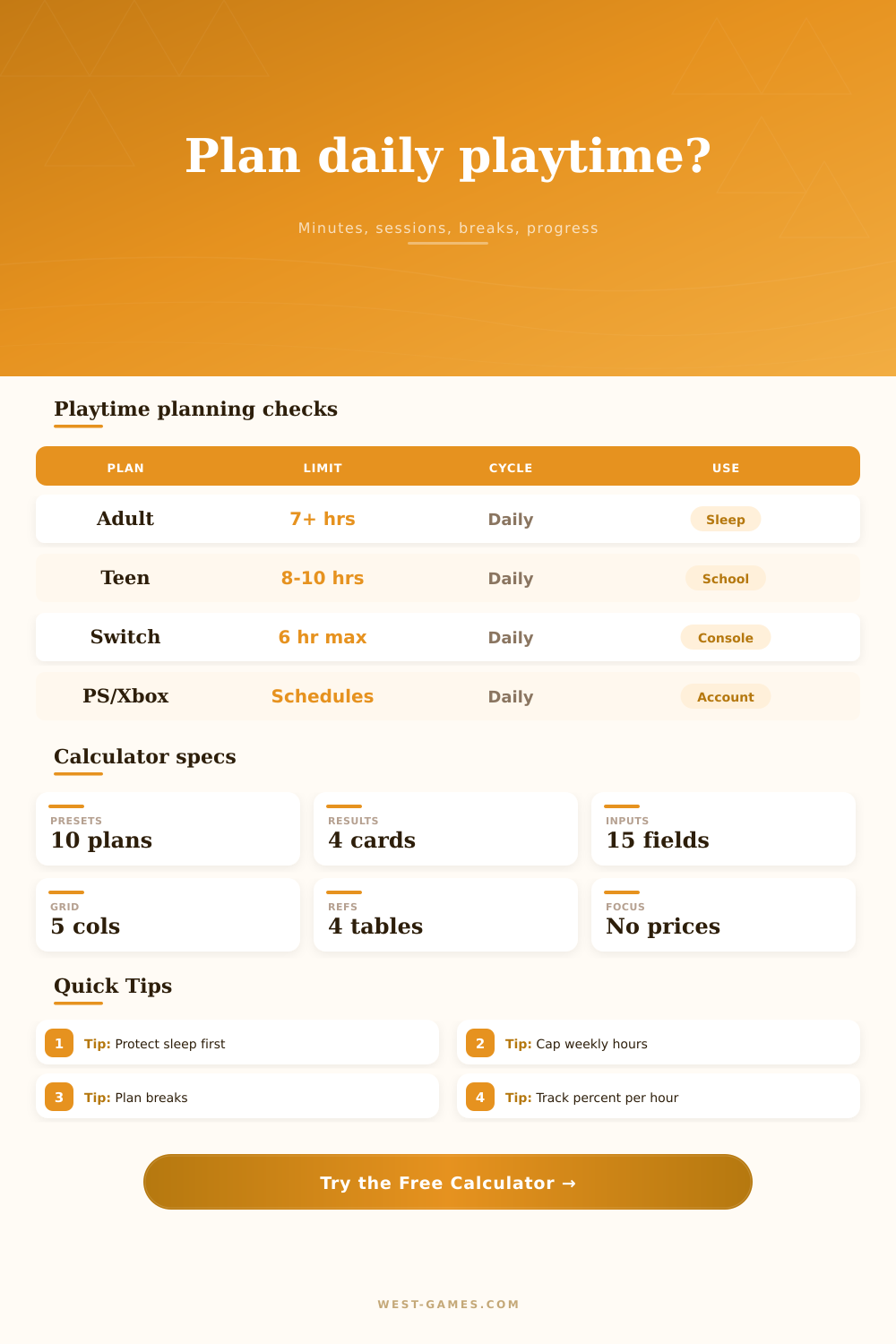
🎮 Daily Playtime Budget Calculator
Balance gaming minutes against sleep, work or school, weekly caps, session breaks, platform limits, and progress targets without adding spending or price planning.
Good for login rewards, short quests, crafting loops, and maintenance tasks with one small break after play.
Fits two to four match blocks, VOD notes, aim practice, or mechanics drills while keeping a weekly cap visible.
Best for scheduled group content where warmup, queue time, wipes, and post-session notes need buffer minutes.
Moves heavier progression to fewer days while the calculator keeps weekly total hours from drifting upward.
Useful after long events or poor sleep. Progress is intentionally slower, but the routine stays consistent.
| Age group | Recommended sleep | Daily waking time after minimum sleep | Calculator use | Constraint note |
|---|---|---|---|---|
| School age 6-12 | 9 to 12 hours | 12 to 15 hours | Use the school-age preset | Homework and family routines usually need extra protected minutes. |
| Teen 13-17 | 8 to 10 hours | 14 to 16 hours | Use the teen preset | Protect sleep before late-night competitive sessions. |
| Adult 18-60 | 7 or more hours | Up to 17 hours | Default adult baseline | Work, commute, meals, and recovery time should be entered separately. |
| Adult 61-64 | 7 to 9 hours | 15 to 17 hours | Older adult baseline | Use breaks and shorter sessions if fatigue reduces focus. |
| Adult 65+ | 7 to 8 hours | 16 to 17 hours | Older adult baseline | Keep long sessions optional and watch the break buffer. |
The sleep floor is based on CDC-published age-group sleep recommendations; the calculator uses it as a planning guardrail, not medical advice.
| Platform family tool | Daily limit support | Schedule or bedtime support | Activity visibility | Calculator field to match |
|---|---|---|---|---|
| Xbox Family Settings / Microsoft Family Safety | Device, app, and game screen time limits | Different schedules can be set by day | Daily and weekly activity reports | Platform or parental limit |
| PlayStation family controls | Set how long a child account can play | Set when play is allowed; reminder or block at end | Gameplay activity can be viewed by family managers | Platform or parental limit |
| Nintendo Switch Parental Controls app | Daily console limit from no limit up to 6 hours | Bedtime alarm; earlier rule applies if both are set | Play activity data is available in the app | Platform or parental limit |
| Manual timer or calendar block | Any custom daily minute target | Calendar reminders, alarms, or router schedule | Track session logs manually | Session length and break buffer |
Use the calculator for the time target, then set the matching limit in the console, account, or calendar tool you actually use.
| Play format | Typical net session | Break buffer | Best target | Watch for |
|---|---|---|---|---|
| Daily quest loop | 20 to 45 minutes | 0 to 5 minutes | Consistency and streak maintenance | Low-value tasks expanding into a full evening. |
| Ranked match block | 45 to 75 minutes | 5 to 15 minutes | Focused performance and review | Queue time and one-more-game overruns. |
| Co-op raid or dungeon | 90 to 180 minutes | 10 to 20 minutes | Group coordination and clear stopping point | Late starts and wipe recovery time. |
| Completion grind | 60 to 120 minutes | 10 to 15 minutes | Measurable percent gained per hour | Progress rate dropping after fatigue sets in. |
| Weekend long block | 180 to 360 minutes | 15 to 30 minutes | Bulk campaign or seasonal progress | Borrowing time from meals, sleep, or chores. |
Breaks are handled as time-block buffers. Net daily play is the actual gaming time left after those buffers fit between sessions.
| Progress rate | Equivalent total hours for 100% | 15% remaining | 40% remaining | Best use |
|---|---|---|---|---|
| 1% per hour | 100 hours | 15 hours | 40 hours | Large RPG, mastery, or slow achievement grind |
| 2.5% per hour | 40 hours | 6 hours | 16 hours | Campaign completion or battle-pass style progress |
| 5% per hour | 20 hours | 3 hours | 8 hours | Focused questline, seasonal checklist, or unlock path |
| 10% per hour | 10 hours | 1.5 hours | 4 hours | Short event, challenge set, or limited objective |
| 20% per hour | 5 hours | 45 minutes | 2 hours | Daily rotation, small badge, or last-step cleanup |
The calculator multiplies your measured progress rate by the focus target, then applies net daily play and selected play days per week.
For most gamers, this mean a blank canvas called “schedule,” which pops into existence once they plug in console. This causes burnout, neglect of responsibilities, and an unhelthy feeling of guilt for wasting hours in a match queue. Even though the weekend feels endless, time isn’t infinite. A healthy routine relies more on accounting than willpower.
You need to know precisely how much free time remains after your non-negotiables. Your daily economy have fixed costs, sleep, work, meals, commute. Then there are gaming expenses, variables. Unless you subtract the former, you’ll overspend on the latter every single time.
How to Plan Your Gaming Time
To remove guesswork, the calculator above does the math for you, revealing what’s truly available. Begin by sleeping. It is the foundation for everything else. Fatigue ruin your mood, decision making, and reaction time. So the tool has a baseline based off what age group you’re in. And then it protects that baseline against fatigue. So if your baseline as an age group are eight hours of sleep and you plan on getting into bed six…then the tool will hold the line at eight. Because you shouldn’t of be borrowing from tomorrow to finance today’s workout. It is a small limit, but it makes a difference.
Then stack up some strict commitments. Commute times (don’t fudge these), school times, work times is all concrete numbers. Prepare dinner? Another block. Find out how many true minutes you have before you even consider hitting play on the game. Take away that fixed number and what do you see?
There are platform limits and a weekly cap. A lot of thoughtful parents (and other responsible player) have a hard stop in mind to help keep it all in perspective. The tool takes a week’s worth of hours and breaks them down into a daily amount so you don’t use three hours on Monday and run out by Wednesday. It knows about those console parent control tricks where there’s frequently a maximum as well.
Type in the length of a session you want, say fifty minutes. Add the break buffer you need, let’s say ten minutes. Now how many complete sessions will fit before we are out of time? Plug it in and voila: What does your schedule realy allow? 2.5 fit without infringing on chores/sleep. That difference inform us.
It also tracks progress which is another real world addition. Hours spent playing aren’t all created equal. A concentrated couple of hours will likely result in more progress then six hours spent playing with a distracted focus level. You can use the tool to measure roughly how many hours of progress you get based on quality of your focus. Are you grinding out achievements? Probably going to go slower than if you’re blasting through a linear campaign. You’ll be able to gauge how long it’s going to take before you complete something… Helping to form realistic expectations.
When you see that a game only has 100 hours but you want to get to 100% by Friday, it tells you no. Those numbers just don’t work. There are reference tables at the bottom of the page so you can adjust your expectation based on normal gaming behavior.
This downplays all the emotions around this problem. Either you’ve got forty minutes left according to the calculator or you don’t. There’s no debating “do I really have time for another round?” If the calculator told you so at the beginning of the day, the answer is yes. Otherwise, the answer is no.
Gaming becomes something that gets scheduled like any other thing. It’s on the calendar. If you’re not going to play within the budget then you don’t play. It keeps gaming from becoming an issue and forces the player to be honest with their inputs (like any budget). But it also provides clarity on the output: you know exactly what to do with your time.
You stop asking how did I get here? and you start saying, I’m right where I need to be. And once the screen shuts down, you’ve already had time to make it to the next obligation. This is the true victory condition.