Building Upgrade Time Calculator
Plan a strategy-game building upgrade with base timer scaling, builder teams, speedups, alliance helps, queue delay, timer reductions, and a live finish ETA.
Use the presets as starting points. Each button fills a building type, level curve, boost profile, and typical queue behavior. Adjust the fields for your exact game timer.
Timer Breakdown
No speedups
Timer after passive boosts, help taps, and queue wait.
All speedups
Timer if every entered speedup is spent now.
Event rush
Adds an extra 10% temporary timer cut for event pushes.
Builder swap
Shows the same upgrade with one additional builder team.
| Level | Raw timer | After boosts | After speedups |
|---|
Raw timer uses the selected building curve and your entered base build time.
| Pack style | Applied time | Timer left | Best use |
|---|
| Scenario | Help cuts | Percent cuts | Finish window |
|---|
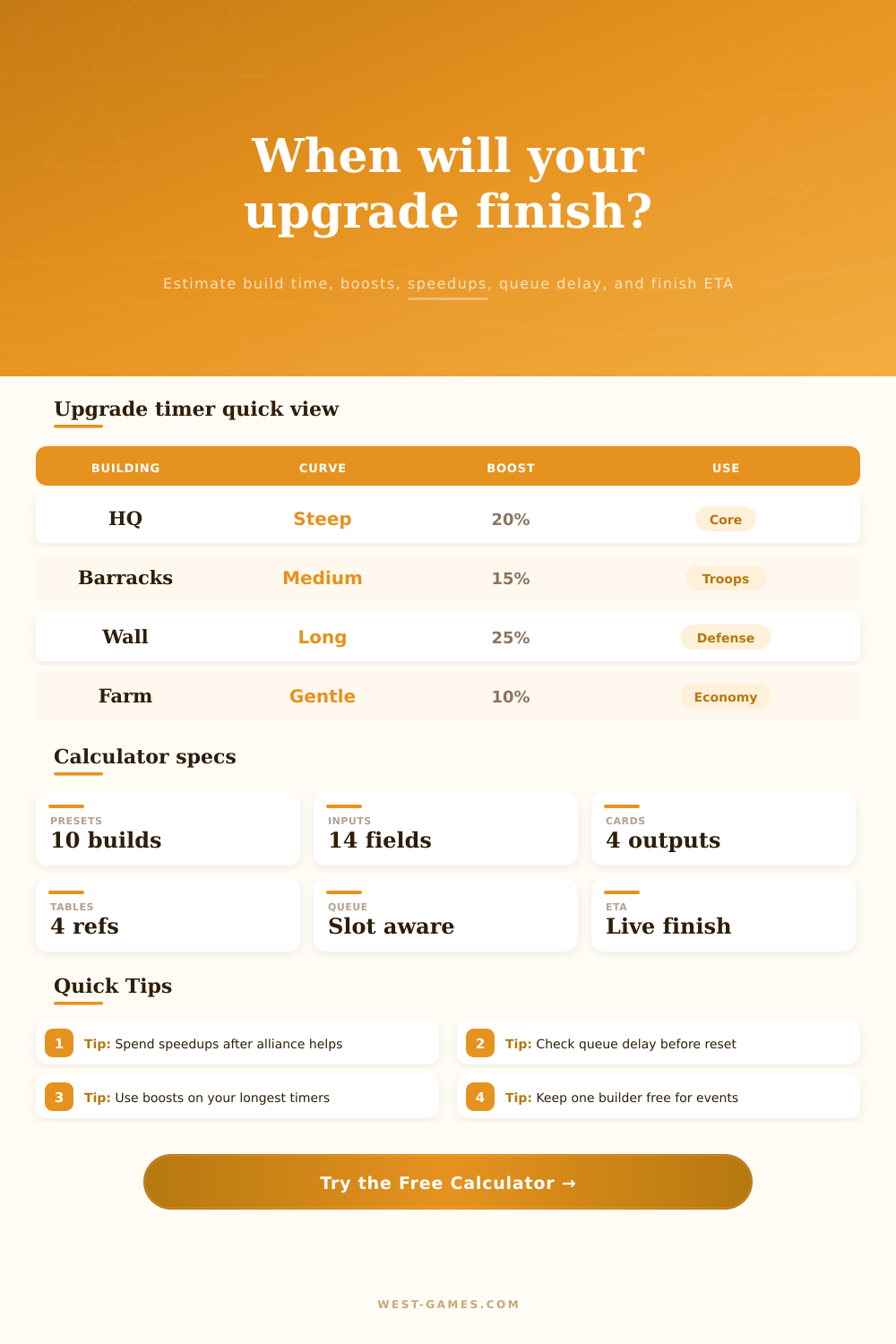
| Building | Curve | Typical timer | Timer behavior |
|---|---|---|---|
| Castle / Headquarters | 1.32x | Long | Core gate; schedule around event scoring. |
| Barracks / Training Camp | 1.24x | Medium | Good for troop unlock timing and side queues. |
| Farm / Lumber Mill | 1.17x | Short | Economy buildings chain well with extra builders. |
| Wall / Gate Defense | 1.36x | Very long | Benefits most from alliance help and timed boosts. |
| Academy / Research Lab | 1.31x | Long | Often worth saving large speedups for late levels. |
This calculator treats game timers as estimates because each title may round helps, boosts, and speedups differently. Use the result as a planning window, then verify the in-game timer before spending rare accelerators.
There’s a certain type of anxiousness from watching a build timer tick down in a strategy game. When you first queue up next level, there’s excitement. If your next alliance war starts tomorrow and the building won’t be done until three days later, then there’s only dread. Do you use one of those rare speedup items? Is it better to conserve them for some bigger project down the road?
The calculator do the math for you. It replaces abstract panic with a solid finish date to schedule around, the tool handles complex boost calculations and scaling curves. You don’t need to try to work out all the numbers in your head while trying to keep track of where you store your resources.
How the Tool Helps You Plan
Because the majority of games scale exponentially, upgrade times aren’t fixed. For example, a build that took an hour at level 10 could be a two-day marathon at level 20. That’s why knowing what your baseline timer would be without any modifiers are important. With this tool, you can enter in the unmodified time it takes to make a build of whatever level and type you want to make. It will then layer over top of that the reductions you have access to.
These reduction come from several places. Each place has its own set of limitations and rules, these factors change how the final reduction works out. The most blatant time savings options are speedup items which aren’t available in all titles but tend to be the costliest resource in games that do. You’ll want to use them carefully as tapping them as soon as you open up the option for building may leave you with not enough to tap other time reduction options like event bonuses or alliance help taps.
Enter your amount of stored speedup time into the calculator. It will then tell you exactly how long your timer will run once you apply your items. Then you can determine whether you have sufficient speedup time to knock out the upgrade instantly, or if you should of preserve some for later.
It’s a tiny little math equation. It avoids that “ugh, I spent my money on this and now I’m just waiting” feeling you get when you realize you could of waited for help instead of buying speedups.
Unlike speedups which are expensive but limited, alliance assistance work differently. Each game puts a cap on how much time each player can shave off an upgrade. You enter into the input fields how many member is helping and how much time each tap saves. Often it’s that variable that nobody plans for. You underestimate how active your alliance is only to find yourself purchasing speedups when all you really had to do was wait until some friends logged back in and tapped your construction site. The page has a reference table laying it all out for you so you see at a glance how various levels of help affect your remaining window. In many cases, the benefit of community engagement can be as valuable than paid boosts.
Another wrinkle is the queue. When there’s no builder available for your upgrade, it goes on the back burner and waits its turn. Depending off the game, those hours spent waiting may not apply toward your speedup items. Or they may start the clock from zero (meaning you’ve wasted half a day). The calculator take those queue hours into account. After all, what good is knowing how fast you’ll complete an upgrade if it won’t even be completed by end of the day? This is especially true when you’re racing to unlock a new troop type for a weekend event.
This rethinks how you make decisions when planning for game events. If it’s score event day or you’re preparing for war, finishing an upgrade on time can mean the difference between winning and losing. So the tool looks at various scenario: What if I use all my speedups? What if I don’t? How will those decision turn out? It also considers guild perks and VIP level bonuses which temporarily knock down build times by a certain percent, passive bonuses that save hours but don’t cost anything. They compound over time. Understanding how these multipliers stack is the key to managing your base more efficienty.
Before buying hard currency speedups, try to max out the free reductions first.
At its heart, this calculator is all about control. It strips away guesswork and lets you plan where you want to spend your resources and which allies you want to build with giving you confidence. If you’re chasing that next Town Hall level or simply maintaining even resource production, you’ll know exactly when you will be finished so that you can avoid expensive mistakes. You won’t react to timers; you manage them. This change of mindset make the entire game feel much more strategic and less frustrating. Long periods of painful waiting become expected milestones instead of unexpected delays along the way.