ADS Sensitivity Calculator
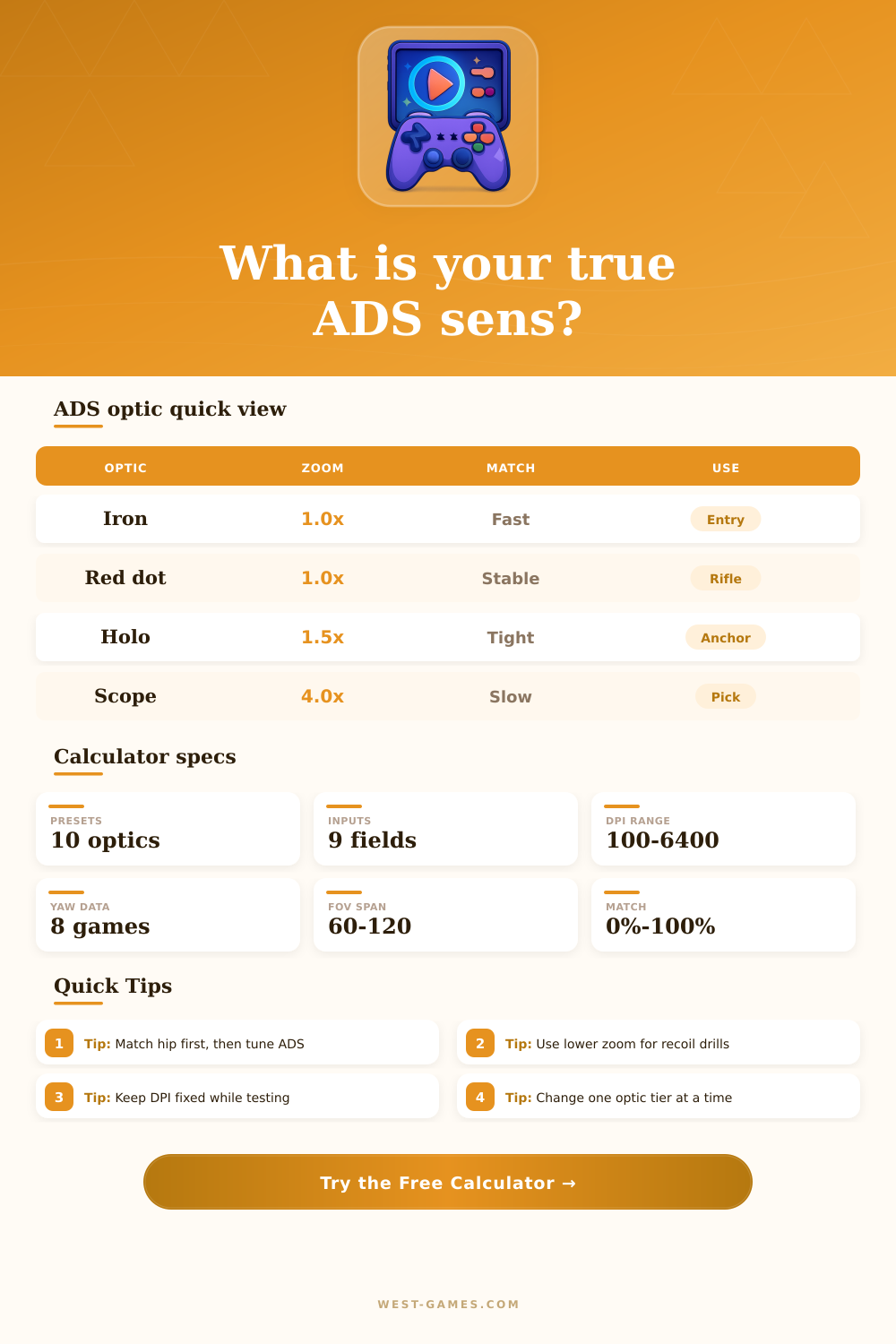
Convert hipfire sensitivity into ADS cm/360, optic-adjusted visual feel, monitor match multipliers, and recoil tracking speed.
| Optic class | Magnification | Approx ADS FOV from 103 | Typical use |
|---|---|---|---|
| Iron sight / red dot | 1.0x | 103.0 deg | Entry fights, close strafes, wide awareness |
| Low zoom reflex | 1.25x | 90.4 deg | Hybrid rifle duels where hip feel should stay lively |
| Holographic / 1.5x | 1.5x | 79.7 deg | Angle holding with moderate visual compression |
| Bruiser / 2x | 2.0x | 64.2 deg | Mid-range tracking and recoil correction |
| ACOG style | 2.5x | 53.2 deg | Anchored rifle play and longer sightlines |
| Marksman scope | 3.0x | 45.2 deg | Precision bursts, slower target switching |
| Rifle scope | 4.0x | 34.6 deg | Scoped rifles and deliberate peeks |
| Sniper scope | 6.0x | 23.4 deg | Small corrections at long distance |
| Game family | Yaw value | What it means | Calculator note |
|---|---|---|---|
| Source / Counter-Strike / Apex style | 0.022 | Classic degrees-per-count baseline | High sensitivity numbers convert to shorter cm/360 |
| Valorant style | 0.07 | Larger yaw with smaller sens values | 0.35 at 800 DPI is near a common tactical FPS baseline |
| Overwatch style | 0.00573 | Small yaw with larger sens values | Useful for hero ADS conversions like Ashe and Widow |
| Rainbow Six style | 0.0066 | Low yaw with strong scoped tuning | Use optic zoom plus ADS multiplier together |
| Fortnite style | 0.00556 | Low yaw with percent-style sens | Enter decimal sensitivity and scoped multiplier |
| Unreal legacy style | 0.04395 | Fast baseline yaw | Best used only when a game documents this value |
| Monitor match setting | What it preserves | Best for | ADS feel |
|---|---|---|---|
| 0% | Center-screen distance | Flicks, crosshair corrections, tactical peeks | Slower at high zoom, very controlled near target |
| 33% | Inner third of screen | Mixed tracking and burst recoil | Balanced for rifle optics |
| 50% | Half-screen travel | General FPS play with frequent target swaps | Moderate speed increase compared with 0% |
| 75% | Wide-screen tracking arc | Battle royale strafes and moving targets | Feels faster, especially beyond 2x optics |
| 100% | Edge-screen travel | Large sweeps, high FOV, wide monitors | Closest to hip screen travel at the edge |
| Modifier | Effect on ADS cm/360 | Use case | Watch for |
|---|---|---|---|
| 0.85 | Longer, slower ADS path | Pixel peeks, sniper holds, small corrections | Can lag behind fast strafes |
| 0.95 | Slightly slower than entered ADS | Tactical rifles and first-shot accuracy | May feel heavy in close fights |
| 1.00 | Uses entered multiplier directly | Baseline conversion and cross-game notes | No recoil compensation bias |
| 1.08 | Shorter ADS path for tracking | Automatic rifles and vertical recoil pulls | Can overshoot tiny corrections |
| 1.15 | Much faster scoped movement | High recoil weapons and fast target swaps | Harder for precision optics |
You spend hours tweaking hipfire sensitivity. You track moving targets with precision. And then you scope in. Your mouse feels like it’s detached from your body as you watch everything around you zoom closer. In tactical shooters, this disconnection frustrates many. Why? Because aim is two distinct experiences: one governed by optics and another by math. Players mistake them both to be the same setting. The calculator does the conversion for you, but knowing why makes practicing different than before.
Visual compression is the problem here. At any given zoom level, your crosshair will occupy a smaller portion of the world then it would at lower zoom levels. Keeping your sensitivity the same between hipfire and four times scope will make the scope feel slow. You’re attempting to cover more angle with the same mouse movement.
Why Aim Feels Different When Zooming In
To compensate for this, most games implement some kind of aiming down sights multiplier. However, this multiplier is usually arbitrary and doesn’t include things like how far away you sit from screen or your monitor size. This is what the monitor match setting does. Sounds fancy, but basically, it’s keeping your muscle memory the same.
You know how with hipfire, you move your mouse over 3 inches and then you’re turning at an angle of 90 degrees? Well, you should of be able to aim in a similar way when scoped. Otherwise, when zoomed in further, you’ll notice aiming feels ‘heavy’ since it takes less time to shrink your visual field (i.e., move your cursor) compared to what you need to do with your input. By matching your screen center to your preferred speed profile, the tool can correct this.
It is based off DPI and yaw. DPI is the number of dots your mouse reports, which the game translates into degrees of rotation (yaw). Each game engine have a wildly varying yaw value. If you don’t take the engine difference into consideration, then a “perfect” sensitivity in one game will be too fast in another. This step normalizes the discrepancy so we are comparing the same thing, speed, not some arbitrary number within the game itself.
It seems like many folks skip this step and copy someone else’s number from the pros, who probably has some other type of mouse or game engine, wasting their tuning time. What’s your sensitivity? What are you doing with an optic? If you’re running a red dot or iron sights, then you’ll want those set up for fast play. Reaction time matter over accuracy.
For sniper scopes, you’ll want to go the other direction. Stability is key. It has presets for popular options such as sniper rifles (e.g., AWP) or the typical battle royale marksman rifle, but it can also takes in your own custom zoom levels. That’s useful because many games offer a mix of optics that don’t fit into easy categories.
Another small detail comes from recoil tracking. When firing automatic weapons, they kick right and up. So if you snap into position on a static target and have your sensitivity set for that, then you’ll overshoot as you attempt to pull down with recoil. This small tool tweak help you track targets a bit faster without dropping out or losing those small corrections. And it’s a subtle change between jittering above someone’s head versus holding them there.
Don’t try to do everything now. Make one change, go play on a private range or deathmatch, see what happens. Do you feel good hipfiring? Great, leave it there. Adjust the scoped multiplier until shooting through the scope doesn’t feel jarring, but feels like a naturaly transition. You’re not trying to figure out “the right number” for everybody.
You’re creating an even bridge from one movement state (arms out wide) to another (looking down scope). Once you build that bridge, the math turns to instinct. The degrees-per-millimeter goes away. You react to the game instead of consciously thinking about it. And that’s when you get better.