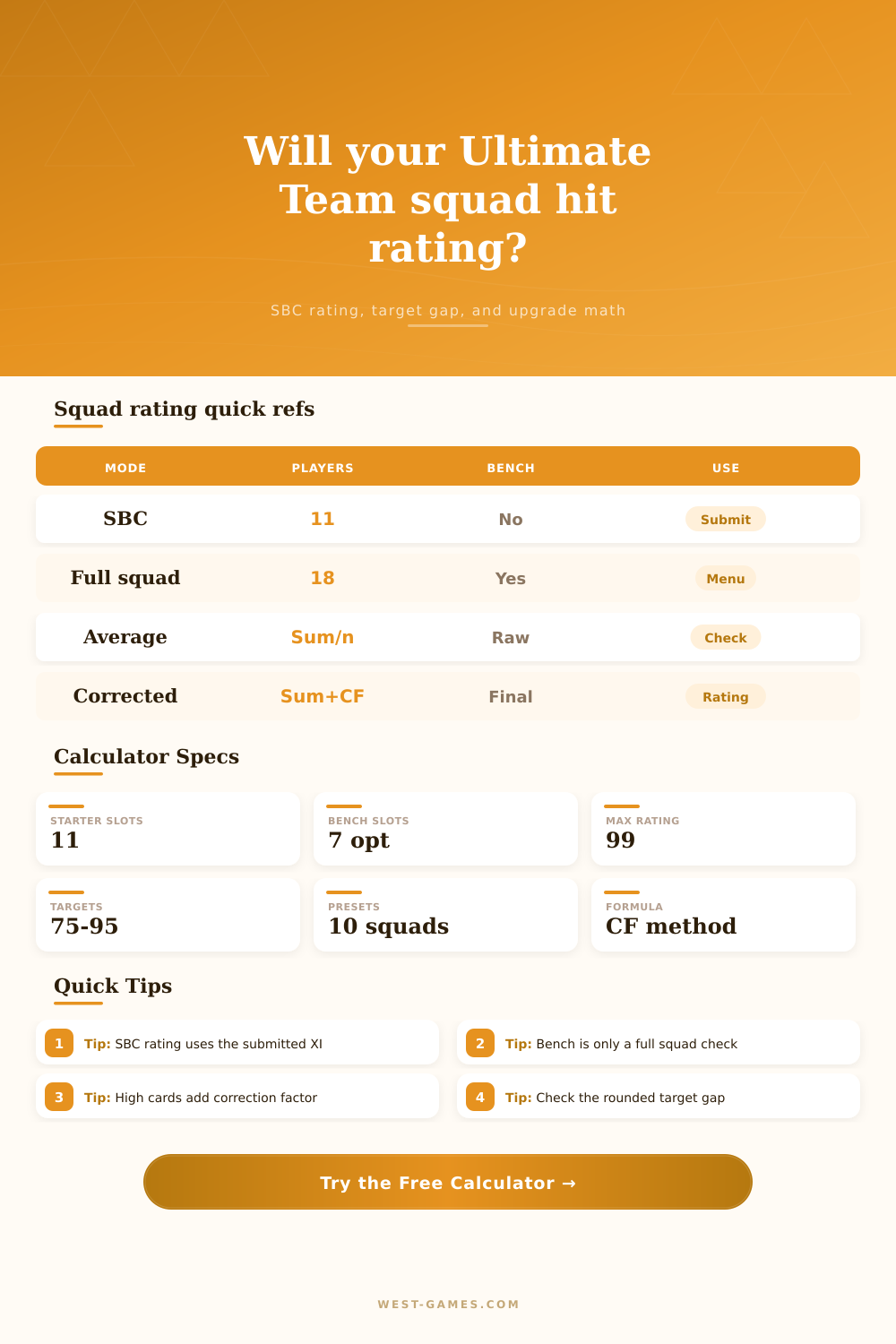
⚽ Ultimate Team Squad Rating Calculator
Enter 11 Ultimate Team player ratings, test an SBC target, see the correction-factor weighted estimate, compare optional bench handling, and find the smallest rating upgrade that clears the target.
| Step | 11-player SBC version | 18-player full squad version | Calculator output | Watch point |
|---|---|---|---|---|
| Sum | Add the 11 submitted ratings | Add starting XI plus seven bench ratings | Raw rating sum | Only the XI is used for SBC target checks |
| Average | Sum divided by 11, no early rounding | Sum divided by 18, no early rounding | Raw average card | Simple average can sit below final rating |
| Correction factor | Add each rating above the average minus average | Same method across all 18 cards | CF row and weighted estimate | High ratings add more than their raw number |
| Rounding | Default rounds Sum plus CF, divides by 11, then floors | Default rounds Sum plus CF, divides by 18, then floors | Final squad rating | Switch rounding mode if your app display differs |
The calculator separates SBC XI math from full-squad display math because SBC submissions are built around a squad that must meet challenge requirements.
| Target | Example count pattern | Raw average | Correction factor | Rounded result |
|---|---|---|---|---|
| 83 | 5x82, 4x83, 2x85 | 83.09 | 3.82 | 83 |
| 84 | 5x83, 4x84, 2x86 | 84.09 | 3.82 | 84 |
| 85 | 4x84, 4x85, 3x87 | 85.18 | 5.45 | 85 |
| 86 | 5x85, 3x86, 3x88 | 86.09 | 5.73 | 86 |
| 87 | 4x86, 4x87, 3x89 | 87.18 | 5.45 | 87 |
| 88 | 5x87, 3x88, 3x90 | 88.09 | 5.73 | 88 |
These are rating math examples only. They are not player buy recommendations and do not include chemistry, rarity, league, club, or nation requirements.
| Use case | Players counted | Bench effect | Target gap shown | Use in this calculator |
|---|---|---|---|---|
| SBC submission | 11 | Ignored | Yes | Main card and upgrade search |
| Active squad menu | 18 | Included | No, unless comparing | Full-squad reference card |
| Compare both | 11 and 18 | Shown separately | XI remains primary | Bench sanity check |
| Unknown display | Switch mode | Inspect both | Use game app result | Manual cross-check |
| Gap signal | Meaning | Best next math check | Why it happens | Result note |
|---|---|---|---|---|
| Clear | Current XI meets the target | Check other SBC rules | Rounded adjusted total is high enough | No rating lift needed |
| 0.1 to 1.0 | Right on the edge | Try one small slot raise | Rounding can decide the final rating | Recheck in game before submit |
| 1.1 to 5.0 | One upgrade may solve it | Use single-slot search | High-card CF may amplify the change | Look for the lowest rating lift |
| 5.1 plus | Multiple upgrades likely | Raise the lowest cluster first | Raw sum and CF are both short | Use target gap as a rough total need |
| Reference | What it supports | Player count | Calculator treatment | Link |
|---|---|---|---|---|
| EA Help SBC guide | SBCs use challenge requirements including squad rating | Submitted squad | Explains why the target card is SBC-only | EA Help |
| FIFA U Team squad guide | Sum, average, correction factor, and final rounding method | 18 for full squad | Used for optional full-squad comparison | Formula guide |
| FIFA U Team SBC combos | SBC combinations are built as eleven-player rows | 11 for SBC | Used for default SBC XI mode | SBC combos |
| Community formula notes | Alternative rounding thresholds can appear in examples | Usually 11 | Selectable rounding cross-check | Use game app final result |
EA does not publish every internal rounding nuance, so this calculator exposes the main documented method plus two cross-check modes.
So now that you’ve got 11 players with solid attributes and good chemistry, it’s time to send in your Squad Building Challenge. But, wait, the game tells you that you’re one point off. If you manage an Ultimate Team, then this has happened to you before.
Typicaly it’s not because your squad lacks talent; it’s because you don’t understand the math behind it. You don’t have to guess which coefficient goes where, because calculator will figure those out for you. It removes distractions so you can quickly understand why your squad worked (or didn’t).
How to Fix Your Squad Rating
A common mistake many players make: they believe squad rating is just an average. They count the eleven cards and divide by eleven. That makes sense when you’re calculating your grade in school, but not here. For that reason there’s a correction factor for highly rated card. In other words, there’s a bonus for quality. Your 90 rated player doesn’t just contribute his raw number to the overall score, he gets a bump on top of that. And most people overlook that. They’ll trade an eight-four for an eighty-five to save a few coins but then fail to account for the hidden bump that comes with having better card. You can see that clearly in weighted estimate provided by tool. The raw amount vs. It is the adjusted actual.
Another reason people fail at this is that game rounds. It doesn’t necessarily round up to the next whole number. For example, your squad might have eighty-three point nine points, but it will show only eighty-three because the game rounded down. Sometimes it uses a special threshold, other times it floors results. Knowing what kind of rounding the game uses in the situation are important. You can see from reference table how changing the rounding changes the formula.
This isn’t all about reaching the right number of points. It’s also about getting past the rounding rules the game use. Also worth mentioning is that this applies to either squads or SBCs. For SBCs, it’s just those eleven players you submit. That’s all that matters for target rating. But when it comes to match play, your whole eighteen-man squad count toward how strong you are. You can switch back and forth between both of these perspectives with the calculator.
Why? Because maybe you want to keep some player benched to preserve their health for weekend leagues. In that case, then, you could of run into problems getting your SBC submitted successfully. By separating out the two calculations like this, you don’t confuse one for the other. The SBC portion stays locked down to those starting eleven players, while you can also see how whole squad would perform if needed.
This is where the tool shines: finding smallest upgrade required. You don’t randomly swap out cards, it tells you what to swap to get over the line. Sometimes upgrading one card is less expensive different than searching for a rare ninety-rated gem. This is efficient use of resources. You need the least expensive lift to clear the target. That’s what the upgrade search does; tests your ratings against the target and informs you whether you’re clear, on the edge, or well short.
The math clarifies the strategy. Suddenly you don’t build teams by guesses anymore. You have a plan. You realize that rounding away one point is possible. You realize that high cards helps. And you realize that SBCs aren’t affected by the bench at all. However, the bench matters a lot in match play. The calculator makes them clear. They go from being guesses to part of a planned strategy.
When you’re a point shy next time around, you won’t complain about the system. You’ll see the correction factor, swap one slot and hit send confidently.