🌡️ Thermal Paste Lifespan Calculator
Find out how long your thermal paste will last and when to replace it
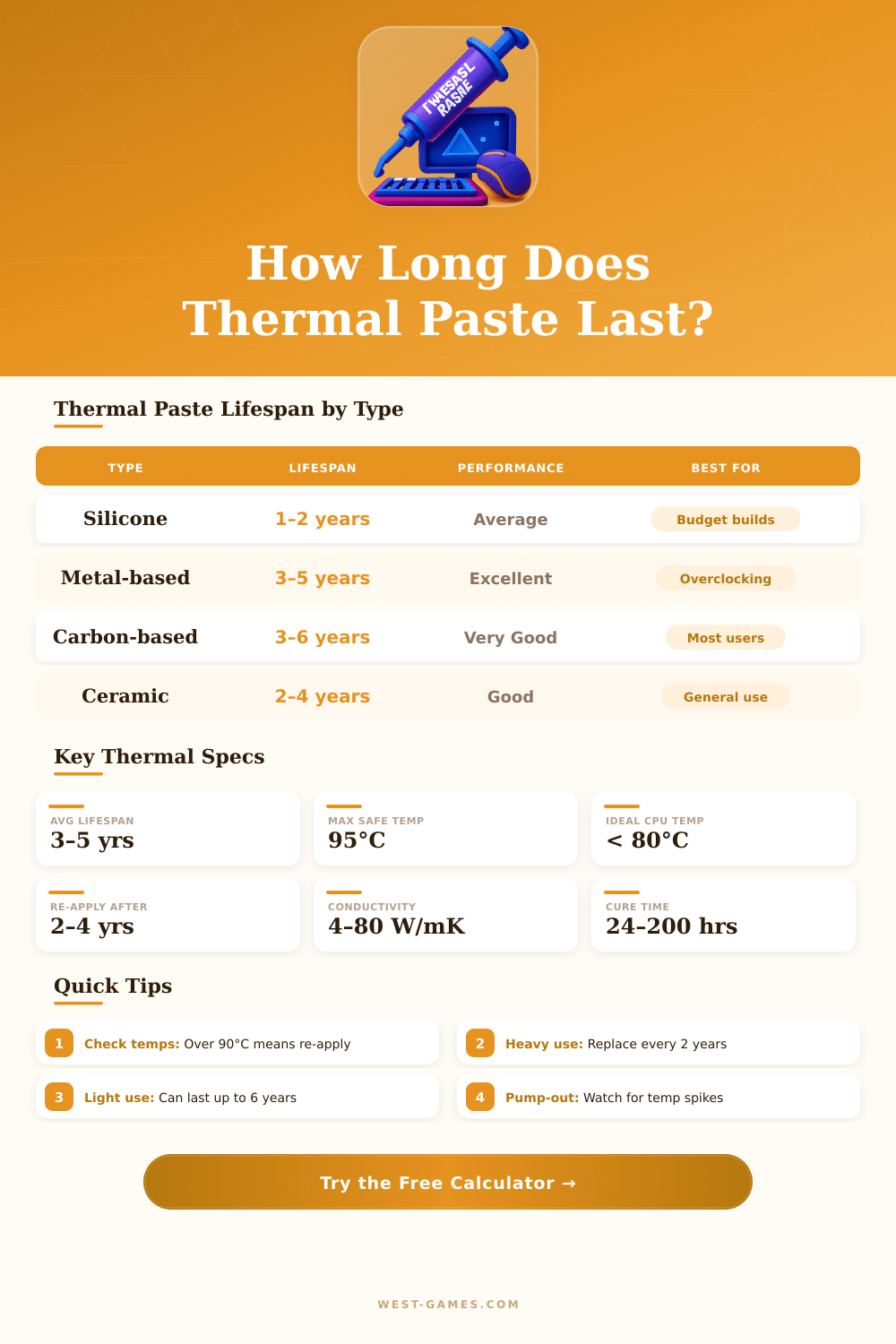
| Paste Type | Typical Lifespan | Thermal Conductivity | Best Use Case | Rating |
|---|---|---|---|---|
| Silicone-based | 1 – 2 years | 0.7 – 3 W/mK | Budget builds, low-power CPUs | Average |
| Ceramic-based | 2 – 4 years | 3 – 8 W/mK | General purpose, safe for all CPUs | Good |
| Carbon / Nano | 3 – 6 years | 4 – 12 W/mK | Gaming rigs, mid-range builds | Very Good |
| Metal-based (e.g. Kryonaut) | 3 – 5 years | 12 – 17 W/mK | Overclocking, high-performance | Excellent |
| Liquid Metal (e.g. Conductonaut) | 5 – 8 years | 38 – 80 W/mK | Extreme OC, delidded CPUs | Best |
| Phase-Change Pad | 2 – 5 years | 4 – 10 W/mK | Easy application, laptops | Good |
| Temp Range (°C) | Temp Range (°F) | Status | Meaning | Action |
|---|---|---|---|---|
| 20 – 40 °C (Idle) | 68 – 104 °F | Excellent | Ideal idle temperature | No action needed |
| 40 – 70 °C (Load) | 104 – 158 °F | Normal | Safe gaming / work range | Monitor periodically |
| 70 – 85 °C (Load) | 158 – 185 °F | Warm | Elevated but acceptable | Check paste age |
| 85 – 95 °C (Load) | 185 – 203 °F | Hot | Near thermal limit | Re-apply paste soon |
| 95 – 100 °C (Load) | 203 – 212 °F | Critical | Throttling likely | Re-apply immediately |
| 100 °C+ | 212 °F+ | Danger | Thermal shutdown risk | Urgent action required |
| Warning Sign | What It Means | Urgency |
|---|---|---|
| CPU temps +10°C higher than before | Paste has dried or pumped out | High |
| Thermal throttling under light load | Paste no longer conducting properly | High |
| CPU fan always at max speed | Cooler compensating for poor conductance | Medium |
| Paste is 3+ years old (heavy use) | Likely degraded regardless of temps | Medium |
| System freezes or reboots randomly | CPU reaching shutdown temp | Critical |
| Visible dryness / cracking on paste | Binder has evaporated | Medium |
Thermal Paste has a lot of names. One also calls it thermal compound, thermal grease, heat transfer paste, grease for chip, thermal gel, heat transfer compound or thermal material, or simply TIM. No matter what one says it does the same task.
It sits between the chip and its heatsink, that helps to remove heat from the chip.
What Thermal Paste Is and How to Use It
Surfaces of chips and bases of heatsinks have little tiny holes. Thermal Paste fills those tiny spaces and removes air pockets between the two surfaces. Because air is a good insulator, using it blocks good heat transfer from the chip to the heatsink.
Without Thermal Paste, the chip could get too warm, because heat does not move well to the heatsink.
When one applies Thermal Paste, less is better. Enough is no more than half a grain for a pair of chip and heatsink, whether in a laptop or desktop computer. Too much paste could raise thermal resistance instead of help.
The layers must be as thin as possilbe for good results. Some lay a spot in the centre and leave the heatsink to spread it during pressure. Others form an X shape to lower risk of air bubbles.
Sometimes one spreads it before with a card, which removes air pockets, if surfaces are not fully flat.
The ways of applying depend on the kind of chip. For Intel quad-core, a line across the chip helps to cover every core. For AMD, a spot in the centre works well.
On the market there are several popular Thermal Paste products. Arctic MX-4 is one of the most sold and easy to use. It is made up of tiny carbon bits, that fill holes for high heat transfer ability.
Arctic MX-6 is also a reliable choice. Thermal Grizzly Kryonaut is seen as one of the best in results, but it costs more and can be hard to apply. Liquid metal, like Thermal Grizzly Conductonaut, is only four folks that want overclocking records, not for normal users.
Repasting every four to five years is a good habit. Some pastes last longer. Those that come pre-applied on heatsinks can serve years without problems.
Heavy use and high heats can however wear paste more quickly. In laptops, repasting often lowers temperatures by many degrees. On Steam Decks, replacing paste lowered temperatures from the mid 80s to high 70s andlow 80s.
Expensive pastes usually give around two degrees better cooling than cheap ones. Not a big difference, but it matters for overclocking. The result of the paste depends on its material and on how well one applied it.