⚔ Path of Diablo Attack Speed Calculator
Plan weapon speed, on-weapon IAS, off-weapon IAS, skill IAS, frames per attack, and the next breakpoint.
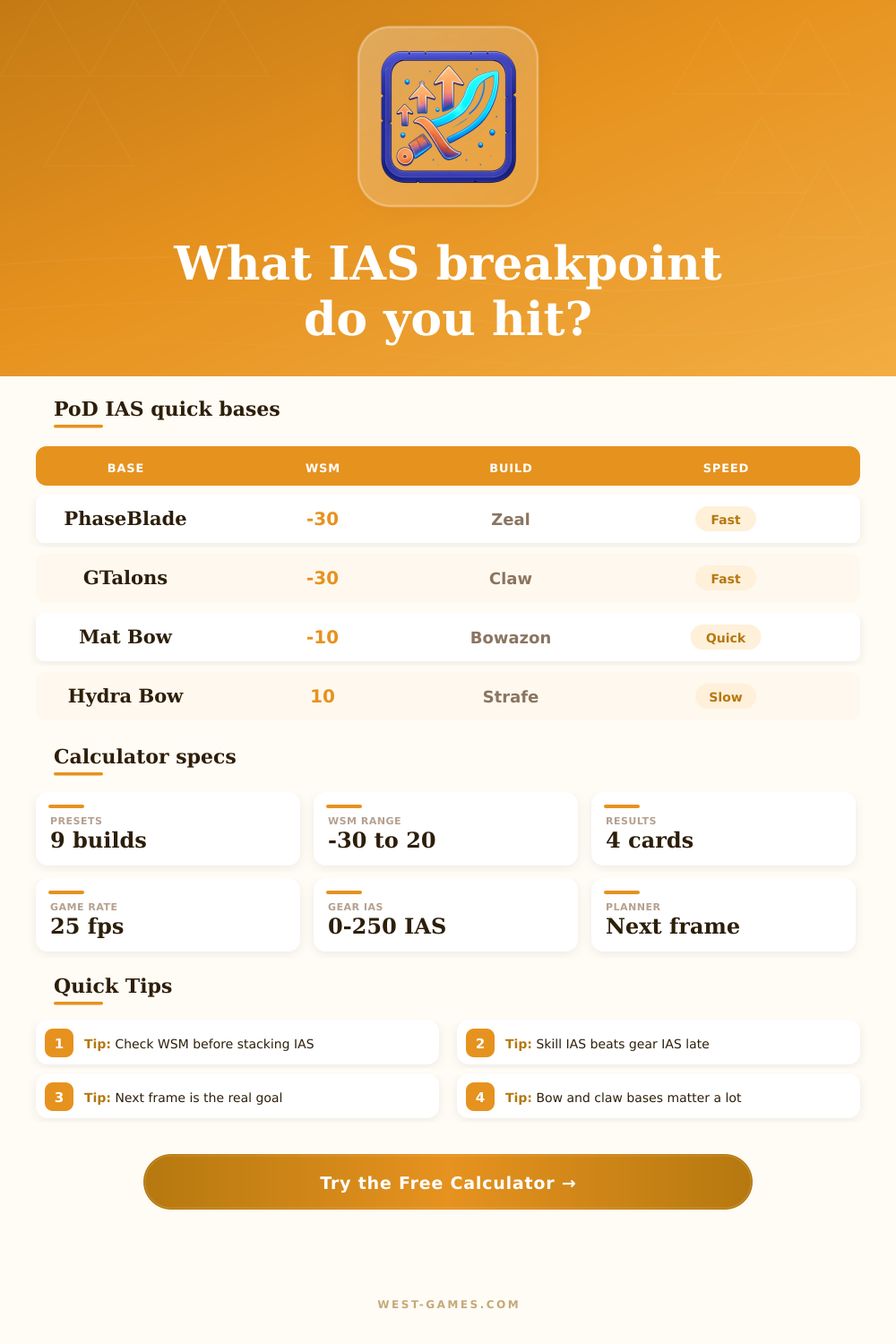
| Weapon base | WSM | Typical build | IAS planning note |
|---|---|---|---|
| Phase Blade | -30 | Zeal, Wolfbarb, Enchant | Excellent for tight breakpoints |
| Greater Talons | -30 | Claw Assassin | Fast claw base with skill IAS |
| Matriarchal Bow | -10 | Bowazon | Good bow base for IAS stacking |
| Thresher | -10 | Fury or merc tests | Faster polearm-style base |
| Berserker Axe | 0 | Frenzy, melee hybrids | Balanced one-hand weapon |
| Hydra Bow | 10 | High damage bow builds | Needs more IAS for the same frame |
| War Pike | 20 | Jab or charger setups | Slow base, plan SIAS carefully |
WSM is the weapon speed modifier. Lower is faster, so a -30 base gives a large breakpoint advantage over a 10 or 20 base.
| Animation family | Base frames | Practical floor | Best use |
|---|---|---|---|
| Amazon Bow / Crossbow | 14 | 7 | Multishot and Strafe planning |
| Amazon Jab / Spear | 11 | 5 | Jab and fend-style attacks |
| Assassin Claw | 11 | 4 | Claw attacks with Burst of Speed |
| Barbarian 1-Hand | 12 | 5 | Frenzy-style comparisons |
| Paladin 1-Hand | 13 | 4 | Zeal and melee aura builds |
| Druid Werewolf | 13 | 4 | Fury speed planning |
| Druid Werebear | 15 | 5 | Maul and bear attacks |
| Sorceress 1-Hand | 15 | 6 | Enchant melee setups |
Animation families are planning presets. Use the custom base-frame input when testing a niche class, skill, or transformed state.
| Source | Typical input | Where to enter | Planning impact |
|---|---|---|---|
| Fanaticism aura | 20 to 40 SIAS | Skill IAS | Raises EIAS directly |
| Burst of Speed | 25 to 60 SIAS | Skill IAS | Great for claw breakpoints |
| Werewolf skill | 20 to 70 SIAS | Skill IAS | Pushes Fury toward low frames |
| Frenzy stacks | 10 to 60 SIAS | Skill IAS | Model active stack speed |
| Chill or curse slow | 10 to 50 EIAS | Penalty field | Shows breakpoint loss under slows |
Gear IAS goes through diminishing returns; skill IAS is added after the gear curve, so it often moves breakpoints more efficiently.
| Frame target | Required EIAS | Total gear IAS | Extra IAS from now |
|---|---|---|---|
| Calculate | - | - | - |
The ladder inverts the same formula used in the result cards, making it useful for next jewel, glove, or aura planning.
| Build preset | Weapon base | Gear IAS | Skill IAS |
|---|---|---|---|
| Zeal Paladin | Phase Blade -30 | 100 | 32 |
| Fury Druid | Ribcracker 0 | 90 | 55 |
| Multishot Amazon | Mat Bow -10 | 95 | 0 |
| Claw Assassin | Greater Talons -30 | 60 | 52 |
| Enchant Sorc | Phase Blade -30 | 80 | 0 |
Use this comparison as a starting point, then enter your exact Path of Diablo gear IAS and active skill IAS values.
It was act four. It was a checkpoint in the middle of a dense crowd. Golden chests swarm across your screen, and purple enemies swirl around them. Everyone’s swinging their characters. Yours swing faster then everyone else. You’re untouchable. Or so you think. And then you see yourself up close. How many hits per second do you get? How few does that equate to animation frames? Hitting more times per second doesnt realy reduce the number of animation frames. That’s an illusion that happens all too often.
Path of Diablo attack speed is deceptively straightforward. It’s not, though. It’s a puzzle of separate thresholds. The game runs on a fixed frame rate. So your character move in jumps; there is no smooth motion. Either you hit at four frames or you hit at five. You either hit at four frames or you hit at five.
How Attack Speed Really Works
This radically changes the way you should of think about equipment. Once you know what bonuses your skill grant and the base attack time of whatever weapon you’re using, all the math gets done by the calculator above. That way you don’t have to guess when you’ve hit next breakpoint. The crucial insight is that raw percentage values will trick you. One hundred percent IAS sounds great, then you remember that it removes exactly half of one frame due to diminishing returns. Plan in frames, not percentages.
Adding two dozen IAS to your gloves wont move you down to the next lower frame threshold? That slot’s effectively wasted for speed-related reasons (though it could still do something for damage/survivability). New players also tend to ignore the weapon base speed bonus and only consider attachments. Because a Phase Blade has a negative weapon speed modifier, it starts faster then an equivalent sword. That means you get a huge headstart before you apply any bonuses from your gear. Picture it like you’ve got less ground to cover until you hit next breakpoint. Someone who builds with a slow weapon like a Hydra Bow needs way more IAS both from their skills and gear just to reach the same speed as someone using a Phase Blade. With this tool, you can instantly swap between these bases and see how much work each one takes. It shows you what feels naturaly fast about certain builds and where you might struggle even after maxing out your stats.
Gear bonuses follow a diminishing return curve. Skill bonuses don’t. In fact, they adds a flat value once the gear bonuses have been calculated. That’s how veterans gain an advantage: a stack of frenzy or a burst of speed aura adds something flat. This more efficiently squeezes another frame off your attack time. You can max out your IAS through your jewelry and armor but if you’re neglecting your auras then you may still only be down to five frames. Look at your overall gear score compared to your skill bonuses and see if it tell you whether it makes sense to keep grinding for gear upgrades, or just pump up your support aura.
The penalty field in the calculator is essentially the stress test. You hit that magical four frame breakpoint with complete confidence, you walk into the boss room and BAM, you are suddenly facing a chilling aura curse and your animations slow and your effective IAS go down a full frame. Annoying? Yes. Predictable? Also yes. Having built for such a scenario means it won’t break your build when the environment gets tougher; it’ll still look cool in town but now has some meat on its bones.
The variation tables gives context to all this. They illustrate that every class begins from a different animation foundation. At the end of the day, it’s all about being efficient and not excessive. You may need to give up a lot of defensive or offensive power to chase another frame. And sometimes having your swing rate just a little bit slower will let you put on something much stronger that increases your total DPS. The trick is to use the tool to balance the equation, rather than just trying to go as fast as possible. Find that sweet spot where you’re fast enough to feel lethal, but still strong enough to take a few hits when they come your way. When those animations snap into place, your character will thank you.
It was because of that split second when the frames fall off. That’s what you were after. That is so much more satisfying than some random number shown as a total on the item card.