⚡ GPU Overclock Calculator
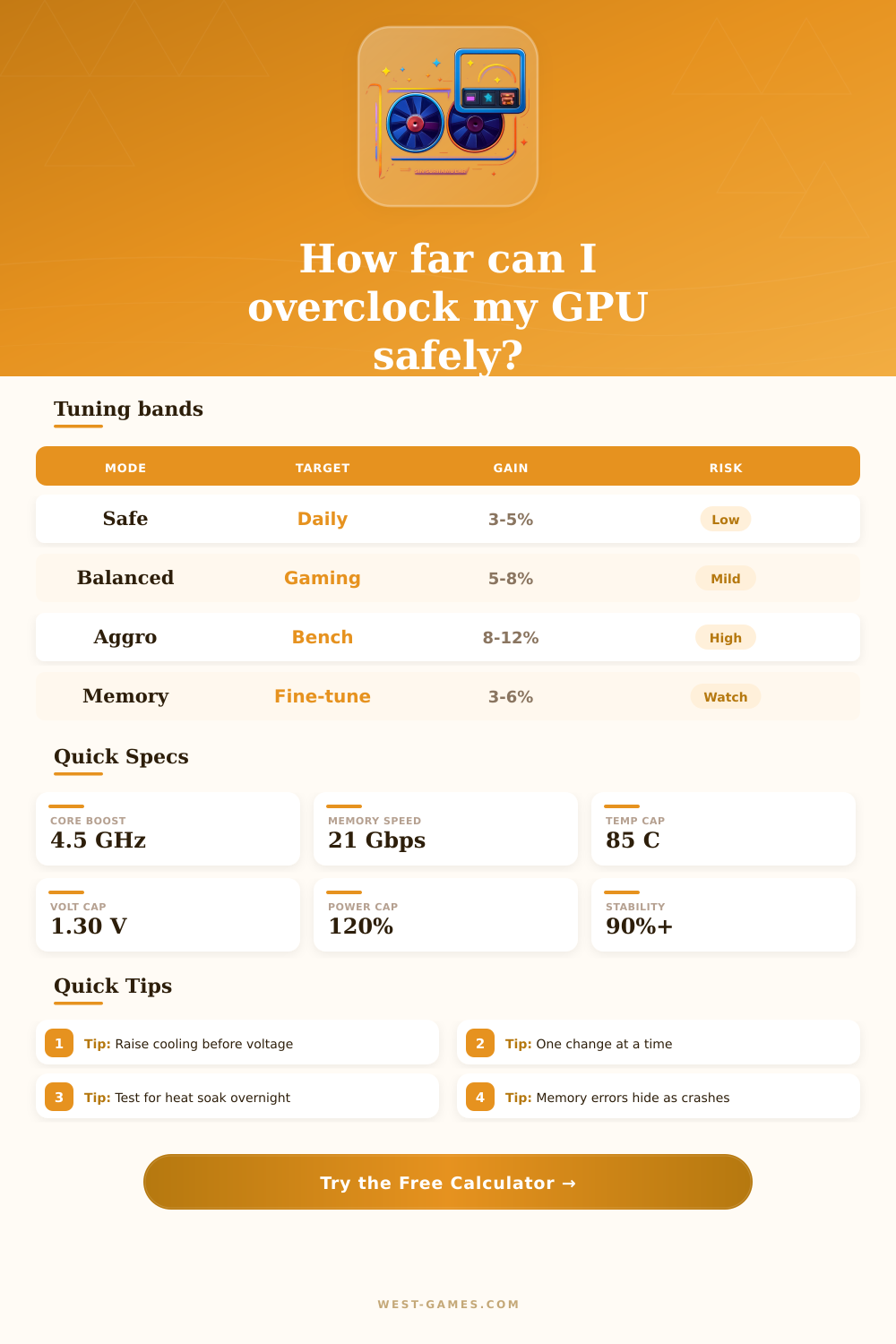
Estimate safe GPU core and memory headroom, thermals, voltage, and stability before you raise clocks and memory.
| Model | Clock | Power | Index |
|---|---|---|---|
| Ryzen 5 7600 | 3.8 / 5.1 | 65 W | 100 |
| Ryzen 7 7800X3D | 4.2 / 5.0 | 120 W | 142 |
| Core i7-14700K | 3.4 / 5.6 | 125 W | 175 |
| RTX 4080 SUPER | 2.29 / 2.55 | 320 W | 215 |
| Profile | Cooling | Gain | Use |
|---|---|---|---|
| Daily GPU | Tower air | 5-8% | Stable |
| Creator GPU | AIO 360 | 8-12% | Heavy |
| Daily GPU | Strong airflow | 4-7% | Games |
| Memory tune | Case airflow | 3-6% | Bandwidth |
| Area | Limit | Check | Action |
|---|---|---|---|
| GPU core | Voltage | Temp cap | Trim clocks |
| GPU core | Power | Hotspot | Raise fan |
| GPU mem | Error scan | Artifacts | Back off |
| PSU/VRM | Headroom | Ripple | Leave margin |
| Setup | Focus | Safe | Warning |
|---|---|---|---|
| Zen 4 CPU | PBO | 85 C | Too much V |
| Raptor Lake | LLC | 88 C | Power spike |
| Ada GPU | Core OC | 80 C | Driver crash |
| RDNA 3 GPU | Mem OC | 85 C | Artifacts |
GPU overclocking is made to push the graphics card past its factory limits to improve the output. Expanding the clock speeds, you reach higher frame rates for smooth game and better visual quality Think about it as a car with strong engine, that the maker limited by means of a brick under the accelerator. Remove that brick is GPU overclocking, that allows the card reach speed above the default values.
Each graphics card work in a standard frequency. Overclocking leave it surpass that standard. The core clock determine how quickly the GPU processes data, while the memory clock induces the access to the VRAM on the card.
How to Overclock Your GPU Safely
You can modify both, but do increases slowly to esacpe crashes.
Overclocking do not surpass the natural skills of the graphics card, but only optimise the output inside them. If it already can 4K video, it will do it a bit more well, but if the maximum is 1080p, you do not get suddenly 4K. Usually you hope around 10% more speed. So if game runs in 60 FPS in stock settings, it can reach 65-66 FPS after overclocking.
MSI Afterburner is the most famous and heavily used program for graphics card overclocking. It gives a clear view of the hardware and have extra options like fan profiles, benchmarking and video recording. It works with Nvidia and AMD GPUs.
Afterburner is the best overclocking software because of its simple installation. Other options are EVGA Precision for Nvidia cards or Asus GPU Tweak.
EVGA Precision X1 carry automatic overclock scanner, adjustable frequency curve and RGB LED control. Nvidia Auto-Tune answer for newcomers and professionals, without risks for the warranty of the hardware. It operates only on RTX compatible GPUs.
While overclocking, expand the GPU clock speed in 5 until 10 MHz steps and control artifacts after every change. The result of the OC scanner show standard value, for instance “average overclock are 49 MHz“. Use that number as base for more harsh configurations.
Favor high fan curve for tests, because the same overclock values do not stay stable in low speeds. Maximize the power and temp limits, with emphasis on the power.
Although graphics cards almost never damage because of overclocking, do it at your risk. It can shorten the lifetime if temperatures also rise. Reliable PSU and good cooling is needed for stability.
If you do not touch the voltage, the GPU does not take more energy. Conservative overclocking with good cooling and close testing gives clear performance gains with little reduction of the practical life.