⚔ Evil Hunter Tycoon Attack Speed Calculator
Estimate hunter attack interval, hits per wave, boss-window hits, rune and gear bonuses, pet buffs, and DPS-style output.
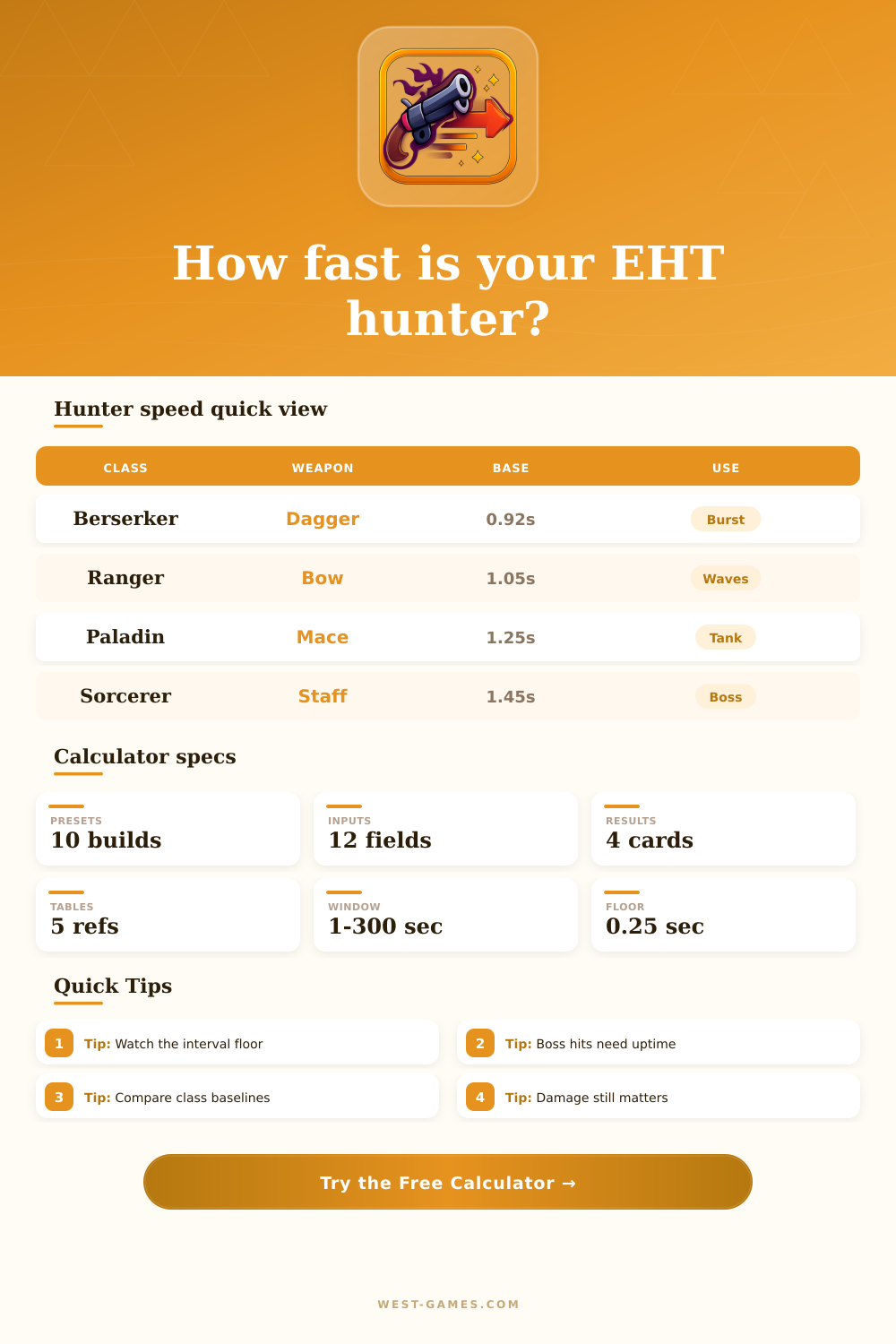
| Class | Suggested interval | Speed value | Planning role |
|---|---|---|---|
| Berserker | 0.92-1.08 sec | Very high | Fast melee hits and on-hit procs |
| Ranger | 1.05-1.22 sec | High | Wave clears and boss windows |
| Paladin | 1.18-1.35 sec | Medium | Tank damage and steady farming |
| Sorcerer | 1.12-1.45 sec | Medium | Magic procs and burst cycles |
| Custom | Any | Depends | Use measured combat timing |
These are calculator baselines. Replace them with your measured hunter interval whenever you can count attacks from a replay or test wave.
| Weapon | Base interval | Best fit | Watch point |
|---|---|---|---|
| Dagger | 0.92 sec | Berserker speed build | Can hit floor early |
| Sword | 1.05 sec | Balanced melee | Needs uptime |
| Bow | 1.05 sec | Ranger farming | Retarget gaps matter |
| Crossbow | 1.22 sec | Ranger boss damage | Slower base |
| Mace | 1.25 sec | Paladin tank damage | Low proc frequency |
| Staff | 1.45 sec | Sorcerer burst | Speed has visible payoff |
The interval is the number the calculator speeds up. A slower weapon may gain more visible attacks from the same percent bonus.
| Preset | Class | Weapon | Speed stack | Damage role |
|---|---|---|---|---|
| Berserker Dagger Rush | Berserker | Dagger | High gear and rune speed | On-hit burst |
| Ranger Bow Farmer | Ranger | Bow | Balanced buffs | Wave hits |
| Ranger Crossbow Boss | Ranger | Crossbow | Gear plus pet speed | Boss window |
| Paladin Mace Guard | Paladin | Mace | Lower speed stack | Durable farming |
| Sorcerer Staff Burst | Sorcerer | Staff | Rune and buff heavy | Skill-proc DPS |
| Dungeon Haste Set | Custom | Sword | Very high speed | Floor stress test |
Presets are editable planning profiles for Evil Hunter Tycoon style gearing. They are not item recommendations or tier rankings.
| Net speed | Interval | Boss hits | DPS estimate |
|---|
Rows use your current base interval, floor, damage, target uptime, boss window, proc chance, and target count.
| Step | Formula | Why it matters | Input |
|---|---|---|---|
| Net speed | gear + rune + pet + buff - slow | Builds total haste | Speed fields |
| Raw interval | base / (1 + speed) | Converts percent to timing | Base interval |
| Floor clamp | max(raw, floor) | Flags wasted speed | Floor |
| Window hits | window / interval x uptime | Shows real attack count | Wave and boss |
| DPS style | damage x hits/sec x proc factor | Compares speed builds | Damage fields |
Because game internals can differ by patch and animation, use the output as a comparison tool and calibrate it with your own hit counts.
Evil Hunter Tycoon tends to attract most player who mindlessly stack raw damage stats without paying attention to their attack rhythms at all. This makes sense; big numbers on a tooltip look like power, and yet this overlooks how speed actualy dictates how often your hunter lands blows. A slow weapon that does huge damage might actually loses to a fast weapon that lands two hits in the same timeframe.
In this case, it isn’t about who hits the hardest. It is about who hits most effective during the short time between an enemy appearing and dissapears. In order to fix it, you have to understand what’s at the bottom, your base interval. It’s the time between strikes where bonuses do not apply. That first one sets up everything downstream; the staff swing slow but the dagger does not.
Why Attack Speed Matters More Than Damage
Then when you pile rune and gear on top, you’re not stacking a percentage. You’re reducing amount of time between hitting something again. And the different bonus sources interact in ways that are hard to track, so use the calculator above to punch in your exact build information and let it crunch the numbers for you instead of playing “what if” or having to guess.
This gets dicey. It’s important to understand that most things that give you “speed” is additive. This means they add on top of each other in a straight line until you reach the absolute maximum rate at which your character can move. We call this the interval floor, or basically the fastest that any piece of equipment could allow your hunter to move. Past this point, you’re just wasting money, because adding additional pieces of gear will never make your hunter strike any quicker.
Knowing what that line is for your weapon and class combo help avoid spending resources on a percentage increase that isn’t going to result in a single extra hit. Finally, farming regular waves and boss fights are different beasts. The former tend to be chaotic, brief affairs with lots of enemies scattering and dying in seconds; uptime isn’t as vital here. However, bosses requires sustained pressure over longer periods, every fraction of a second can count towards your overall damage output. That means if your hunter’s walking back into range or being retargeted when those crucial seconds tick down, you’ve lost out on some possible hits that might have been landed if you’d attacked faster then.
The tool takes that fact into account and adjusts your perceived uptime to match, reflecting the fact that even the fastest attacks will inevitably incur a certain amount of downtime while moving, repositioning, etc., not purely due to fighting speed. Proc effects are where it becomes a whole different ball game: They’re based off frequency, not raw power alone. So say you have a skill that triggers on hit: The faster you attack, the higher the number of times that kick-ass effect will fire. You may do less damage per attack with your slow weapon, but you also won’t trigger those valuable skills nearly as much. That’s why speed builds are so advantageous to burst classes like berserker, even though its base damage appears inferior than others. It’s due to repetition and consistency in triggering procs, which make up for the low hit value on each attack itself.
These tools come with reference tables that let you compare the class baselines fairly easy and can give you an idea of how your build stacks up against standard expectations. They’re guidelines; they don’t apply as hard and fast rules. It shows you which types of characters tend to run on which time window, that lets you know if you’re optimizing for your playstyle correctly or not. For instance, you might build a paladin around speed stats on daggers. Something’s off there. The tanky role doesn’t need to be all haste like the glass cannon does.
Stats are always best interpreted in context, never by their individual line alone. The bottom line is: getting the most out of your attack speed is a balance between several metrics; don’t throw gold at it trying to max any one number. You want to have just enough to fill up windows and hit procs as often as possible. Don’t take more than that, because then you’re wasting gold on things that won’t do anything. It’s all about efficiency, not excess.
Looking at proc rate, hits per window, and interval time together helps you stop thinking of your hunter as individual numbers. Instead, you begin to see her as an entire system. This typically help you make good choices regarding how to invest your next resource.