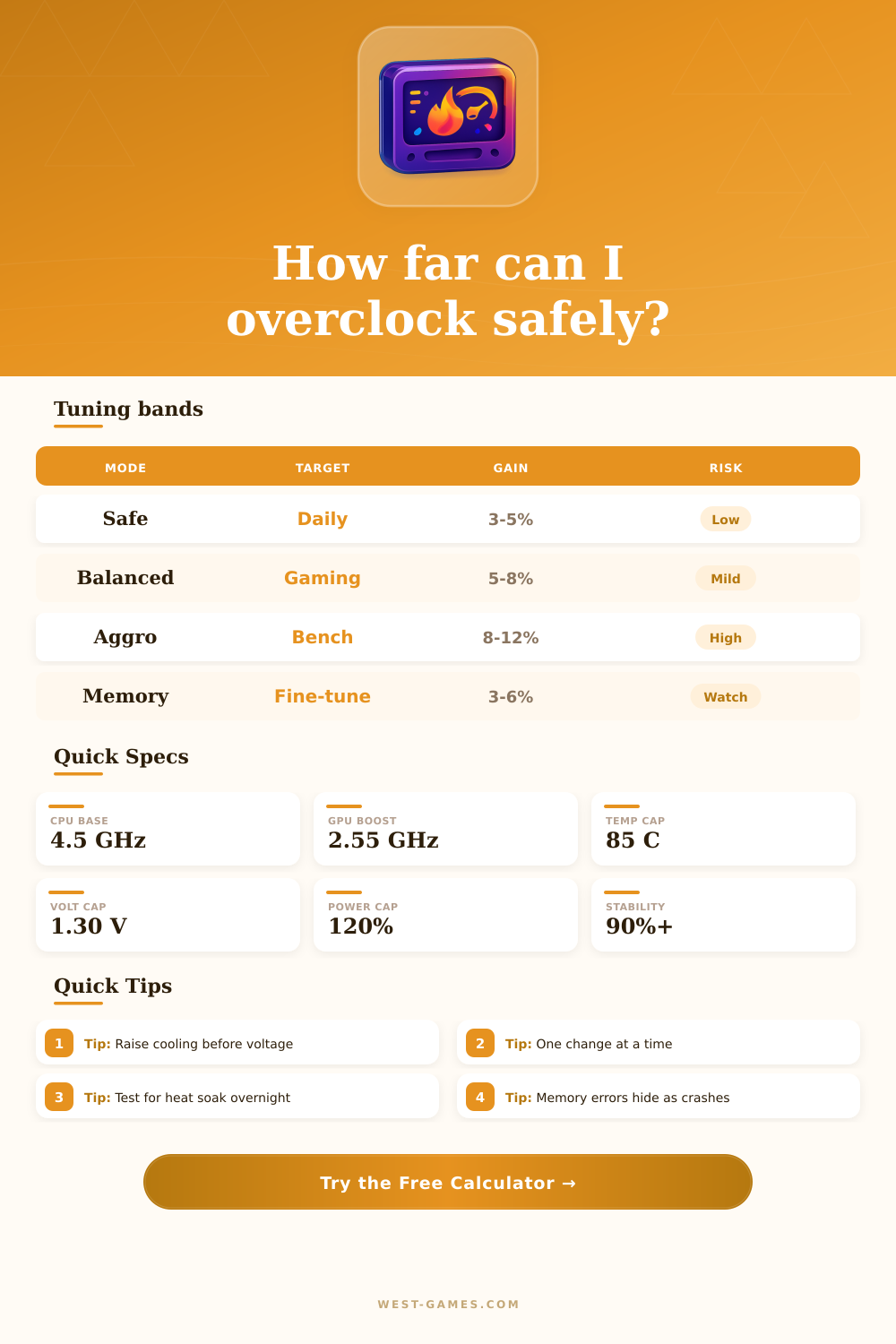
⚡ Overclock Calculator
Estimate safe CPU or GPU headroom, thermals, voltage, and stability before you raise clocks and voltage.
| Model | Clock | Power | Index |
|---|---|---|---|
| Ryzen 5 7600 | 3.8 / 5.1 | 65 W | 100 |
| Ryzen 7 7800X3D | 4.2 / 5.0 | 120 W | 142 |
| Core i7-14700K | 3.4 / 5.6 | 125 W | 175 |
| RTX 4080 SUPER | 2.29 / 2.55 | 320 W | 215 |
| Profile | Cooling | Gain | Use |
|---|---|---|---|
| Daily CPU | Tower air | 5-8% | Stable |
| Creator CPU | AIO 360 | 8-12% | Heavy |
| Daily GPU | Strong airflow | 4-7% | Games |
| Memory tune | Case airflow | 3-6% | Bandwidth |
| Area | Limit | Check | Action |
|---|---|---|---|
| CPU core | Voltage | Temp cap | Trim clocks |
| GPU core | Power | Hotspot | Raise fan |
| GPU mem | Error scan | Artifacts | Back off |
| PSU/VRM | Headroom | Ripple | Leave margin |
| Setup | Focus | Safe | Warning |
|---|---|---|---|
| Zen 4 CPU | PBO | 85 C | Too much V |
| Raptor Lake | LLC | 88 C | Power spike |
| Ada GPU | Core OC | 80 C | Driver crash |
| RDNA 3 GPU | Mem OC | 85 C | Artifacts |
Overclocking is the way to increase the clock rate of a chip or similar device past its standard speed, which can improve the output. Processor clock controls the order of instructions so it ensures everything happens systematically. By means of overclocking you squeeze more skill from computer parts operating them above the factory standard.
Various components support that, for instance CPU, GPU or even monitors with higher refresh rate
Overclocking: What It Is and Why It Can Be Risky
Makers of CPU simply lock all parts to fixed frequency. Overclocking means to release the chip for work in its real maximum. While you expand the frequencies you raise the multiplier in one-step pauses, adding 100 MHz at a time, later testing stability.
The BIOS gives an interface to set the BIOS-version on the motherboard. Because it allows you to alter voltages and frequencies, you can manually overclock the CPU to reach higher clock speed and betetr impact.
AMD Ryzen CPUs of desktop with standard SKU widely have free multiplier, so almost all Ryzen 3, 5, 7 and 9 are overclockable. Good CPU lasts around 15; 20 percent more for raw MHz-increase. Programs as MSI Afterburner help maximize GPU-output.
At NVIDIA GPUs you optimize core and memory by means of overclocking, voltage curves and power limits.
Overclocking is not harmful. It indeed gives more value than the price of your parts. Even so happen risks.
Overclocked devices commonly have shorter lifetime, become unstable and unreliable. Expanded voltage to GPU generates more heat. The whole cause requires hours of configurations, tests and stabilization.
Modern CPU and GPU automatically overclock until almost 90, 95 percent of their maximum, and the last 5, 10 percent cost a lot of energy. Chips now commonly surpass their base clock without paying outside the box, so if there is thermal space, it overclocks itself. Actual performance prizes by means of overclocking barely deserve the time and risks of instability today.
It only values at old systems where changing isnot possible.
In Cyberpunk 2077 overclocking is a skill that players can use. And Overclocked is a free action-platformer where players play Amber, glass cannon vigilante who fights to protect her home against computer virus amplifying negative emotions.