🎮 Minecraft World File Size Calculator
Estimate Minecraft save size from generated chunks, region files, world border shape, Nether scale, End exploration, entities, tile entities, data packs, and compressed backups.
About 3,070 circle chunks before coverage. Useful for a small new survival area.
About 49,088 circle chunks, plus scaled Nether routes if players travel there.
About 306,797 circle chunks. Region overhead becomes visible after pruning.
About 1.23 million circle chunks if fully generated around spawn.
The default border is theoretical only for normal play because full generation is enormous.
| Storage unit | Block footprint | Chunks covered | Formula use | Calculator assumption |
|---|---|---|---|---|
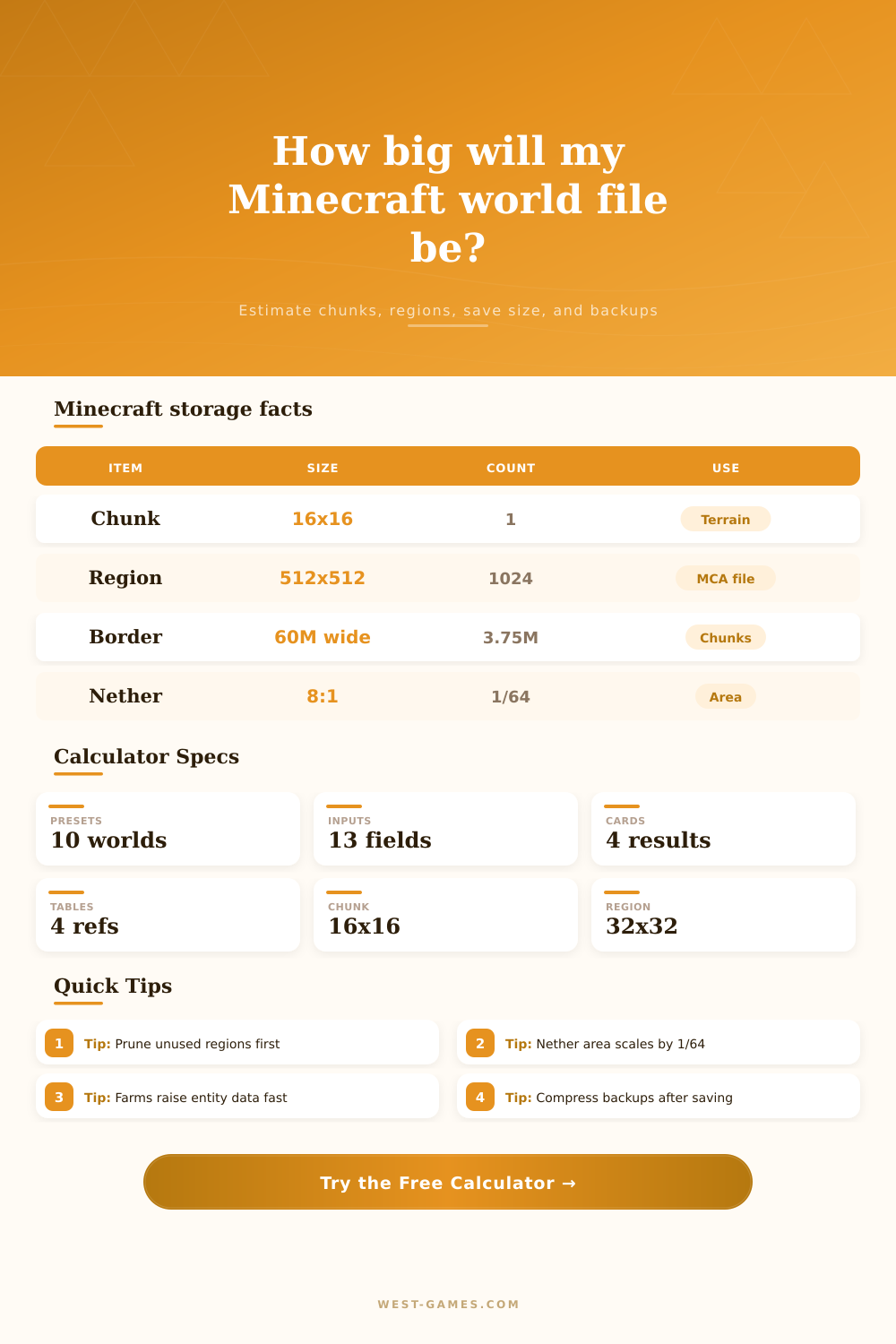
| Chunk | 16 by 16 blocks horizontally | 1 chunk | Area divided by 256 | Smallest terrain-save planning unit |
| Region file | 512 by 512 blocks horizontally | 32 by 32 chunks, 1,024 total | Generated chunks divided by 1,024 | Rounded up, then adjusted for edge fragmentation |
| Modern chunk height | 16 by 384 by 16 block volume | Vertical sections vary by content | Height multiplier | Modern worldgen may store more cave and section data |
| Default world border | About 60,000,000 blocks wide | About 3,750,000 chunks per side | Extreme square preset | Shown as theory, not a normal backup target |
| Nether scale | 1 Nether block equals 8 Overworld blocks | Area equivalent is 1/64 | Scaled Nether routes | Only applies when Nether travel mirrors Overworld radius |
The calculator estimates saved chunks and region-file overhead. Real .mca files vary because Minecraft stores compressed NBT, palettes, light data, entities, and block entities.
| Shape | Area formula | Chunk formula | Best use | Region behavior |
|---|---|---|---|---|
| Circle radius | pi times radius squared | Ceiling of area / 256 | Pregenerated circular borders | More partial regions along the curved edge |
| Square radius | Side length is 2 times radius | Ceiling side / 16, squared | Vanilla world border or square pregeneration | Cleaner region alignment when side is a multiple of 512 |
| Rectangle | Width times length | Ceiling width / 16 times ceiling length / 16 | Trimmed exports, map art, and directional exploration | Edges touch regions in both axes |
| Default border | 59,999,968 by 59,999,968 blocks | 3,749,998 chunks per side squared | Upper-bound thought experiment | Too large for practical full-generation planning |
Coverage percentage is applied after the theoretical chunk count, which lets the calculator model partial exploration inside a larger allowed border.
| Profile | Base KB per generated chunk | Typical world style | What pushes it higher | Best calculator use |
|---|---|---|---|---|
| Trimmed / lightly generated | 12 KB | Pruned terrain with few edited chunks | Unremoved region padding | Archive copies after map trimming |
| Fresh vanilla terrain | 22 KB | New terrain, few builds, few entities | Caves, structures, lighting data | Early exploration estimates |
| Normal survival world | 32 KB | Bases, mines, villages, common travel | Containers and persistent mobs | Most single-player and small-server saves |
| Built bases and explored villages | 55 KB | Edited terrain and many saved chunks | Maps, inventories, signs, farms | Long-running survival worlds |
| Farms, item storage, villagers | 85 KB | Technical builds and dense hubs | Block entities and entity NBT | Storage rooms, farms, and trading halls |
| Modded terrain and structures | 120 KB | Modpack worlds with extra metadata | Custom dimensions and worldgen | Modded server backup planning |
| Creative flat or test world | 8 KB | Flat terrain with low variation | Large builds or commands | Redstone test maps and superflat worlds |
| Amplified terrain world | 68 KB | High vertical terrain complexity | Caves, heightmaps, and edits | Amplified or custom-height terrain |
These values are planning averages, not exact save-reader output. Measuring a sample region folder and entering the closest profile gives better estimates.
| Backup profile | Calculator ratio | Expected shrink | Works best when | Practical note |
|---|---|---|---|---|
| Archive only / little compression | 0.92x | About 8 percent smaller | Already compressed or copied quickly | Fastest but least compact |
| Zip normal compression | 0.66x | About 34 percent smaller | General local backups | Common and easy to restore |
| Gzip or server backup | 0.58x | About 42 percent smaller | Automated server archives | Good balance for scheduled backups |
| 7z high compression | 0.48x | About 52 percent smaller | Cold storage copies | Slower but usually smaller |
| Zstd high compression | 0.42x | About 58 percent smaller | Modern backup pipelines | Fast restore depends on tooling |
Backup ratios are estimates because chunk data is already compressed inside region files. Offline backups are more consistent than live copies.
Minecraft’s server folder gets bigger than you’d think. Sometimes, it’ll just slowly get bigger and bigger without your notice until you’re staring at a progress bar that refuses to move. But this calculator will break it all down for you so you can understand what the folder is saying in terms of bytes. Numbers are easier to plan around different than virtual geography.
There are no individual block saves in Minecraft. There are chunk saves. A chunk is a sixteen by sixteen area of terrain that stretches from the bedrock to the sky limit. These chunks gets bundled up into region files. A region file is a grid of thirty-two by thirty-two chunk. If you’ve only explored a little piece of it, then the entire file will be open. You don’t need to guess how much data is being saved versus how much empty space there is. When you input your explored radius, the calculator figures out math for you.
How Minecraft Saves Your World
Players think the size of world comes down to how far they has traveled. It doesn’t. Half of it is density, the other half is travel. If I make a chunk of pure forest, its not big. This happens because everything is repeated over and over. As redstone and automated farms becomes more complex, the game gets heavier. They adds tile entities and entities. These are in their own separate list of data attached to the chunk.
So select a profile of terrain which suits your building style. And then set the multiplier up to match if you’re running a tech server. If you don’t, it’ll make your estimate too optimistic.
Another wrinkle is dimension scaling: The Overworld’s coordinates are eight times larger than those in the Nether. That means it takes eight blocks to traverse a single block of distance in the Overworld. This is why the Nether world file itself is so small. For equal spans of traveled distance, it’s typically just around one sixty-fourth of the main worlds size. If you’re creating a profile and have chosen a multi-dimension setup, that gets accounted for automatically by the calculator, too. Then your back up estimates will take into account combined space from all three areas.
Lastly, this does impact the size of your final file. Archiving a minecraft world folder will produce wildly different results. Internally, minecraft’s data is not perfectly compressed. There are diminishing returns for simply zipping it with standard archiving software. More efficient algorithms such as Zstandard will pack in even more. It may be the deciding factor in whether you fit the file on a USB stick or need to use a hard drive. You can find some comparison in the reference table on the page showing how different compression rates affect the overall byte count.
Clearing out unused areas is best done through pruning. That takes some manual work. You could of used a tool to scan all region files and delete those marked as unused. This reduces the bloat of the world, shrinking it back down to just the area that’s actualy been explored. You should do this before compressing your backup in case you want to do this regularly. This helps ensure that you aren’t paying to store terrain on your disk that no one has ever played in.
In short, if you manage a Minecraft world, realize that everything has weight. Each cave system, each chest, and each mob add weight to the chunks. And the calculator will give you a look at how much that weighs.
Where it gets interesting is realizing there’s a balancing act with managing size (keeping the files small) vs building size (building large). Once you begin to think in terms of regions and chunks, then you take control of the file. The mystery of the ever-growing folder goes away. It becomes a planned digital archive instead of a chaotic data dump. When you’re trying to run a server smoothly this mental shift makes all the difference.