🖼 Texture Memory Calculator
Estimate game texture memory from resolution, format or block compression, mipmaps, array layers, texture count, streaming residency, pool budget, and total VRAM footprint.
Uncompressed 32-bit color. Great for exact UI and debug assets, expensive for world textures.
Small opaque color format for albedo, rough masks, and distant props.
Quality-focused compressed path for normal maps, masks, and hero material layers.
Mobile-friendly high compression for memory-limited targets when quality allows it.
| Format | Bpp | Bytes/Pixel | Common Use |
|---|---|---|---|
| BC1 / DXT1 | 4 | 0.50 | Opaque albedo, simple color maps |
| BC3 / DXT5 | 8 | 1.00 | Albedo with alpha, legacy assets |
| BC4 | 4 | 0.50 | Single-channel masks and height maps |
| BC5 | 8 | 1.00 | Normal maps and two-channel data |
| BC6H | 8 | 1.00 | HDR environment maps |
| BC7 | 8 | 1.00 | High quality albedo and hero assets |
BC formats are block compressed, so very tiny textures can have extra rounding overhead.
| Format | Bpp | Bytes/Pixel | Common Use |
|---|---|---|---|
| R8 | 8 | 1.00 | Grayscale masks, lookup textures |
| RG8 | 16 | 2.00 | Two-channel utility maps |
| RGB8 | 24 | 3.00 | Rare in GPU paths, no alpha |
| RGBA8 | 32 | 4.00 | UI, sprites, import debugging |
| RGBA16F | 64 | 8.00 | HDR render data or authored float maps |
| RGBA32F | 128 | 16.00 | Offline tools and heavy data textures |
Uncompressed formats are predictable but can dominate VRAM quickly at 4K and 8K.
| Format | Bpp | Bytes/Pixel | Common Use |
|---|---|---|---|
| ETC2 RGB | 4 | 0.50 | Android opaque color textures |
| ETC2 RGBA | 8 | 1.00 | Android textures with alpha |
| ASTC 4x4 | 8 | 1.00 | High quality mobile assets |
| ASTC 6x6 | 3.56 | 0.44 | Balanced mobile compression |
| ASTC 8x8 | 2 | 0.25 | Small textures and memory-limited scenes |
| PVRTC 4bpp | 4 | 0.50 | Older iOS pipelines |
ASTC block size is a quality dial: larger blocks use less memory but show more artifacts.
| Feature | Memory Effect | Budget Note | When To Use |
|---|---|---|---|
| No mipmaps | 1.00x | Sharp close-up, shimmer far away | UI, font atlases, fixed-size icons |
| Full mip chain | 1.333x | Default for 3D scene textures | World, character, weapon textures |
| Cubemap | 6 faces | Multiply by six before mips | Skyboxes, reflection probes, IBL |
| Texture array | N layers | Each layer is another texture slice | Terrain splats, decals, material libraries |
| Streaming pool | Resident mips only | Leave headroom for camera jumps | Open worlds and large scenes |
| Virtual texture | Visible tiles only | Great for huge terrain, not free | Mega-textures, landscape materials |
The calculator separates loaded footprint from resident streaming footprint so both import size and runtime pressure are visible.
| Asset | Typical Resolution | Format | Layers | Budget Watch |
|---|---|---|---|---|
| Hero character set | 4K maps | BC7 albedo, BC5 normal | Several maps | LOD and streamer bias matter |
| Terrain tile | 4K to 8K | BC1/BC5/BC7 | Many tiles | Pool pressure spikes while traveling |
| UI atlas | 1K to 4K | RGBA8 or ASTC | Usually 1 | No mips for fixed-size HUD assets |
| Reflection cubemap | 512 to 2048 | BC6H | 6 faces | Probe counts multiply fast |
| Weapon pack | 2K to 4K | BC7/BC5 | Material maps | First-person assets need quality |
| Sprite sheet | 512 to 2048 | RGBA8/BC3/ASTC | Atlas pages | Alpha can block BC1 savings |
Use presets as a starting point, then tune actual count, layers, and residency for your engine content browser.
Add another high-res texture to a character model? Game stutters. Why? Because it’s doing some math, fast, which eat up video memory. There are texture memory calculators out there; human intuition isn’t suited to gigabytes of graphical information inside a GPU. We might think a 4K image looks like any other photo, but to a graphics card it is a sprawling estate of pixels that needs its own zip code in VRAM. A graphics card sees an enormous amount of pixel requiring VRAM. Before you crash your build, the calculator do the numbers for you and turns artistic decisions into budgetary ones.
Resolution alone doesn’t tell the full tale. Most artists think: “A 4K texture sounds big.” But how much memory does that take up? It depends on how compressed it is naturaly. RGBA8 textures are perfect quality (4 bytes/pixel). Great for UI elements! Don’t throw an uncompressed RGBA on your hero character’s head/terrain tile. That will kill performance.
How to Save Video Memory
Block compressors such as BC7 or BC1 will reduce the file size at the cost of some visual fidelity. That’s not a penalty; it’s a trade-off. And then there are mipmaps, smaller versions of your textures that engine pulls in as things recede into the distance. They reduce bandwidth and stop shimmer, but also add about a third to basic memory overhead. If you skip mipmaps, distant texture become jaggy and noisy.
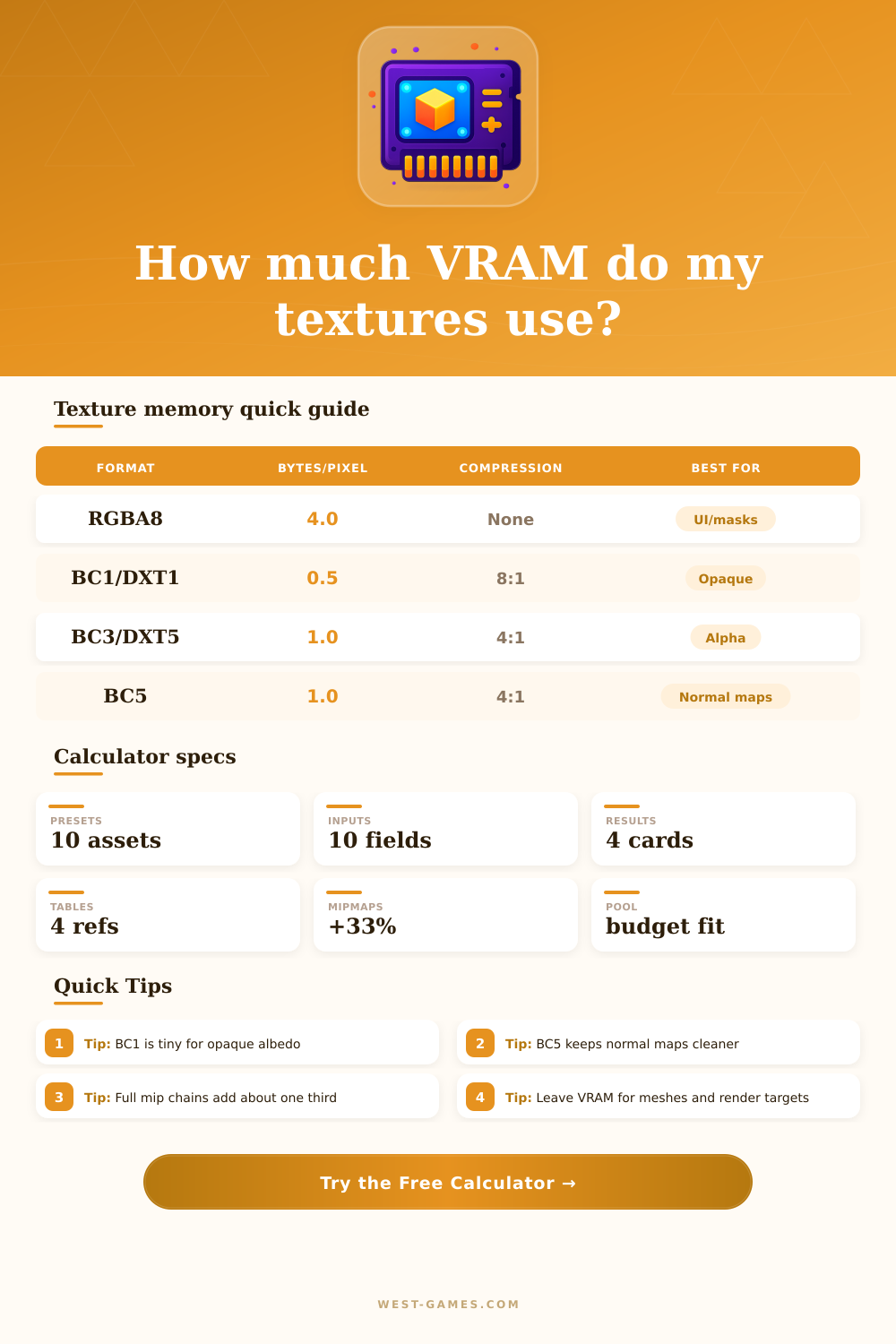
For opaque albedo channels, BC1 is compact; for normals BC5 maintains clarity. The table of references indicate where the sweet spot lies: real optimization comes with careful choice of format per type of map.
Open world games are complicated by streaming: you can’t stream all your textures at once. Instead, you use a dedicated chunk of VRAM called a streaming pool, which swap out textures based off where the player goes. To help visualize this, the calculator has you specify a residency percentage. Say you put in seventy percent; it’ll estimate how much memory is currently being used vs. Sitting on disk.
It also needs to fit all those things within your total GPU VRAM including geometry buffers, shadow maps, render targets, and driver overhead. Improving texture is both a technical chore and an artistic discipline. It’s about adding one more particle effect or tree while maintaining your frame rate; it’s about deciding which elements deserve high fidelity and which can get away with a bit of compression. High-quality BC7 for that close-up weapon? Maybe some aggressive ASTC compression on mobile for that distant rock. Arithmetic gets handled by the tool. Strategy is up to you.
The first step is to define the memory limit of your target platform. Input your asset resolutions. See where it breaks. Fine-tune your compression settings until it fit inside the streaming pool with extra space for the remainder of engine. The numbers will creep up. At first, this will feel limiting. But when you know what each input means, you no longer view these limits as barriers; instead, they’re opportunities. You learn to squeeze more world into fewer pixels. That’s good optimization in practice.