Inventory Slot Calculator
Calculate required bag slots from item count, stack size, reserved space, container pages, and optional carry limits for weight or volume based inventory systems.
Calculation breakdown
| Item type | Typical stack | Planning use | Slot behavior |
|---|---|---|---|
| Consumables | 5 to 20 | Raid food, potions, buffs | Small stacks create many partial slots |
| Ammunition | 30 to 999 | Rounds, arrows, charges | High stack size usually makes weight the limiter |
| Crafting materials | 20 to 100 | Ore, herbs, parts, scraps | Farm loops often end on a partial final stack |
| Equipment loot | 1 | Armor, weapons, relics | Every item needs its own slot |
| Cards or fragments | 10 to 999 | Packs, shards, currencies | Pages matter more than carry weight |
| Container profile | Slots per page | Best use | Reserve advice |
|---|---|---|---|
| Small backpack | 16 | Early RPG or survival runs | Hold 4 to 6 slots open |
| Standard MMO bag | 24 | Dungeons, questing, raid prep | Reserve 15% to 25% |
| Large stash tab | 48 | ARPG farming and sorting | Reserve a full row |
| Crate page | 60 | Survival storage and base supply | Reserve by item category |
| Cap type | Formula check | Failure signal | Practical fix |
|---|---|---|---|
| Slot cap | Available slots minus needed slots | Positive overflow slots | Add pages or raise stack size |
| Weight cap | Item count times item weight | Weight over capacity | Split heavy stacks or upgrade carry load |
| Volume cap | Item count times item volume | Volume over capacity | Use bigger containers or fewer bulky items |
| Sort cap | Partial stacks plus reserve slots | Free slots disappear early | Merge partial stacks before looting |
| Scenario | Input focus | Main limiter | Useful output |
|---|---|---|---|
| Raid prep | Consumables and reserved gear slots | Small stack sizes | Slots needed and spare slots |
| Farm route | Materials per loop and pages owned | Final partial stack | Overflow before returning to town |
| Survival storage | Crate pages plus item weight | Weight or volume | Capacity status by cap type |
| Loot sweep | One-slot gear drops | Raw slot count | Extra pages required |
Inventory panic is running out of room in your bag mid-dungeon run. It happens in all sorts of games; from massively multiplayer online games to survival simulations. You come across that rare item you’ve been searching for, only to discover you have half-stacks of arrows and herbs scattered throughout your inventory. Time to drop the loot or abandon your precious resources.
The calculator estimates how many slots you should of had before entering the zone. The variables start with stack size. Most players run into trouble here. It seems that fewer items take up less space; however, each partial stack take up more room. Twenty items in a slot? Two slots now (instead of one) if you have twenty-one. Adding just one extra item doubles what you consume for that group. Full stacks is calculated by the tool which adds an overflow slot for the rest. This is math that will determine whether you get your haul home or come away empty-handed.
How to Use Inventory Space Wisely
Similarly, people tend not to think about reserved space, that is until they’re wasting time gathering something they won’t be able to store. Maybe you think you can fit 50 items into your inventory because you have 50 open spaces. But you also need some for quests, keycards, emergency rations, junk, etc. To account for this up front, you can specify how many of those “reserved” spots there are in the calculator. Then the base calculation will use whatever’s left over after subtracting the reserved ones. That way you get an accurate idea of how much room you actualy have for bulk stuff, rather than thinking your inventory is bottomless. After all, you can’t drop your gear.
Survival games complicate things by having a cap on how much weight can be carried as well as a cap on how many items can be carried. Empty spaces in your inventory still represent empty space in survival games, but you might hit your weight limit before your slots runs out. If you select that option, the calculator will check both conditions at once. Will I fill my inventory first, or reach my max weight? For items with a high value but heavy weight, such as metal plates or ore, this is important. You may think there’s enough room because of open spaces in your inventory, but reaching your weight limit can lower your movement speed. If you can’t move fast, then the loot isn’t worth anything.
At a bigger scale, container tabs and pages creates a planning problem. In most games you can unlock additional pages of storage (or purchase bags) and then fill them with stuff. When should you do it? That’s where the tool come in. It will tell you if you have enough space for what you are about to pick up by looking at your current number of pages and the items on each page. It moves you from an instant-gratification perspective (“I’m gonna drop this”) to a strategic one (“when should I get more of these?”). From “what do I drop” to “what do I buy.
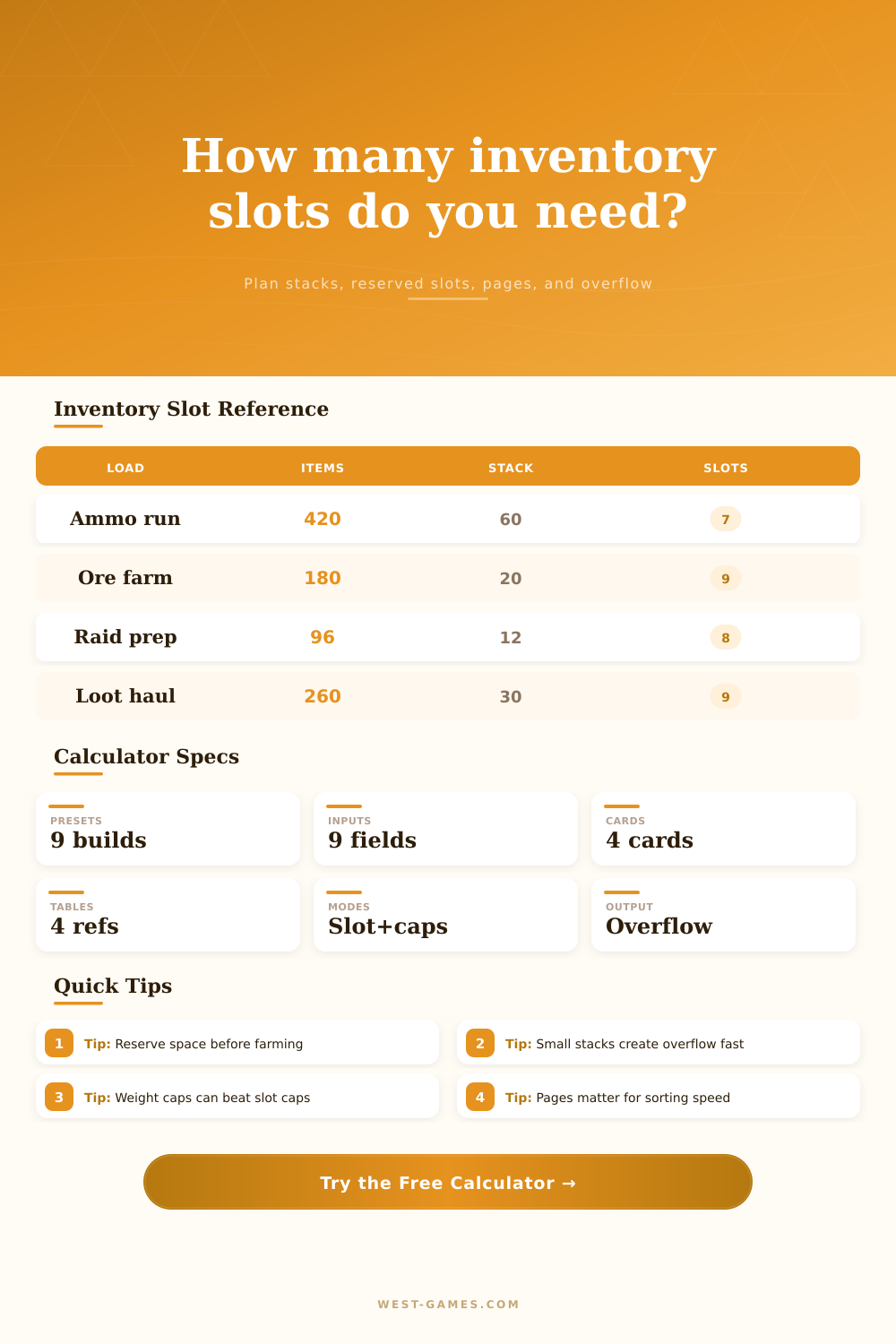
These inputs are provided with some context through the reference tables on the page which detail how various item types typically behaves when stacked. For example, consumables tend to be small stacks and fill up slots fast even at lower quantities. Ammo tends to be large stacks, meaning low slot pressure, but high weight pressure. This pattern allows you to tweak your inputs correcty.
When running a raid prep run, you know there’s going to be lots of partially filled slots from your food and potions. In a loop farming ores, you know that the final stack will probably exceed your capacity. But that’s the point: Inventory management isn’t just about carrying more stuff. It’s about predicting friction before it occurs and organizing your existing inventory so that nothing important gets left behind.
These are the kind of numbers you run ahead of time, transforming a stressful scramble into a routine logistical check. You know exactly how much space you have for the unexpected when you walk into the dungeon. That peace of mind is worth more then any extra slot you could buy. The goal isn’t just to fill the bag. The goal is to ensure the right things can fit inside it.