Zoom Sensitivity Multiplier Calculator
Convert hipfire sensitivity into scoped sensitivity with horizontal or vertical FOV, target scope level, focal length scaling, monitor distance matching, DPI, eDPI, and cm/360 checks.
Uses the tangent ratio between zoom FOV and hipfire FOV for center-screen consistency.
Same limit as focal length. Useful when small target corrections matter most.
Balances center aim with larger screen-distance movement for tracking.
Simple zoom FOV divided by hipfire FOV. Some older converters feel close to this.
| View | Horizontal FOV | Vertical FOV | Notes |
|---|
Horizontal and vertical FOV are converted through the selected aspect ratio before the multiplier is calculated.
| MD % | Multiplier | Scoped sens | Scoped eDPI |
|---|
These rows show how the same hipfire sensitivity changes as monitor distance moves from center to edge.
| Scope | Zoom H FOV | Zoom V FOV | Focal multiplier |
|---|
Scope FOV is derived from the hipfire FOV using optical magnification, then converted to the other axis.
| State | Sens | eDPI | cm/360 |
|---|
cm/360 uses the yaw value, DPI, and sensitivity. Some games handle scoped yaw internally, so use this as a consistency check.
| Preset | Game profile | Scope target | FOV model | Default match |
|---|---|---|---|---|
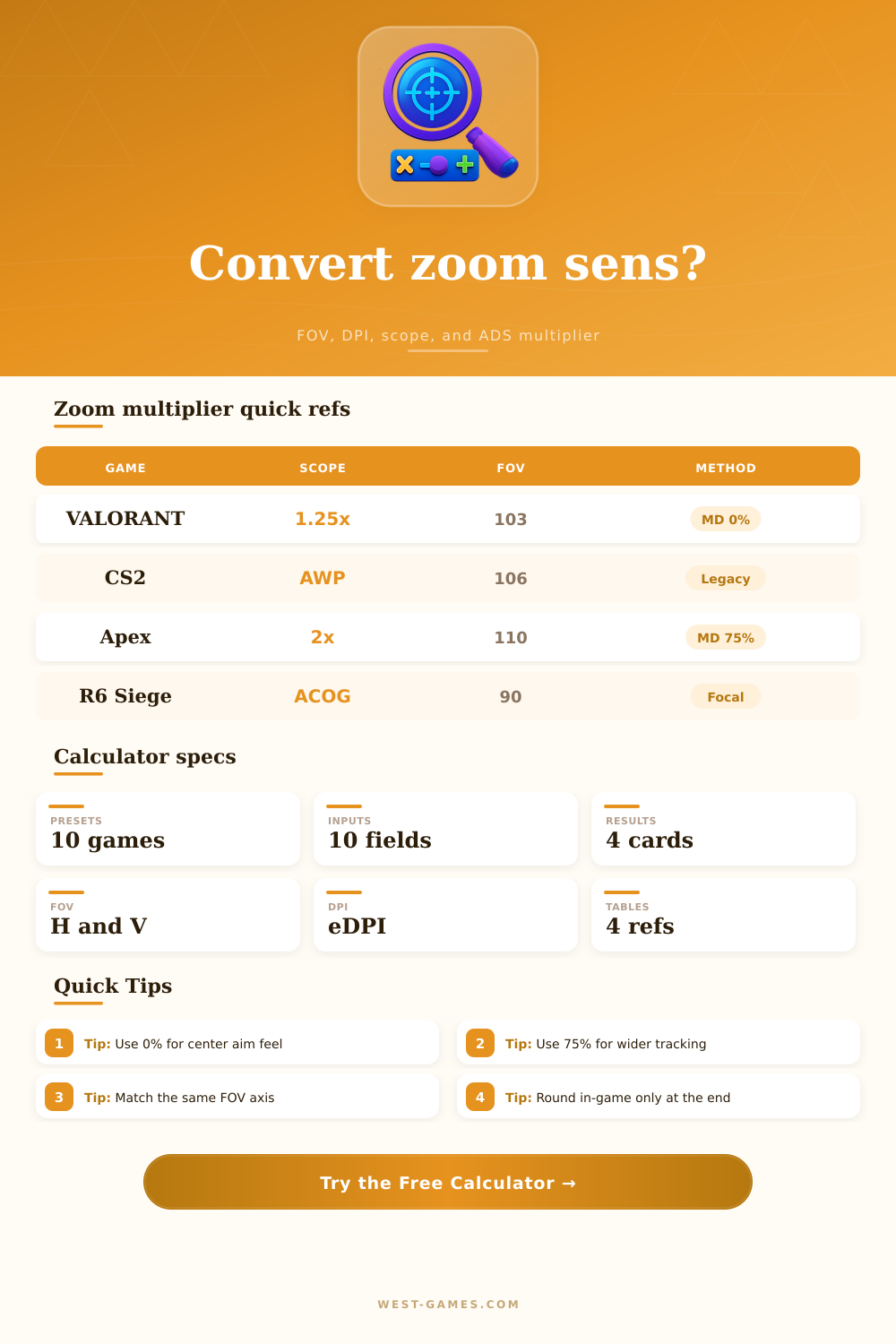
| VALORANT 1.25x | 103 horizontal FOV style | 1.25x ADS | Horizontal 16:9 | 0% monitor distance |
| CS2 AWP | Counter-Strike 2 style | AWP first zoom | Horizontal 16:9 | Legacy ratio check |
| Apex 2x HCOG | Apex Legends style | 2x optic | Wide hipfire FOV | 75% monitor distance |
| Overwatch Widow | Overwatch 2 style | Scoped sniper | Horizontal 16:9 | 0% monitor distance |
| Fortnite Scoped | Fortnite style | Scoped AR | Custom zoom FOV | Focal length |
| R6 ACOG | Rainbow Six Siege style | 2.5x ACOG | Vertical 16:9 | Focal length |
| PUBG 4x | PUBG Battlegrounds style | 4x optic | Vertical FOV slider | 50% monitor distance |
| Warzone 3x | Call of Duty style | 3x optic | Horizontal 16:9 | 75% monitor distance |
| Battlefield 6x | Battlefield style | 6x scope | Vertical FOV style | 100% monitor distance |
| The Finals 1.5x | The Finals style | 1.5x sight | Horizontal 16:9 | 0% monitor distance |
Preset values are practical starting points for conversion math. Verify the final number in a training range because each game may round or clamp scoped sensitivity differently.
When you zoom in, your crosshair moves too slow or too fast and you miss. After a game update changes the way your scoped sensitivity work, this happen frequently. Your hipfire feel right. Aiming with a scope makes your mouse feel like an out of control beast. Chances are, your muscle memory isn’t the problem.
When you switch between firing modes, the math behind the scenes break. Most players simply guess their way around the new setting until it starts to feel right again. Sometimes it works but it takes forever and ruins your aim consistency across different scope.
Why Scoped Sensitivity Feels Wrong and How to Fix It
So why is this important? Well, because games don’t treat zoomed sensitivity the same. Linear optical scaling treats scopes like a straight up multiplier (like 1x means its as sensitive as it was before). Others use advanced formulas taking into account your monitor distance or even your field of view. That’s where this calculator comes in: it spits out the math for you so you never have to guess again.
Simply plug in your base sensitivity, DPI, and scope level you’re aiming for. Then it’ll show just how slow your mouse has to travel now to keep things feeling identical once you put a scope down. It breaks down various scaling methods and lets you see just how much more slowly you need move your cursor to make up for the decreased view area.
Where folks tend to get hung up is understanding the difference between monitor distance matching versus focal length scaling. With focal length scaling, it’s assumed that regardless of where your crosshair begins, you’d like the same amount of angular movement on screen. Center flicks remains constant.
However, monitor distance matching take into account how far your hand travels relative to edge of your screen. For example, if you enjoy tracking a target as it moves across your whole field of view, you may wish for a larger monitor distance percentage. This tradeoff is well shown by the reference tables in the tool itself. A zero percent setting will favor small corrections whereas a seventy-five percent setting will favor wide sweeps.
This brings us to an unexpected variable: Your field of view. Even with the same sensitivity number, a game that’s 90 degrees wide will feel different than one that’s 110. The calculator takes your aspect ratio into account to convert between horizontal and vertical FOVs. While it may sound unimportant, many shooters has sliders in their settings menu for just one axis. Make sure whatever type of FOV you’re selecting matches the actual type your game displays. That’s the easiest way to avoid the most popular complaint against sensitivity converters.
That they don’t feel accurate.
EDPI stands for effective DPI. In this case, it’s just your mouse DPI times your in-game sensitivity. As you’re zoomed in, your screen moves less with every movement of your aim and therefore your effective sensitivity decreases. This tool give you your scoped eDPI so you can compare your baseline with hip fire. If they’re very different, there’s going to be a jarring change any time you click to ADS. It’s consistency over raw speed. You want to seamlessly go from hip to scope without being surprised every time you have to engage a target.
These games are Apex Legends, CS2, and VALORANT. These is solid starting places for their most popular games. You can load them and set the typical scope levels and FOV to realistic values without searching for random technical specs. But again, those are reference points. Everyone likes to spin things at different speeds. Load up the presets, learn the math then adjust the inputs to match your style. Don’t try to emulate someone else’s settings, but rather figure out the multiplier where it matches your muscle memory.
And lastly, don’t forget, there’s no math to match the real world. You may know the theory behind how sensitive something should of be based off numbers, but until you get out on the range and test it yourself, you won’t truly know if it feels correct. Practice with both long tracking casts and short flicks to see which one feels better. And if neither feels right, move back or forward ever so slightly from your monitor distance setting.
Sounds crazy, but it makes a difference. Getting it right just takes time, but when you do, you’ll never have to ask yourself “why’d I miss this shot” anymore.