⏱ Lost Ark Cooldown Calculator
Plan cooldown gems, Swiftness, tripod reductions, Conviction/Judgment windows, base skill cooldowns, casts per minute, and rotation slack.
| Level | T3 CDR | T4 CDR | Typical Use |
|---|---|---|---|
| 5 | 10% | 14% | Early alt or low priority skill |
| 7 | 14% | 18% | Common raid-ready baseline |
| 9 | 18% | 22% | Tight synergy or burst timing |
| 10 | 20% | 24% | Key cooldown-gated skill |
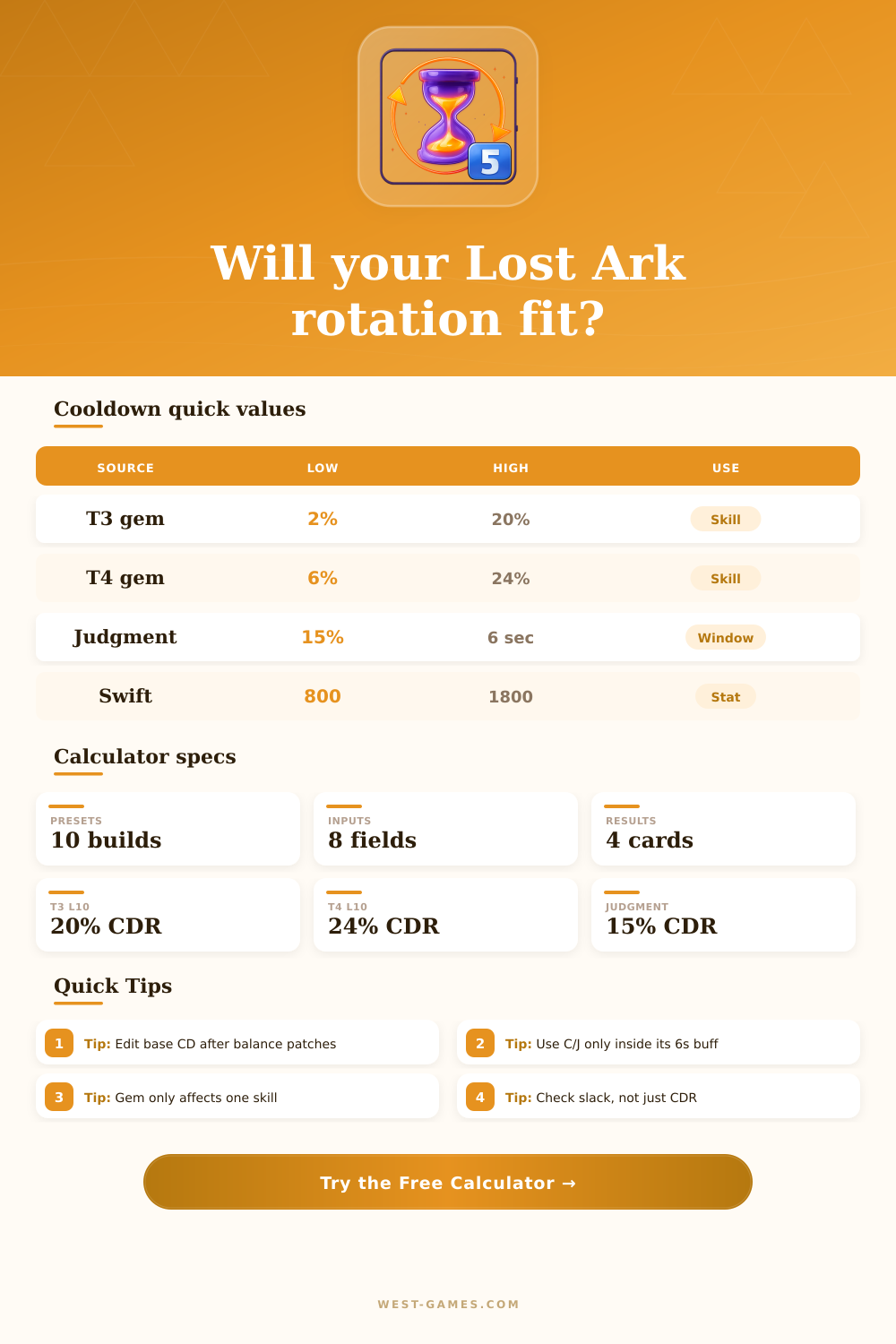
Only one cooldown gem applies to a specific skill; duplicate lower values do not stack.
| Swift | CDR | Feel | Common Role |
|---|---|---|---|
| 650 | 14.0% | Light | Crit/Swift DPS split |
| 1100 | 23.7% | Flexible | Hybrid build |
| 1500 | 32.3% | Fast | Swift DPS or support |
| 1800 | 38.7% | Very fast | High Swift support |
Swiftness also changes attack and movement speed, but this calculator focuses on skill cooldown.
| Class | Skill | Base CD | Rotation Check |
|---|---|---|---|
| Bard | Heavenly Tune | 30s | Buff loop |
| Paladin | Heavenly Blessings | 36s | Atk buff alternation |
| Sorceress | Doomsday | 32s | Burst return timing |
| Deathblade | Maelstrom | 30s | Burst setup window |
Edit the base cooldown field when a tripod, balance patch, or build variant changes the tooltip value.
| Slack | Status | Meaning | Action |
|---|---|---|---|
| 3s+ | Fits | Comfortable recast | Keep timing stable |
| 0-3s | Tight | Works with clean uptime | Practice or add CDR |
| -0-2s | Late | Small desync risk | Raise gem or Swift |
| -2s+ | Breaks | Window misses often | Change loop or skill |
A mathematically fitting cooldown can still fail if animation lock, boss movement, or mechanic downtime interrupts the loop.
Cooldowns is essential for every single rotation in the game. The function of cooldowns will dictate whether players feel as if a certain rotation is comfortable or whether players feel as if the rotation are late. While players may have knowledge of their Swiftness stat or the gem level of there characters, players often find themself disappointed in the fact that their cooldowns are not as expected.
A long cooldown will result in missed window for both buffs and synergies, as well as damage done during raids. In order to calculate cooldowns for players, there are several different input required for the calculator. Players must enter there cooldown, the tier of their gems, their Swiftness statistic, and any reduction that they may have through the tripod system.
How to Use the Cooldown Calculator
Players must also make a selection as to how they will use there Conviction or Judgment skill. The game will multiply each of these factors by one another in the same way that it applies each of these stats to the player characters’ abilities. Each of these stats will be multiplied rather than add together in order to determine the final cooldown for the player.
This output will allow players to determine if their cooldown will return within the time require for that rotation to occur. The base cooldown can be modified according to the different patches for the game and the adjustment of a player’s tripods. Each cooldown tripod does not simply add to the cooldown of a skill like the other stats do, but instead can be account for in the base cooldown prior to the reduction of other stats.
This process help players to determine if their cooldown is still reducing as they might otherwise think it is. The Swiftness stat works on a sliding scale, and players cannot fully rely upon the translation of Swiftness into cooldown reduction. However, players can use the approximate ratio in the calculator to help determine cooldown ability.
Judgment create a decision for players as to how they wish to use that skill. Using Judgment as a six-second burst will provide the player with a full fifteen percent reduction of that skill, but using it for thirty seconds will provide less benefit to the player. Players can select these two options in the calculator to compare the outcome of the same stat levels and Swiftness as they choose.
The tables located on the page help to explain the percentage reduction that will be provided from specific levels of gems and Swiftness. These tables prove to be helpful when players is considering two different stats in comparison to one another. For example, while the level eight gem for T4 skills does provide a large reduction in cooldown, the difference between level eight and nine for T4 skills is smaller in relation to the amount of gold require for purchase.
Similarly, Swiftness also contains diminishing returns for the benefit provided by the stat. Thus, each player can select the Swiftness range that best fits their rotation and other stats. Another mistake that many players make is focusing upon optimizing only one single skill within the rotation.
While the cooldowns for that one skill may be appropriate, another skill in that rotation may still feel slowly. This rotation fit result will allow players to determine if the remaining skills within that rotation will allow the desired skill to be used within the cooldown window. If there is a small amount of slack between the cooldown and the requirement for that cooldown, then the rotation will likely fall outside of that cooldown window if interrupted.
While the calculator is helpful in testing each individual skill, the game and players cannot account for the alignment of other buffs with the cooldown of each player’s personal stat. For instance, a Paladin must ensure that skills like Heavenly Blessings and Wrath of God is active at the same time as the cooldown of one of there skills. Thus, while the calculator will test each individual skill in the rotation, the true test will be seen when all of the buffs for that rotation are accounted for.
Overall, the purpose of creating such a calculator as this one is to allow players to plan their cooldowns for their characters. Through this calculator, players can decide if raising the level of a specific gem will help fix their problems, adjusting their Swiftness levels, or whether their issues with Judgment can be resolve. Once all of the pieces of the rotation are set and accounted for in a way that ensure that each rotation will occur throughout the entire fight, the player will feel confidently in their abilities within the game.