💻 Render Scale Calculator
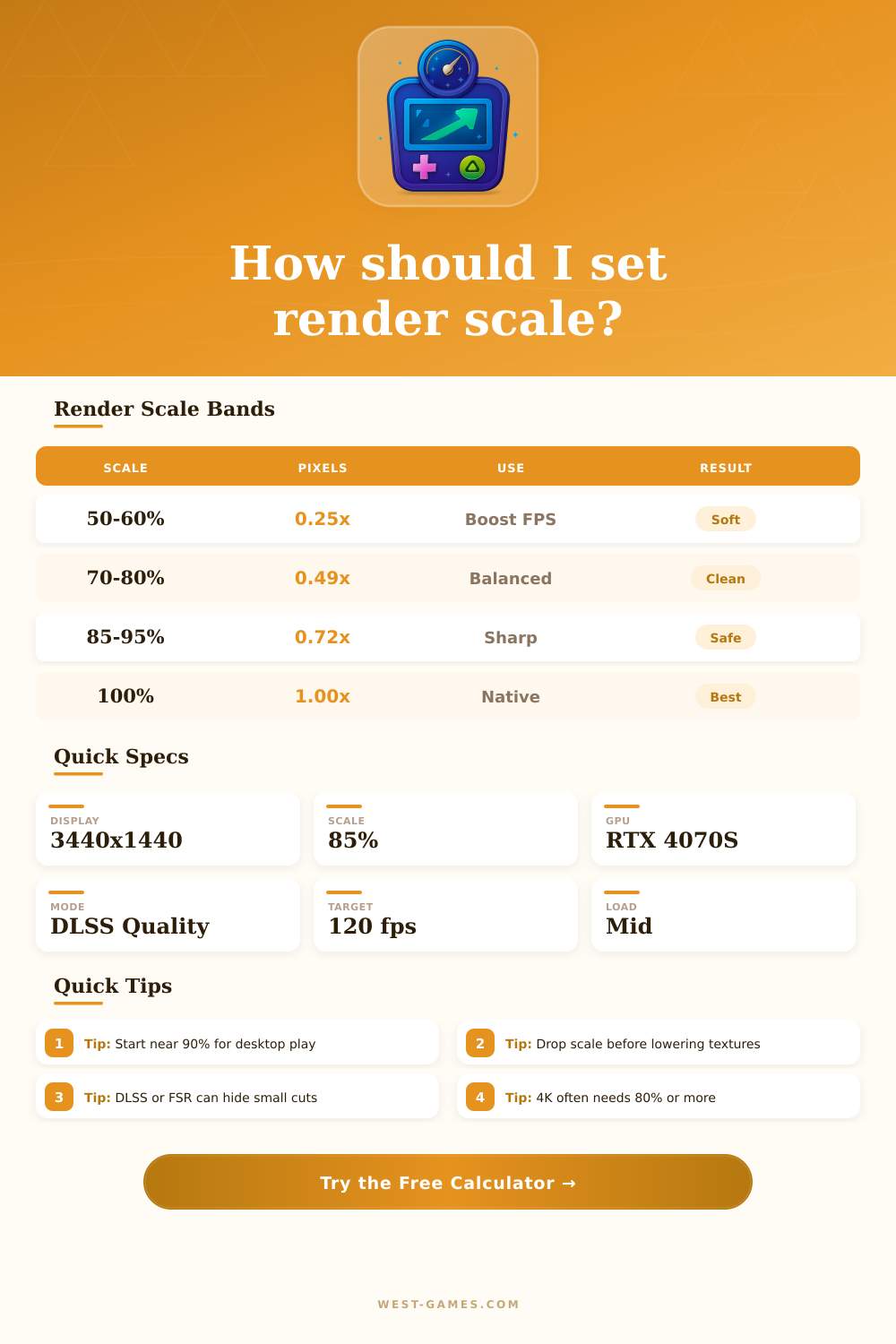
Dial render scale, estimate FPS headroom, and compare internal pixels so your game stays sharp without wasting GPU power.
Tune the scale against your GPU, refresh target, and display size to see whether the image should stay sharp or lighten the load.
| Resolution | Pixels | Scale band | Best use |
|---|---|---|---|
| 1920 x 1080 | 2.1M | 65-82% | Esports |
| 2560 x 1440 | 3.7M | 70-90% | Mainstream |
| 3440 x 1440 | 5.0M | 72-88% | Ultrawide |
| 3840 x 2160 | 8.3M | 80-100% | High end |
The scale band reflects how much of the native frame you can usually keep while staying within a practical GPU budget.
| Mode | FPS feel | Clarity | Best for |
|---|---|---|---|
| Native | Fast | Sharpest | Strong cards |
| DLSS Quality | Fast | Very sharp | NVIDIA rigs |
| FSR Quality | Fast | Sharp | Mixed rigs |
| Performance | Fastest | Softest | Heavy games |
Upscaling can recover detail, but the render scale still decides how much work the GPU must finish per frame.
| GPU | Perf index | VRAM | Use case |
|---|---|---|---|
| GTX 1660 S | 100 | 6 GB | 1080p |
| RTX 3060 | 140 | 12 GB | 1080p/1440p |
| RTX 4070 S | 235 | 12 GB | 1440p |
| RTX 4090 | 370 | 24 GB | 4K |
The perf index is a planning score. It is close enough for choosing a scale target without pretending to be a synthetic benchmark.
| Game type | Scale bias | FPS target | Note |
|---|---|---|---|
| Competitive FPS | Low | 180+ | Prioritize speed |
| Battle royale | Mid | 120-165 | Balance both |
| RPG / action | High | 60-120 | Sharper image |
| Flight sim | Low | 45-90 | Heavy load |
When the target FPS climbs, the recommended scale usually falls. When the target FPS drops, the calculator can afford more pixels.
The render scale is a setting that many games have to control the internal resolution of the game, separate from the resolution of your monitor. It changes the resolution for 3D elements, while 2D elements stay at the native resolution of the screen. Menus, HUD and other interface parts will still look sharp.
Here is how it works. For example, if the game is set to 1920×1080, but render scale drops to 50%, the real internal resolution becomes 960×540, which then gets expanded to 1920×1080. At 100% everything happens at the full selected resolution. So at a display resolution of 2560×1440, 75% render scale gives 1920×1080, and 50% results in 1280×720. The GPU then works much better at those lower settings
How Render Scale Works
Low render scale helps to boost the speed, but hurts the quality of the image. High render scale does the opposite. Render scale of 200% means to work at double width and height, so four times more pixels, and then shrink.
At 1920×1080 with 200% render scale the game truly renders at 3840×2160, so 4K, with 4:1 pixel ratio, before shrinking to 1080p.
This is very much like supersampling antialiasing. In some games it gives better results than other AA methods, but costs a lot of GPU power. If you turn render scale above 100%, you usually get more final antialiasing, less jagged lines and clearer images.
Small text reads more easily. But the impact depends on the game and how far you raise the scale.
Still, lower render scale to 75% or 50% instead of full resolution can help, if you want clear interface without too much cost. If your system is limited by the CPU, even so, low scale won’t change much, because it mostly affects the GPU. On Steam Deck at 800p the render resolution must work at such a low, pixelated quality compared with 4K games rendered at 1440p and then expanded.
Such display technology helps to make native resolution clearer. Render scaling helps players that must stay at low resolutions like 1080p. Developers for Meta Quest headsets control the render resolution through a render scale parameter, instead of giving a fixed list of resolutions. The default render scale of 1.0 for Quest headsets is actually below the physical screen resolution.
Scale of around 1.2 does match the real screen resolution.
Some games offer dynamic render scale, that automatically adjusts. Set game to 4K with 75% render scale gives real render resolution a bit above 1440p, what can help reach60fps.