⚡ Gaming PC Wattage Calculator
Enter your components to find total power draw and the right PSU size
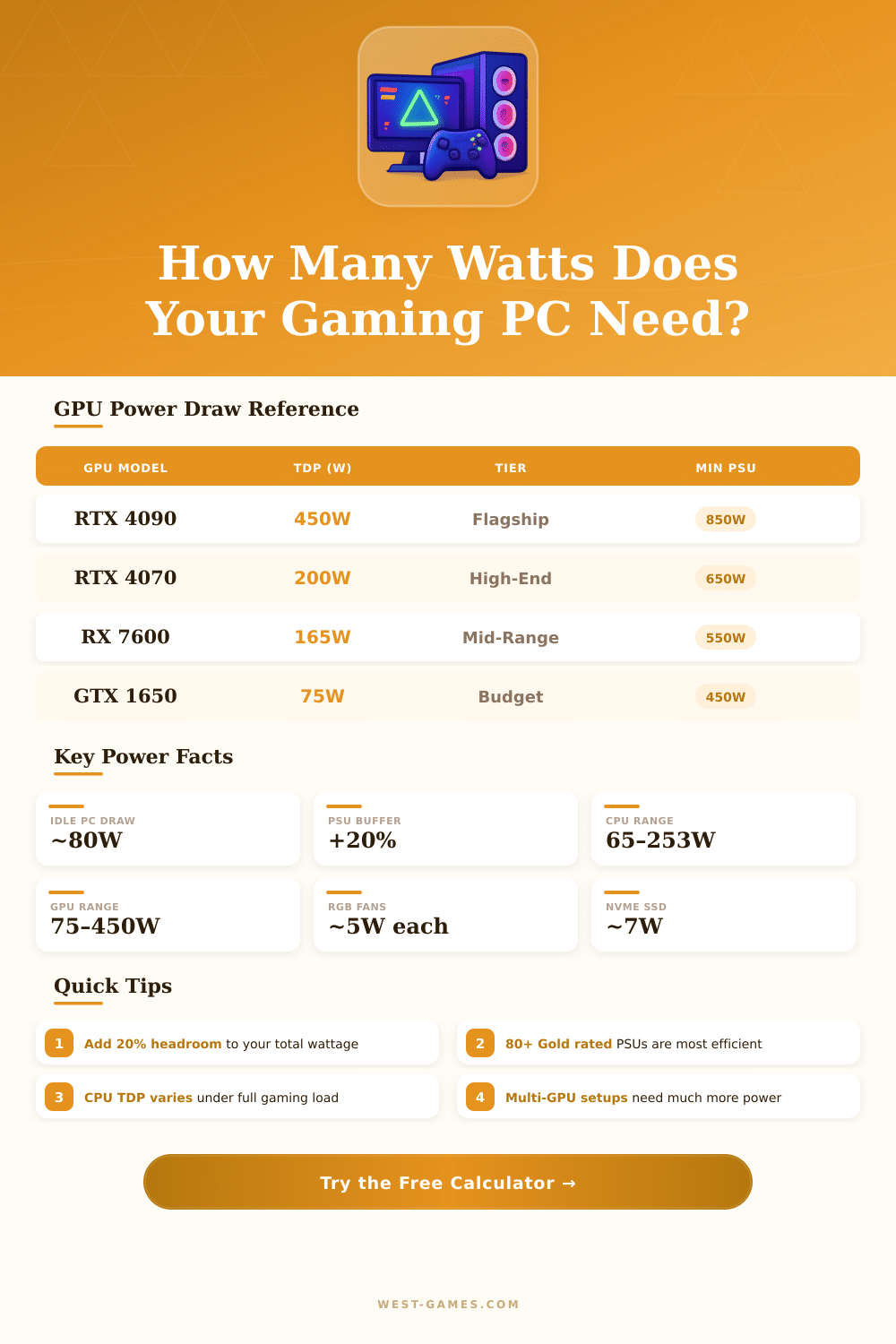
| GPU Model | TGP (Watts) | Tier | Min. PSU Rec. |
|---|---|---|---|
| RTX 4090 | 450W | Flagship | 850W+ |
| RTX 4080 Super | 285W | High-End | 750W |
| RTX 4070 Ti Super | 220W | High-End | 700W |
| RTX 4070 Super | 200W | Upper-Mid | 650W |
| RTX 4070 | 160W | Mid-Range | 600W |
| RTX 4060 | 115W | Mid-Range | 550W |
| GTX 1650 | 75W | Budget | 450W |
| RX 7900 XTX | 355W | Flagship | 800W |
| RX 7800 XT | 233W | High-End | 700W |
| RX 7600 | 165W | Mid-Range | 550W |
| CPU Model | TDP | Gaming Load (W) | Socket |
|---|---|---|---|
| Intel Core i9-14900K | 125W | ~253W | LGA1700 |
| Intel Core i7-14700K | 125W | ~180W | LGA1700 |
| Intel Core i5-14600K | 125W | ~150W | LGA1700 |
| Intel Core i5-13400F | 65W | ~90W | LGA1700 |
| AMD Ryzen 9 7950X | 170W | ~230W | AM5 |
| AMD Ryzen 7 7700X | 105W | ~142W | AM5 |
| AMD Ryzen 5 7600X | 105W | ~88W | AM5 |
| AMD Ryzen 5 5600 | 65W | ~75W | AM4 |
| Build Type | Typical Draw | Rec. PSU Size | 80+ Rating |
|---|---|---|---|
| Budget / Office Gaming | 200–300W | 450–550W | Bronze |
| Mid-Range Gaming | 300–450W | 550–650W | Gold |
| High-End Gaming | 450–600W | 650–750W | Gold |
| Enthusiast / Flagship | 600–750W | 850–1000W | Platinum |
| Workstation / Creator | 500–700W | 750–850W | Gold/Platinum |
Gaming PC does not require the same level of energy as average computers. Those special machines require much more power just to start compared to other devices. Normal uses of computers consume between 30 and 70 watts, while PS4 in everyday use reach 90 to 150 watts.
Gaming PC however operate in a much higher range.
How Much Power Does a Gaming PC Use
To estimate the whole energy use, the main parts to check are the GPU, CPU, RAM and storage drives. GPU and CPU form the biggest energy users. The energy use of RAM, motherboard and fans stays fairly low in comparison.
Each extra fan adds around 3 watts. The motherboard adds between 5 and 30 watts, depending on the backed CPU.
A calculator for PSU is useful as a handy tool. It takes into account all chosen parts and estimates the total energy that the system requires. One uses the maximum use of every part according to info from the makers.
By picking the right parts and putting them in the calculator, one finds the best PSU Wattage number for safe mode.
Gaming PC usually use 300 to 500 watts during gaming sessions. A simple cheap computer that runs basic programs, can stay under 200 watts. Even a good gaming machine can only reach 320 watts in most cases, and during everyday use it stays around 200 watts.
High-end setups present a whole other image. For instance, a top Intel-CPU with overclocked RTX 3080 can use together 500 to 600 watts. A system with 12th-gen i7 and 3080 can reach 700 to 750 watts, including the monitor, during intense games.
The energy use in pause is less then many folks imagine. A machine in idle state, with open browser, downloads and Discord running, uses around 110 to 130 watts. When one truly plays, that jumps to about 260 to 310 watts, depending on the game.
A PSU with a maximum Wattage label does not mean that the computer uses all that energy. A 650-watt PSU does not mean that the system always draws 650 watts. Wattage helps to see the real use.
A good rule is to aim for double the total top Wattage of CPU and GPU, plus 40 watts for the other parts. Having at least 200 watts of reserve above the needs of the system improves the efficiency and leaves space for future upgrades.
RTX 4080 has a 320-watt TDP, but it runs at 290 watts in most games thanks to smart power control. Undervolting the GPU can drop the use by 15 to 25 percent without loss of skill. Cooler temps from that lower energy also means quieter work, which pleases during long gaming sessions.
Picking a PSU withextra Wattage room forms a smart move for future-proof building, because new GPU and CPU always require more energy.