🌡️ Noctua Thermal Paste Lifespan Calculator
Estimate how long your NT-H1 or NT-H2 thermal paste will last — and when to reapply
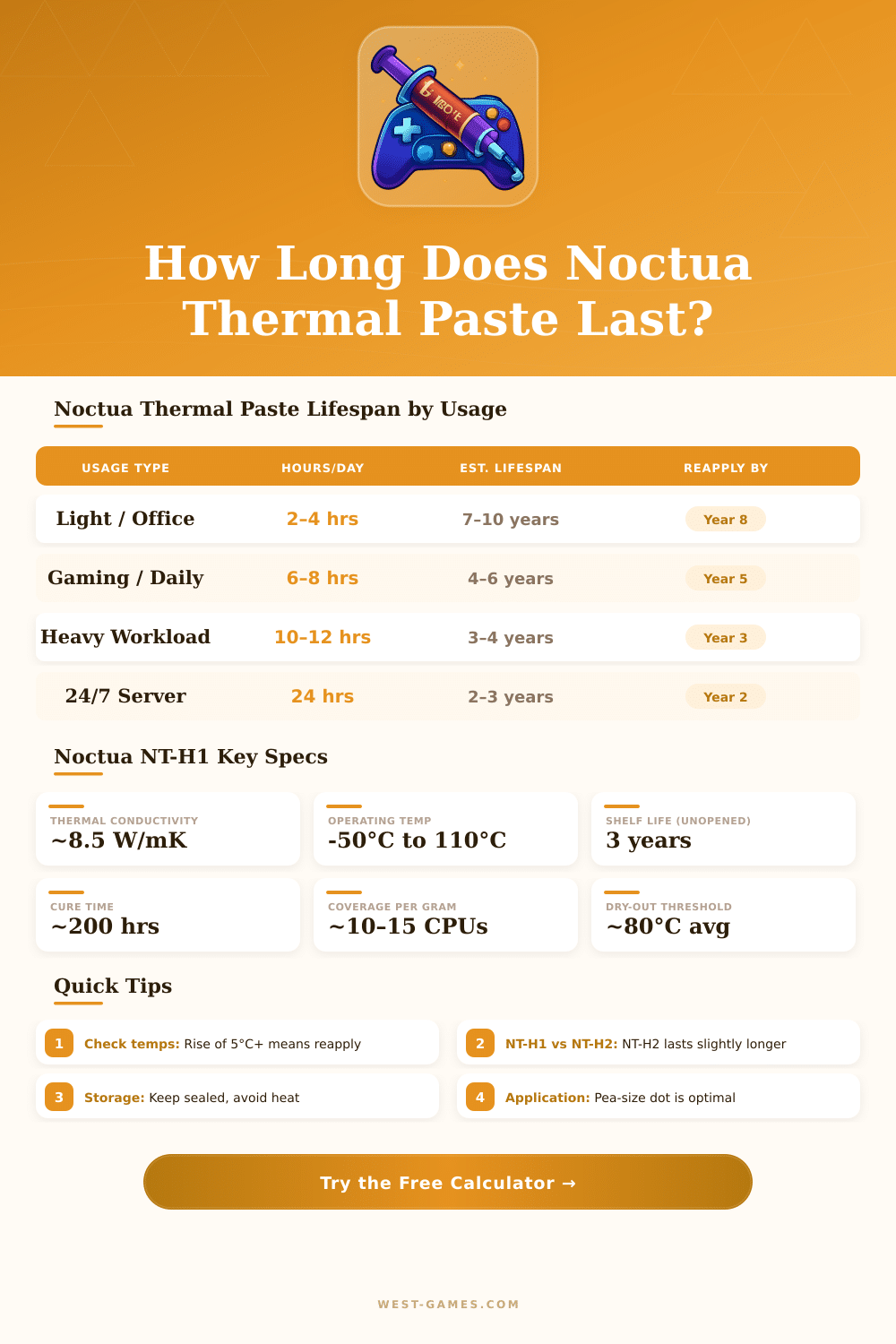
| Usage Profile | Hours / Day | Avg Load Temp | NT-H1 Lifespan | NT-H2 Lifespan | Reapply At |
|---|---|---|---|---|---|
| Light Office Use | 2–4 hrs | 55–65°C | 7–10 years | 8–12 years | Year 8 |
| Daily Gaming | 6–8 hrs | 70–80°C | 4–6 years | 5–7 years | Year 5 |
| Heavy Workstation | 10–12 hrs | 80–90°C | 3–4 years | 3.5–5 years | Year 3 |
| 24/7 Server Load | 24 hrs | 75–85°C | 2–3 years | 2.5–3.5 years | Year 2 |
| Overclocked / High Heat | 8–10 hrs | 88–98°C | 1.5–2.5 years | 2–3 years | Year 2 |
| Crypto Mining / Render | 22–24 hrs | 80–95°C | 1–2 years | 1.5–2.5 years | Year 1 |
| Avg Load Temp | Temp (°F) | Degradation Rate | Expected Lifespan Factor | Status |
|---|---|---|---|---|
| Below 60°C | Below 140°F | Very Low | 1.3× longer | ✅ Excellent |
| 60–70°C | 140–158°F | Low | 1.0× baseline | ✅ Good |
| 70–80°C | 158–176°F | Moderate | 0.85× baseline | ⚠️ Normal |
| 80–90°C | 176–194°F | Elevated | 0.65× baseline | ⚠️ Watch |
| 90–100°C | 194–212°F | High | 0.45× baseline | 🔴 Hot |
| Above 100°C | Above 212°F | Very High | 0.25× baseline | 🔴 Critical |
| Symptom | What It Means | Temp Increase | Action |
|---|---|---|---|
| Temps 3–5°C higher than baseline | Early dry-out starting | +3–5°C | Monitor monthly |
| Temps 5–10°C above baseline | Significant degradation | +5–10°C | Reapply soon |
| Temps 10°C+ above baseline | Paste fully dry / cracked | +10–20°C | Reapply immediately |
| Thermal throttling begins | CPU protecting itself | Varies | Urgent reapplication |
| System crashes under load | Severe overheating | +20°C+ | Stop use, reapply now |
| White / crumbly paste visible | Complete desiccation | Major | Reapply immediately |
Noctua offers two main types of thermal paste: the NT-H1 and the NT-H2. The NT-H1 is a hybrid thermal paste that won more than 150 awards and reviews from world computer pages and stores. One knows it because of its great performance, simple application and remarkable lasting during years.
The NT-H2 improves everything that works well in the NT-H1 by means of carefully mixed recipe with micro-particles for even better heat transfer. Many consider it fit for enthusiasts.
Noctua NT-H1 and NT-H2: Which to Choose?
Both NT-H1 and NT-H2 apply without big effort. Usually one does not need to spread them manually on the chip. A good method is the five spot: 2 mm of paste in the center and one at every corner of the chip.
The NT-H2 comes in a tube of 3.5 g for around 12.95 dollars, what makes it fair for most people. It carries also three cleaning wipes. Similarly, the NT-H1 comes in a 3.5 g packet with shovel and cleaning wipes.
Those wipes help to remove old thermal paste, for instance NT-H1 or NT-H2. There is even a speical version of NT-H1 for AM5, that includes a guard for thermal paste, designed for AMD AM5 chips.
Noctua thermal paste lasts a long time. Experts say that one should keep them up to 3 years, and use on chip up to 5 years. But commonly they work much better than that.
It is good to check heats after the fifth year. Some reports mention that Noctua pastes can serve 5 to 10 years easily, before needing a change.
In competition, the Kryonaut of Thermal Grizzly commonly compares with Noctua thermal paste. Between NT-H1 and Kryonaut the difference tends to be between 1 and 4 degrees Celsius, where Kryonaut a bit leads. Noctua spreads more simply than Kryonaut and less sticks.
One knows that Kryonaut can brake AM4 parts during removal because of its stickiness, especially at fresh changes. Because of that, Noctua thermal paste ranks among the best, almost equal to Kryonaut.
Those pastes work for air and liquid coolers. They lower heats compared to factory pastes on AMD Ryzen and Intel Core chips, AMD Radeon and Nvidia GeForce cards, PS4, PS5, Xbox and even laptops. Swapping old thermal paste with NT-H2, one finds steady drops of temperatures during play.
New application can reduce heats by 1 to 4 degrees in ideal cases on anolder computer. Noctua thermal paste does not spill, what truly helps for long use.