💾 Hard Drive Data Longevity Calculator
Estimate how long your data will last based on drive type, age, usage, and storage conditions
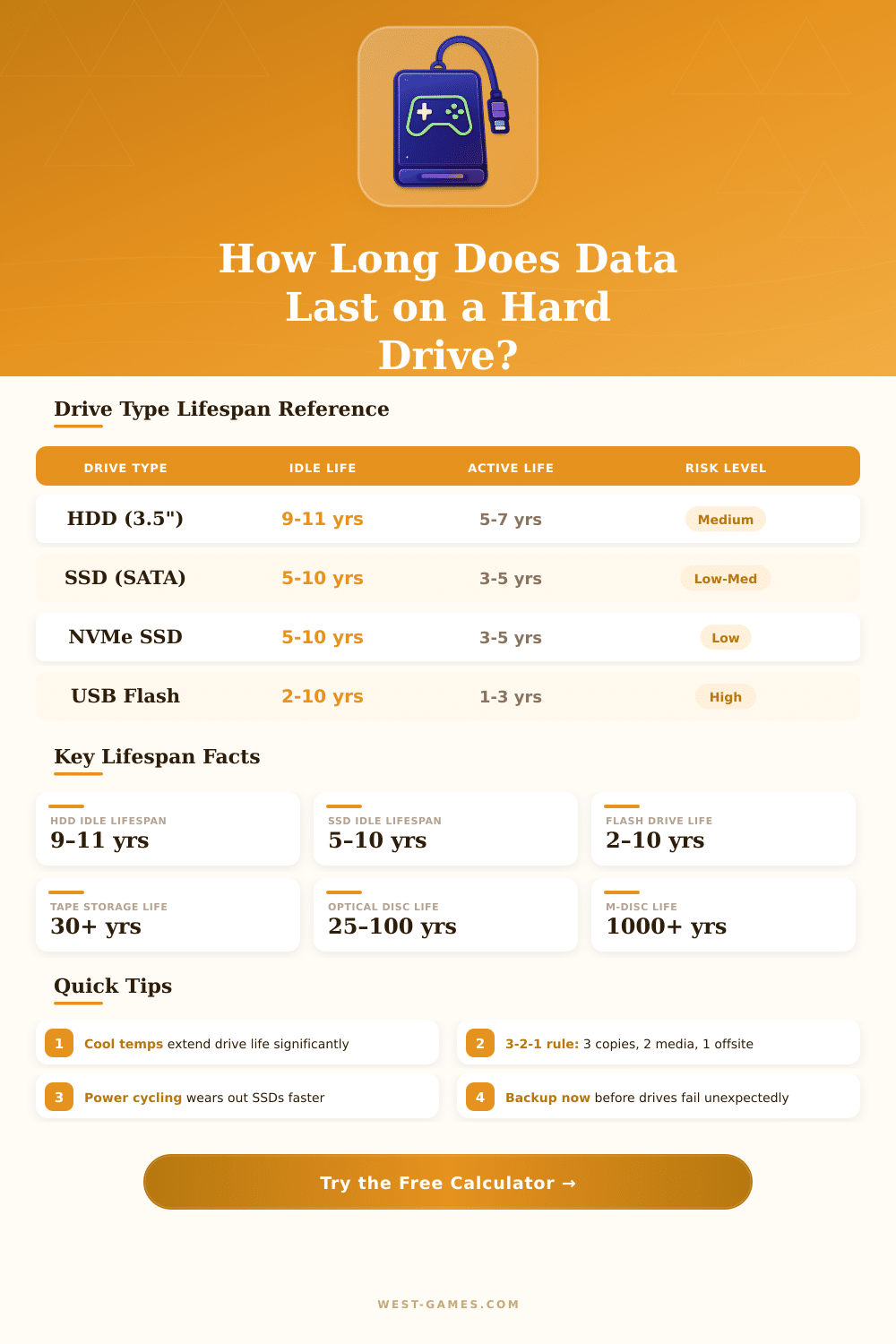
| Drive Type | Idle Lifespan | Active Lifespan | MTBF (Hours) | Failure Mode |
|---|---|---|---|---|
| HDD Desktop (3.5") | 9–11 years | 5–7 years | 1,000,000–1,500,000 | Mechanical wear |
| HDD Laptop (2.5") | 7–10 years | 4–6 years | 500,000–1,000,000 | Head crash, shock |
| HDD NAS / Server | 9–12 years | 5–7 years | 1,000,000–2,000,000 | Vibration, heat |
| HDD External | 5–8 years | 3–5 years | 300,000–800,000 | Drop damage, connector |
| SSD SATA | 5–10 years | 3–5 years | 1,500,000–2,000,000 | NAND cell wear (TBW) |
| SSD NVMe | 5–10 years | 3–5 years | 1,500,000–2,000,000 | NAND cell wear (TBW) |
| SSD Enterprise | 7–12 years | 5–8 years | 2,000,000–3,000,000 | Controller failure |
| USB Flash Drive | 2–10 years | 1–3 years | N/A | Cell wear, connector |
| SD Card / MicroSD | 2–10 years | 1–3 years | N/A | Cell wear, physical |
| Temperature Range | °C | °F | Effect on HDD | Effect on SSD |
|---|---|---|---|---|
| Too Cold | Below 5°C | Below 41°F | Condensation risk, sluggish | Reduced read performance |
| Cool | 5–15°C | 41–59°F | Good – slightly longer life | Good – longer retention |
| Optimal | 15–25°C | 59–77°F | Best for longevity | Best for longevity |
| Warm | 25–35°C | 77–95°F | ~20% reduced life | ~15% reduced retention |
| Hot | 35–45°C | 95–113°F | ~40% reduced life | ~35% reduced retention |
| Dangerous | Above 45°C | Above 113°F | Imminent failure risk | Data loss risk |
| SSD Category | Capacity | Typical TBW | Daily Write (Moderate) | Est. Years to TBW |
|---|---|---|---|---|
| Budget SATA SSD | 500 GB | 150–300 TBW | ~20 GB/day | ~7–15 years |
| Mid-Range SATA SSD | 1 TB | 400–600 TBW | ~30 GB/day | ~13–20 years |
| High-End NVMe SSD | 1 TB | 600–1200 TBW | ~50 GB/day | ~12–24 years |
| Enterprise NVMe | 2 TB | 3000–12000 TBW | ~200 GB/day | ~15–60 years |
| USB Flash (MLC) | 64 GB | 10–30 TBW | ~2 GB/day | ~5–15 years |
| Strategy | Method | Best For | Recommended Interval |
|---|---|---|---|
| 3-2-1 Rule | 3 copies, 2 media types, 1 offsite | All users | Ongoing |
| Cloud Backup | Automatic cloud sync | Personal files | Daily / Real-time |
| RAID Redundancy | RAID 1 or RAID 5 array | NAS / Servers | Continuous |
| Archive to Optical | M-DISC or BD-R | Long-term archives | One-time / Yearly |
| Refresh Copies | Copy to new drive | HDDs older than 5 yrs | Every 3–5 years |
Hard Drive forms part of the hardware that one uses to save information and data in computers. It is made up of a mechanical device for storage that reads and writes data by means of magnetic principle. Inside it has one or several rigid plates that spin quickly and are covered with magnetic deposit.
Those turning plates usually are made from metal what gives them the needed magnetism.
What Is a Hard Drive and How It Works
Imagine the Hard Drive as a huge cabinet for files. Everything that installs in a computer finds its place here. Files, programs, images, games, music, videos, apps, downloads, documents and even the operating system live on that Hard Drive.
It always reads and writes data, what makes it a reliable memory tool.
Hard Drive comes in various kinds. One finds internal, external and portable types. Whether dealing about a laptop or desktop computer, you have many possible choices.
Little portable Hard Drive works well for usage on the go, while Hard Drive with big capacity for desktops care about more storage needs. External Hard Drive helps to ease the moving of data in office, home or wherever needed.
Big plus of Hard Drive is there low price. They offer excellent balance between cost and capacity for big crowds of data. For storage of maybe some terabytes, they are the best solution for massive backup.
Data centers, creators and players all choose them because of that. Business Hard Drive is designed specially for NAS systems in companies and networking in data centers. There are also external models, as the Seagate Expansion 16TB desktop Hard Drive with USB 3.0 and service to recover saved data.
Desktop Hard Drive commonly proves safer than portable, because they are bigger and have a separate power source. Buy two Hard Drive and do reserves on both shows a wise step, if one messes up. Saving photographs only on one alone Hard Drive lays you in big danger to loose everything.
Hard Drive is not slow. They are simply slow compared to SSD. During a game, the difference between SSD and Hard Drive is little, except a bit longer times to load.
Per gigabyte, Hard Drive costs much less. Even so mechanical Hard Drive needs more time to load games and in-game parts, what can bother in RPGs with loading screens. When one watches video files, the internal reads happen hundreds of times more slowly than Hard Drive fits, so the speed almost does not matter here.
SSD now matches Hard Drive in price for low capacities, but not for big. Some folks put SSD for the operating system and personal files, while they use an old Hard Drive as backup. Way to 100TB Hard Drive already has been announced, soworth waiting for bigger capacities.