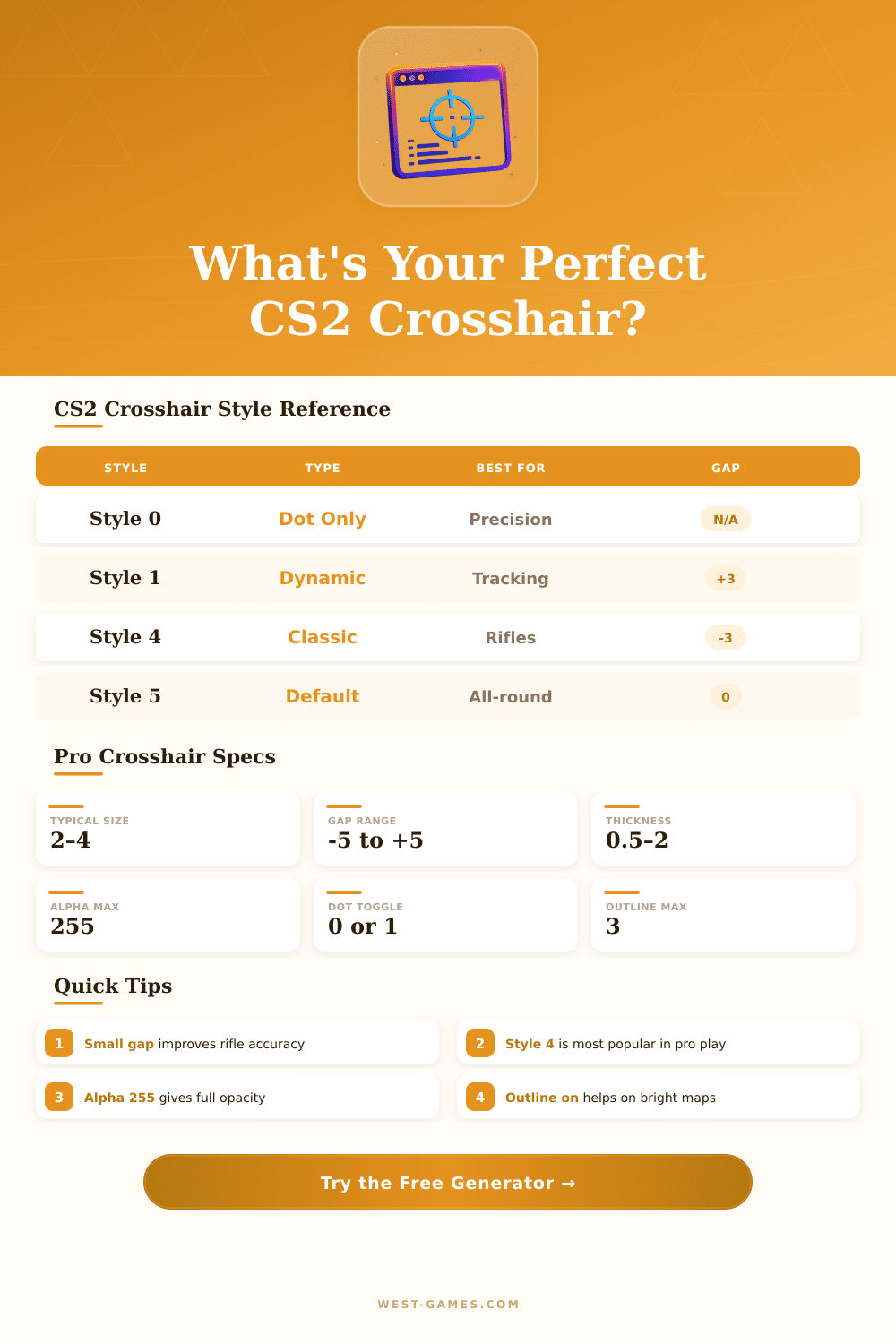
🎯 CS2 Crosshair Command Generator
Customize every crosshair setting and generate your console commands instantly
| Style Value | Name | Behavior | Best Weapon Type | Pro Usage |
|---|---|---|---|---|
| 0 | Dot Only | Static dot, no lines | Pistols, AWP | Rare |
| 1 | Dynamic Default | Expands on move/shoot | All-round | Low |
| 2 | Classic Static | No dynamic movement | Rifles | Medium |
| 3 | Dynamic Classic | Classic lines + dynamic | SMGs | Low |
| 4 | Classic Static (Fixed) | Most popular pro static | Rifles, Pistols | Very High |
| 5 | Legacy Custom | Same as style 1 in CS2 | All-round | Medium |
| Preset # | Color Name | R | G | B |
|---|---|---|---|---|
| 0 | Red | 255 | 0 | 0 |
| 1 | Green | 0 | 255 | 0 |
| 2 | Yellow | 255 | 255 | 0 |
| 3 | Blue | 0 | 0 | 255 |
| 4 | Cyan | 0 | 255 | 255 |
| 5 | Custom RGB | — | — | — |
| Setting | Min | Max | Default |
|---|---|---|---|
| cl_crosshairsize | 0 | 10 | 5 |
| cl_crosshairgap | -5 | 10 | 1 |
| cl_crosshairthickness | 0.5 | 5 | 0.5 |
| cl_crosshairalpha | 0 | 255 | 200 |
| cl_crosshairoutline | 0 | 3 | 0 |
| Player | Style | Size | Gap | Thickness | Color | Dot |
|---|---|---|---|---|---|---|
| s1mple | 4 | 1 | -3 | 1 | Cyan | No |
| NiKo | 4 | 2 | -2 | 0.5 | Cyan | No |
| ZywOo | 4 | 2 | -3 | 1 | Green | No |
| sh1ro | 4 | 1.5 | -3 | 1 | Cyan | No |
| device | 4 | 2 | -1 | 0.5 | Cyan | No |
| ropz | 4 | 2 | -3 | 1 | Cyan | No |
| m0NESY | 4 | 1 | -3 | 1 | Green | No |
| broky | 4 | 2 | -2 | 1 | Cyan | No |
| Command | Values | Description |
|---|---|---|
| cl_crosshairstyle | 0–5 | Crosshair shape/behavior style |
| cl_crosshairsize | 0–10 | Length of crosshair lines |
| cl_crosshairgap | -5 to 10 | Space between lines & center |
| cl_crosshairthickness | 0.5–5 | Width of crosshair lines |
| cl_crosshaircolor | 0–5 | Color preset (5 = custom RGB) |
| cl_crosshaircolor_r | 0–255 | Custom red channel |
| cl_crosshaircolor_g | 0–255 | Custom green channel |
| cl_crosshaircolor_b | 0–255 | Custom blue channel |
| cl_crosshairalpha | 0–255 | Transparency (255 = fully opaque) |
| cl_crosshairdot | 0 or 1 | Toggle center dot |
| cl_crosshair_t | 0 or 1 | T-shaped crosshair (no top line) |
| cl_crosshairusealpha | 0 or 1 | Enable alpha transparency |
| cl_crosshairoutline | 0–3 | Dark outline thickness |
| cl_crosshair_friendly_warning | 0 or 1 | Show crosshair on teammates |
Note: Here articles based on reliable info from shared chats, data and different tools for Crosshair in CS2.
Whether you want to play well in Counter-Strike 2? Honest, your setup of Crosshair should involve the main focus. The distance between a well aimed headshot and a fully missed shot depends on that, what shows in the center of your screen.
How to Choose and Set Your Crosshair in CS2
Similarly happens for well aimed throwing or for moving air shots. Good Crosshair indeed improve your accuracy, help to keep attention and bring your effort to higher level.
Your choice of Crosshair a lot reveals about your play style. If you mostly care about accuracy and clean single shots, probably you like something simple (for example only little spot). On the other hand those that like spray shots and effort during motion, commonly favor bigger Crosshair types, that work for them.
Take for example little red spot: it well contrasts against almost every map background. When such spot lines up to the head of enemy, one tap, and everything ends. Also styles in sketch form deserve thought, because they usually have that extra light, that makes them well visible.
To find your settings of Crosshair, it is easy, only go to Settings and look at the round icon in the upper left part. You have some good resources for changing everything. Usual commands open big set of options, if you want to go more deeply.
Also exist generators of Crosshair around the net, that allow to play with colors, size and gaps, until you find perfect pixel, and you can preview it in real time.
The Steam Workshop offers charts dedicated too Crosshair. Search “Crosshair”, subscribe that, what pleases to your eye, and load it from the Workshop tab. Those charts mostly come with presets of pros and community members, so you can try various options.
You can download chart for making Crosshair codes, copy the wanted commands, and later paste them directly in your CS2 settings.
Whether you want to set your settings for always? The file config.cfg will be your helper. It is useful, when you change computer or simply want to share your Crosshair with someone.
You will find this file in the folder of your Steam installation.
Here terrific collection with more than thousand codes for Crosshair of pros, it updates every day after matches. Players as s1mple, ZywOo, NiKo, sh1ro and FALLEN all share their codes for copying. S1mple already is legend in Counter-Strike.
His setup has gap of negative three, size one, thickness one, style four and white color. ZywOo is big winner in CS:GO and CS2, the guy almost perfectly aims with AK, as if he would be a dedicated rifle user, although he mostly uses AWP.
Exists also command, that makes the info of teammates fade, when your Crosshair meets it, so enemies show clearly. Maps as Dust2 benefit especially from that, because corners and narrow halls commonly clutter the image. In competitive CS2, visible lines andclarity can decide your round success.