📡 Bitrate Calculator for Streaming
Calculate the perfect video bitrate for your resolution, frame rate & platform
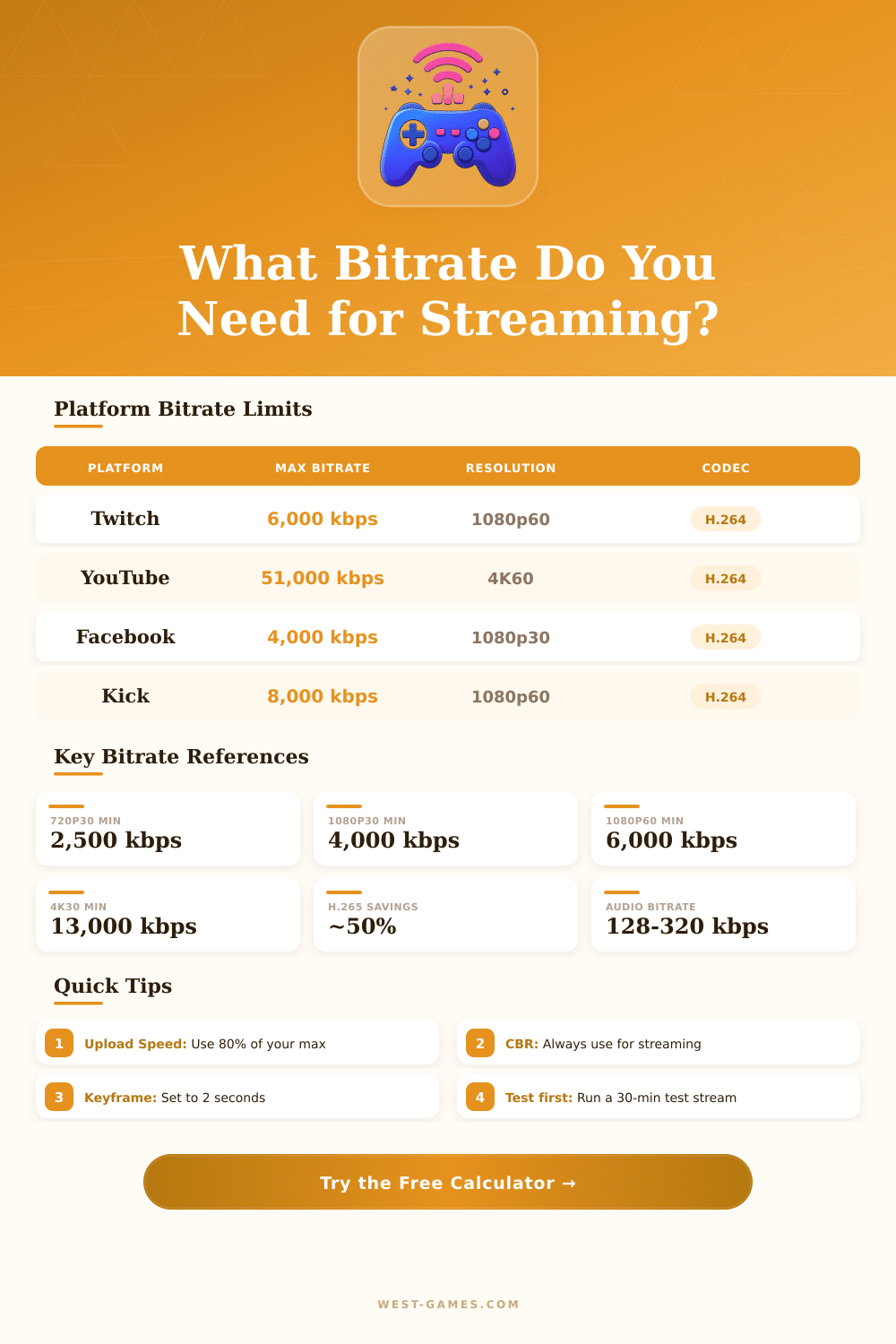
| Platform | Max Video Bitrate | Recommended | Max Resolution | Max FPS | Codec Support |
|---|---|---|---|---|---|
| Twitch | 6,000 kbps | 4,500–6,000 kbps | 1080p | 60 | H.264 |
| YouTube Live | 51,000 kbps | 4,500–9,000 kbps | 4K | 60 | H.264, VP9 |
| Facebook Live | 4,000 kbps | 3,000–4,000 kbps | 1080p | 60 | H.264 |
| Kick | 8,000 kbps | 6,000–8,000 kbps | 1080p | 60 | H.264 |
| TikTok Live | 5,000 kbps | 2,500–4,000 kbps | 1080p | 60 | H.264 |
| Instagram Live | 3,500 kbps | 2,500–3,500 kbps | 720p | 30 | H.264 |
| LinkedIn Live | 3,500 kbps | 2,000–3,500 kbps | 1080p | 30 | H.264 |
| Resolution | 30 FPS (Min) | 30 FPS (Rec.) | 60 FPS (Min) | 60 FPS (Rec.) |
|---|---|---|---|---|
| 480p | 800 kbps | 1,500 kbps | 1,200 kbps | 2,000 kbps |
| 720p | 2,500 kbps | 3,500 kbps | 3,500 kbps | 5,000 kbps |
| 1080p | 4,000 kbps | 6,000 kbps | 6,000 kbps | 8,500 kbps |
| 1440p | 7,000 kbps | 10,000 kbps | 10,000 kbps | 16,000 kbps |
| 4K (2160p) | 13,000 kbps | 18,000 kbps | 20,000 kbps | 35,000 kbps |
| Setting | Recommended Value | Notes |
|---|---|---|
| Rate Control | CBR | Constant Bitrate – required by most platforms |
| Keyframe Interval | 2 seconds | Twitch/YouTube both require 2s max |
| CPU Preset (x264) | veryfast / faster | Balance quality vs. CPU load |
| GPU Preset (NVENC) | Quality | Use P5–P7 on RTX cards |
| Profile | high | Use main for older devices |
| B-frames | 2 | Improves quality; disable if latency matters |
| Audio Codec | AAC | MP3 not supported on all platforms |
| Audio Sample Rate | 44.1 or 48 kHz | 48 kHz preferred for live streaming |
The streaming bitrate, everything depends on the speed by which data are pushed to the platform, decides how much audio and video information pass through the net in any moment. One measures video bitrate usually by megabits each second while audio flows stay in the range of kilobits each second. Think of bitrate as the base on which everything else rests.
It is only one figure even so it affects your whole flow.
How Bitrate Affects Your Stream
Higher bitrate gives more sharp and clear image. With 6000 kbps you can expect great quality for 1080p flow in 60 frames each second. Problems come when one tries to reach higher resolutions, full HD 1080p or 4K need much processing power and enough bandwidth.
If you try that without enough resources, you will meet pixelation, jams, dropped frames and whole havoc.
Choice of the encoder has big impact also. Video in 720p and 60 fps, encoded by HEVC in around 5 Mbps, looks very well. If you switch to older codec like MPEG2 with same bitrate, result is dull and nasty video.
Flows without many details require less bitrate than those with live action. Fast gaming content full of movement? It swallows bandwidth.
From my experience, aiming at around 0.1 bit each pixel works well, multiply the resolution width by height, then by frames each second, then by 0.1 and divide the total by 1000.
Twitch caps the flow at 8000 kbps. Staying under 7500 kbps is the safer choice. If you go to 8000, you risk problems, including loss of quality in your saved VODs.
Some streamers that I watched use 7800 kbps for 1080p in 60 fps and insist that it beats a lot the flow at 6000. The official limit of Twitch is 6000 kbps, so sometimes one must drop too 720p or 30 fps.
YouTube follows other rules. It allows encoding flexibility and accepts higher bitrate. For 1080p in 24 to 30 frames each second, YouTube advises around 8 Mbps.
At 1440p and 60 fps the suggested value jumps to around 24000 kbps. I saw that 8000 to 10000 kbps works great for 1080p in 60 fps on YouTube, because viewers can quickly change their resolution.
Audio bitrate usually stays at 160 kbps for simple streams. Music flows sound best at around 320 kbps, films commonly use 128 kbps for the sound, and voice-only streams rest at around 96 kbps.
Constant bitrate (CBR) beats variable bitrate in simple cases. Variable bitrate seems good on paper, bigger potential for quality, but it hurts stability and causes processing issues. Simple platforms favor CBR.
OBS handles it well if you use that program. Doubling the upload speed of your streaming bandwidth makes real difference. Key point: low bitrate causes unlucky viewers to stayleft, so they indeed see late version.