🎯 Krunker Sensitivity Converter
Convert your Krunker sensitivity to CS2, Valorant, Fortnite, Overwatch 2 & more — instantly matched by cm/360°
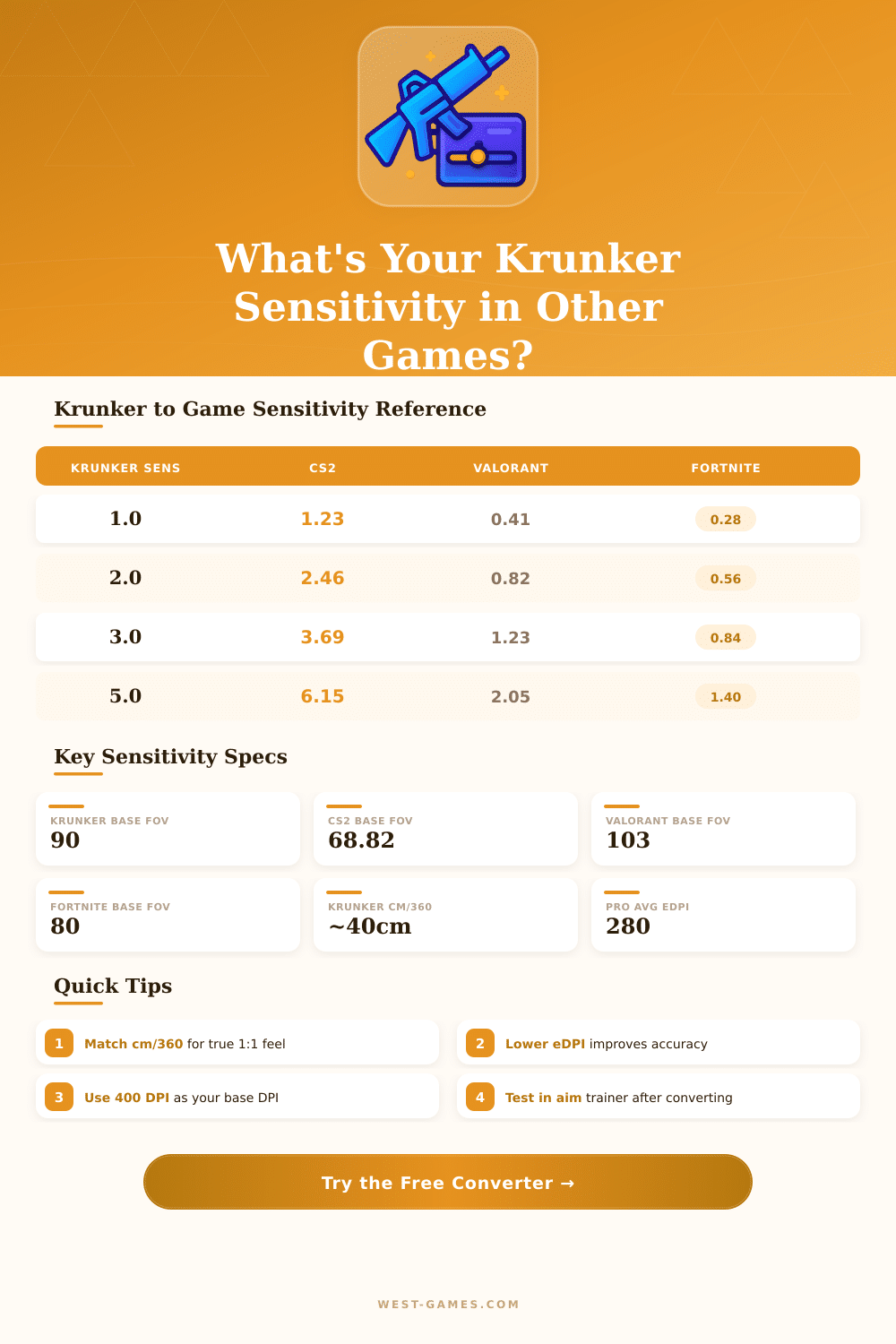
| Game | FOV (default) | Sens Coefficient | cm/360 at sens 1.0, 800 DPI |
|---|---|---|---|
| Krunker | 90° | 1.000 (base) | ~26.7 cm |
| CS2 / CS:GO | 68.82° (73h) | 0.8127 | ~32.8 cm |
| Valorant | 103° | 0.2700 | ~98.7 cm |
| Fortnite | 80° (X/Y) | 0.1863 | ~143 cm |
| Overwatch 2 | 103° | 3.3333 | ~8.0 cm |
| Apex Legends | 110° | 1.0000 | ~26.7 cm |
| Rainbow Six Siege | 60° (ADS) | 0.0022 | ~30.3 cm |
| PUBG | 103° | 0.0745 | ~35.8 cm |
| Minecraft | 70° | 0.1000 | ~32.4 cm |
| Quake / Source | 90° | 1.0000 | ~26.7 cm |
| Game | Pro Avg eDPI | Low Range | High Range |
|---|---|---|---|
| CS2 | 859 | 560 | 1400 |
| Valorant | 280 | 180 | 450 |
| Overwatch 2 | 6560 | 3600 | 11200 |
| Apex Legends | 1550 | 800 | 2600 |
| Fortnite | 500 | 300 | 1000 |
| Rainbow Six Siege | 1800 | 800 | 3200 |
| PUBG | 420 | 250 | 700 |
| Krunker | ~2400 | 800 | 5000 |
| Krunker Sens | 400 DPI | 800 DPI | 1600 DPI |
|---|---|---|---|
| 1.0 | 53.4 cm | 26.7 cm | 13.3 cm |
| 2.0 | 26.7 cm | 13.3 cm | 6.7 cm |
| 3.0 | 17.8 cm | 8.9 cm | 4.4 cm |
| 4.0 | 13.3 cm | 6.7 cm | 3.3 cm |
| 5.0 | 10.7 cm | 5.3 cm | 2.7 cm |
| 6.0 | 8.9 cm | 4.4 cm | 2.2 cm |
**Fast note:** The content of this article is based on real experiences of players and discussions in the community about sensitivity settings for krunker.
krunker is a browser game that focuses on in-game stores, market, sorted charts, game editing and support for mods. One can open it directly in the browser to play. Set the sensitivity in krunker matters a lot and is not something especially hard to reach a good level.
How to set and convert mouse sensitivity in Krunker
On the other hand the game allows players to control separately the vertical and horizontal sensitivity by means of X- and Y-settings. That helps with aiming.
There is a browser tool, that offers more precise control over mouse sensitivity and FOV settings in krunker. Some players expand the FOV to the maximum, because it eases the sight, and later they wonder, whether added sensitivity would improve that even more. The right answer depneds on the play style of each.
Many players choose high sensitivity, so that they can use the fast movements in krunker and follow quickly moving enemies. That can push aiming a bit less stable, but it is useful too stay in front in that fast game. The typical sensitivity from CS:GO seems too slow for krunker, because this last is even more dynamic.
Even so both kinds. High and low sensitivity, has their followers. Some of the best players favor only low sensitivity.
One commonly needs to convert the sensitivity from other games to krunker. There are free converters, that help players quickly find their sensitivity between krunker and more than 1 648 other games. Those tools also count eDPI, cm/360 and in/360 values.
The method is easy, simply copy and enter the current sensitivity numbers from the game in the converter. For instance, with 800 DPI and 0.3 sens in krunker, the cm for full turn comes to around 27.707 cm. One can then use that same cm/360 in all other games, so that everything stays uniform.
Convert from Valorant to krunker can get a bit tricky, when one searches for a reliable match. The website about mouse sensitivity is one resource, that settles that. Similarly, convert from Overwatch to krunker involves finding the visual fields.
For instance, 2.5 sensitivity in 800 DPI in Overwatch converts to krunker with FOV numbers like 81.1 and 72.09.
Sometimes the converted sensitivity still feels too high in krunker. The best way to keep muscle memory between games is to multiply the ADS sensitivity by the ratio of ADS-FOV to hipfire-FOV. An interesting fact is, that in krunker the hipfire sens and ADS sens do not use the same number scale.
After a client update, some players noticed weird sensitivity problems, that feel like mouse boost, where fast mouse moves cause higher sensitivity. In the browser version, set the frame rate to 125 in Firefox toimmediately fix the jumpy aiming.
Uploading homemade crosshair image is worth a mention between the settings. It is also useful to note, that some players would want, that krunker would have a built-in sensitivity translator, as in Aim Laboratories.